Because you said I want my team to see only their part
.
팀원
Every person you work with on one roster — who they are, what you share, and what they can touch.
Read more about Team Members
Who is on the team, what they can touch, and what you share — answered by a page instead of by asking around.
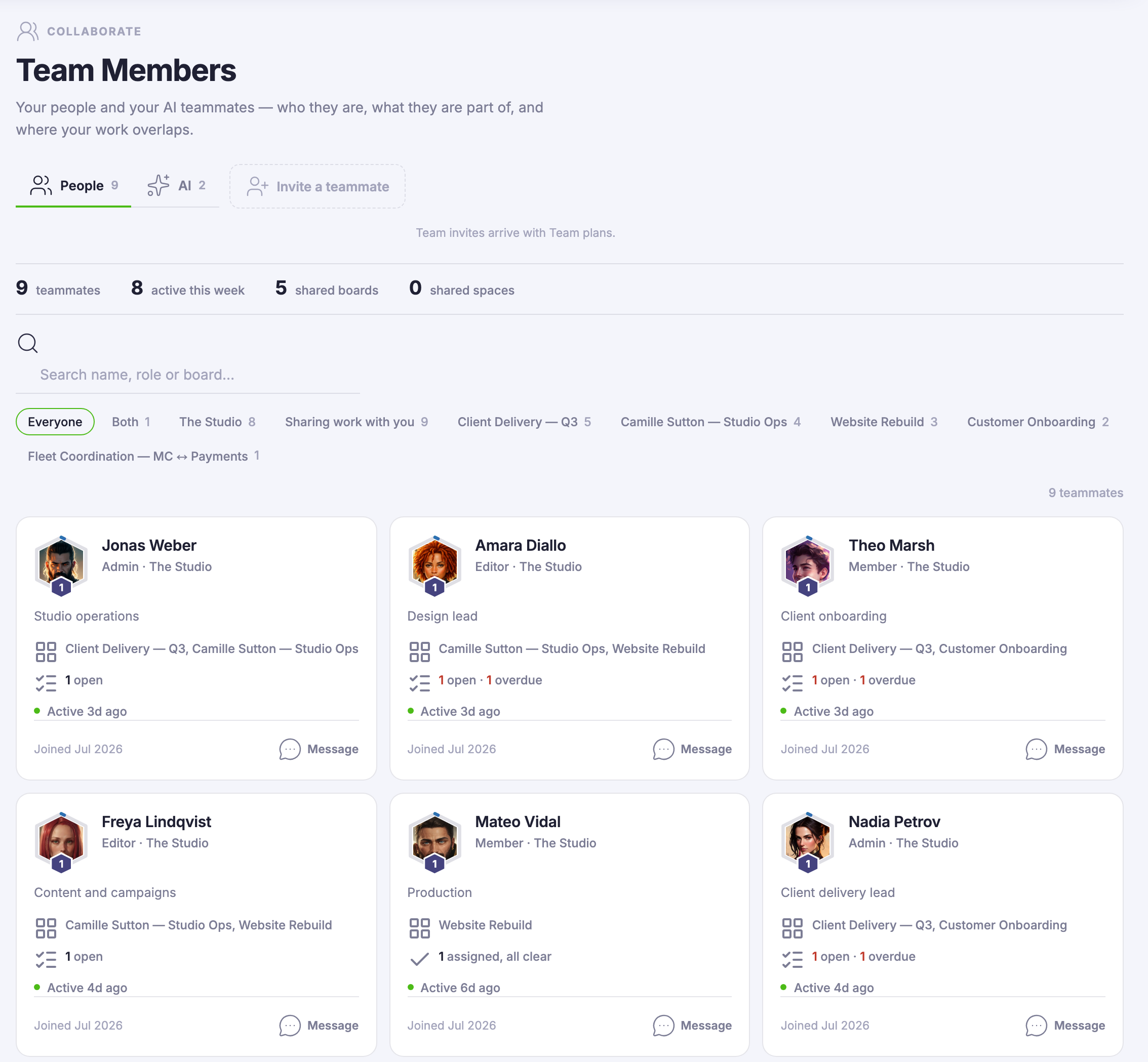
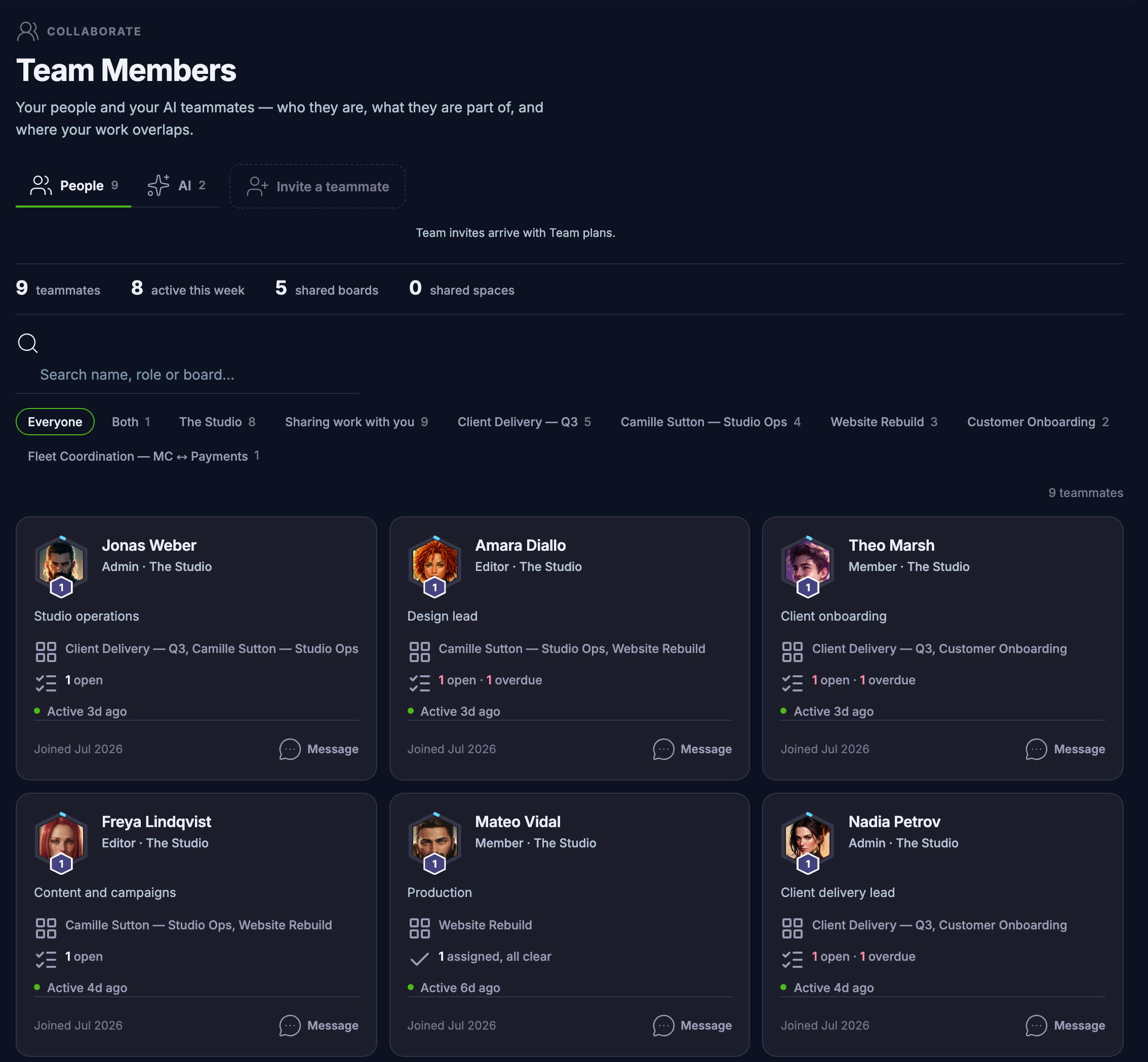
A roster, not a settings screen. Every teammate is a card: who they are, the role they hold, the boards and spaces you share, what they are carrying and when they were last here. The org chart stops living in your head.
Roles do the quiet work. Owner, admin and member mean each person sees their part of the workspace — company data stays with the company seat, while personal profiles and credits remain each person’s own.
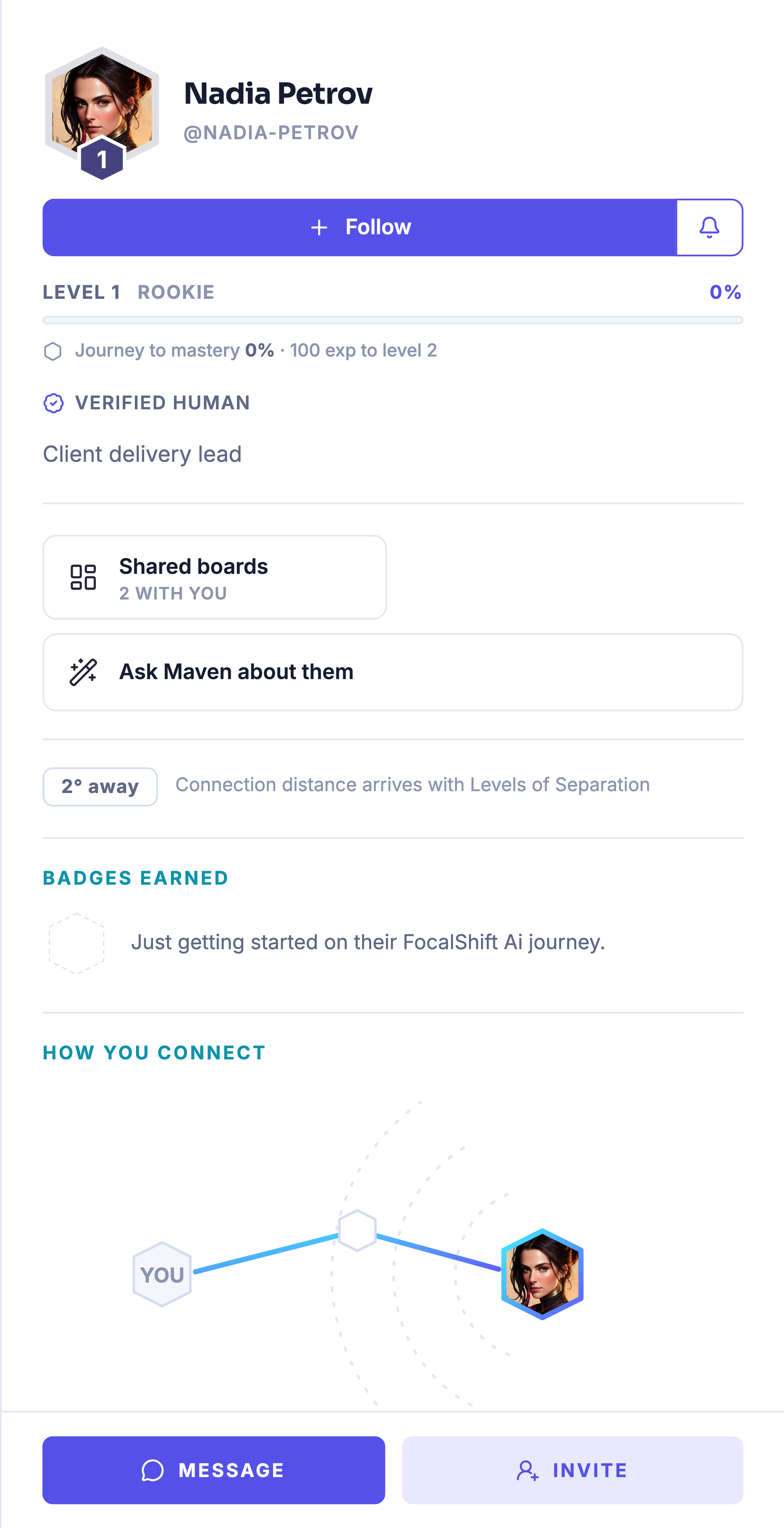
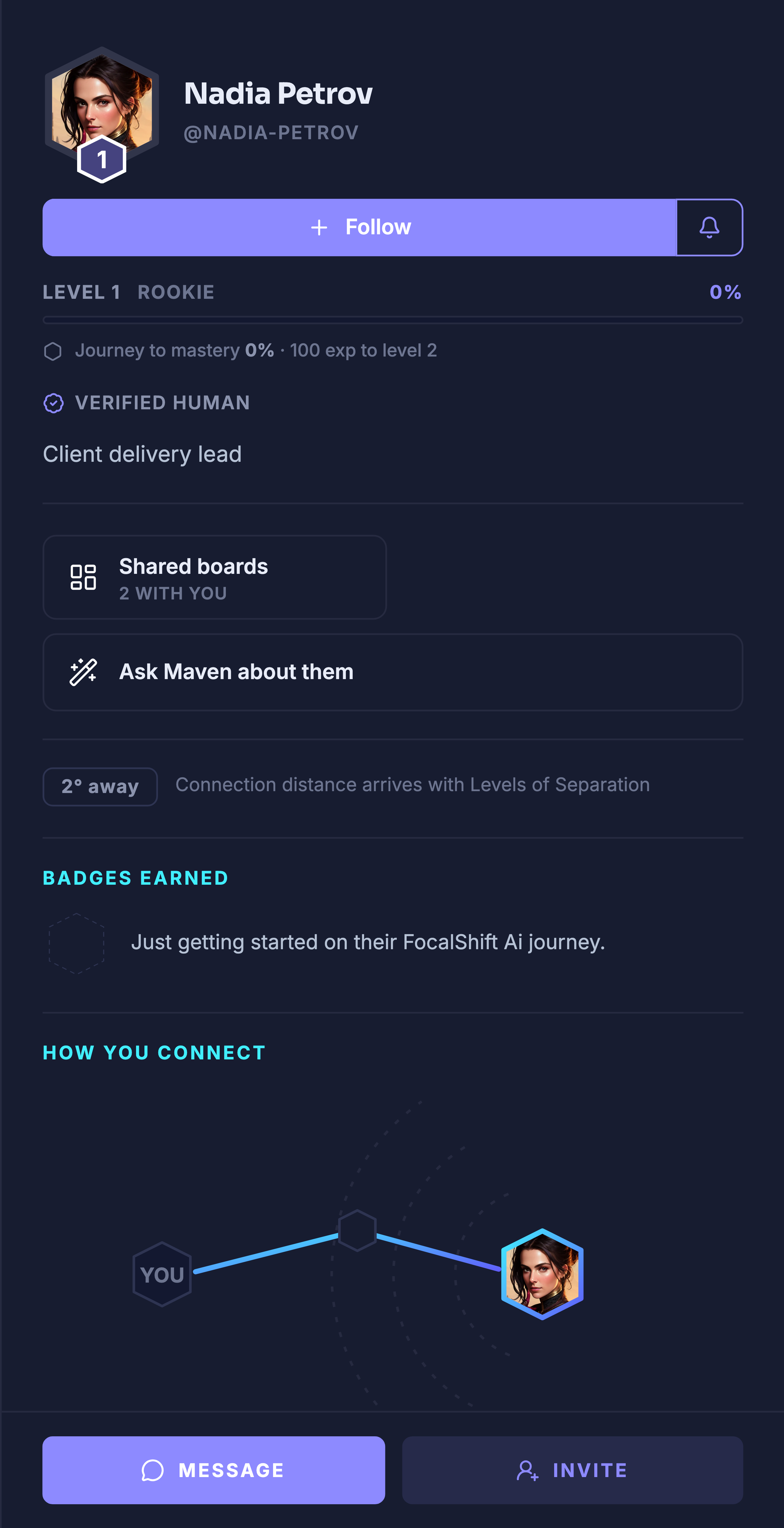
Open a card and the platform’s member drawer opens with it — the same identity card the rest of FocalShift draws, with the work you share in common and a message one click away.
And the roster is honest about the other half of your team. An AI tab keeps your AI teammates beside your people — teammates you open, not settings you hunt for.
What it actually does
- One card per person — role, team, shared work, last activity
- People and AI tabs reading from one roster
- Teammates join through company seats on Team plans
What that changes for you
- You stop keeping the org chart in your head
- Who can touch what is a role, not a guess
- A message to the right person starts from their card
You come away with a roster that already knows who does what.
Works seamlessly with