Maven adds this one: the counter, the shelf and the catalogue each know their own part of the day — this is the screen that opens with all of it already added up.
Retail Dashboard
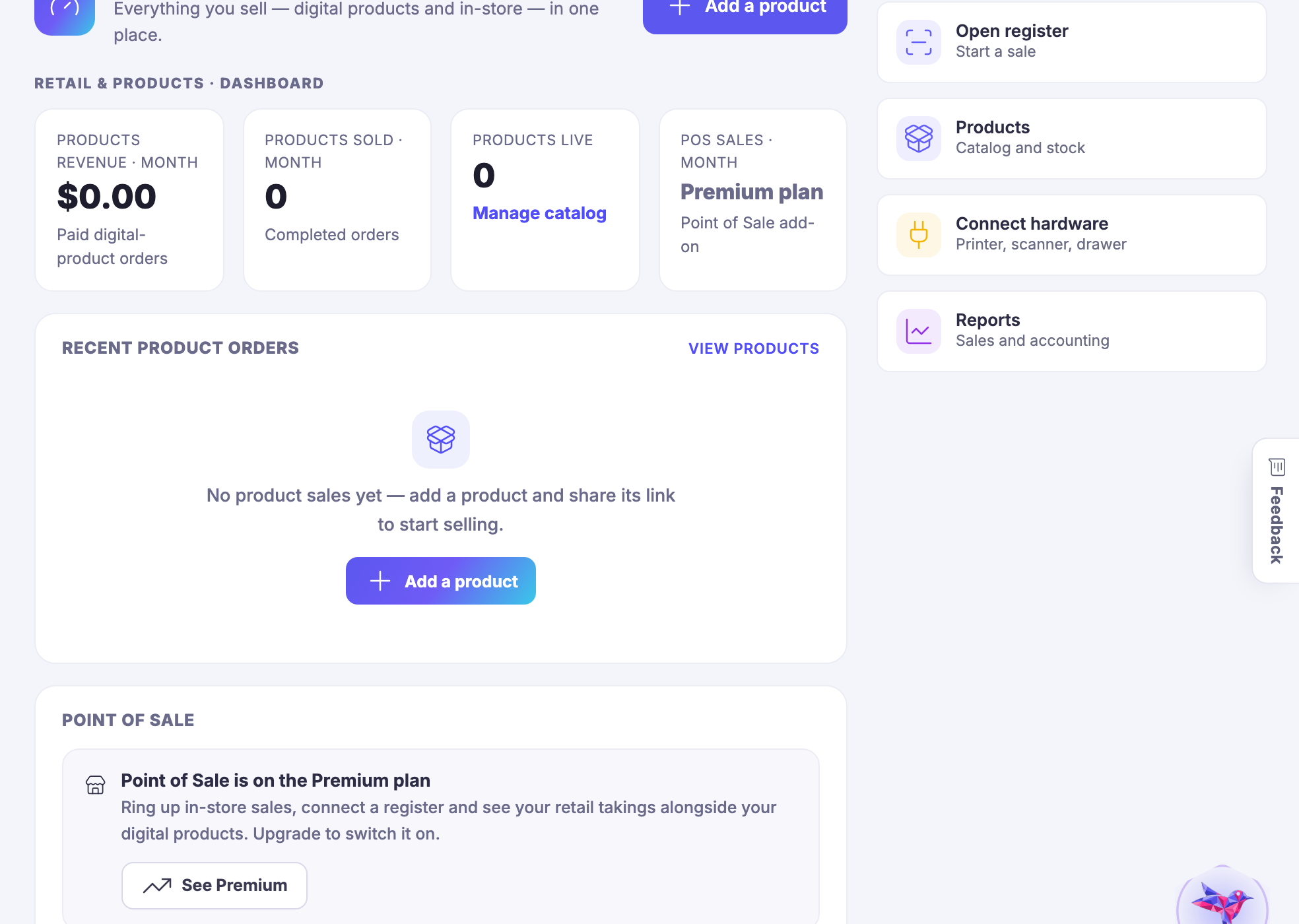
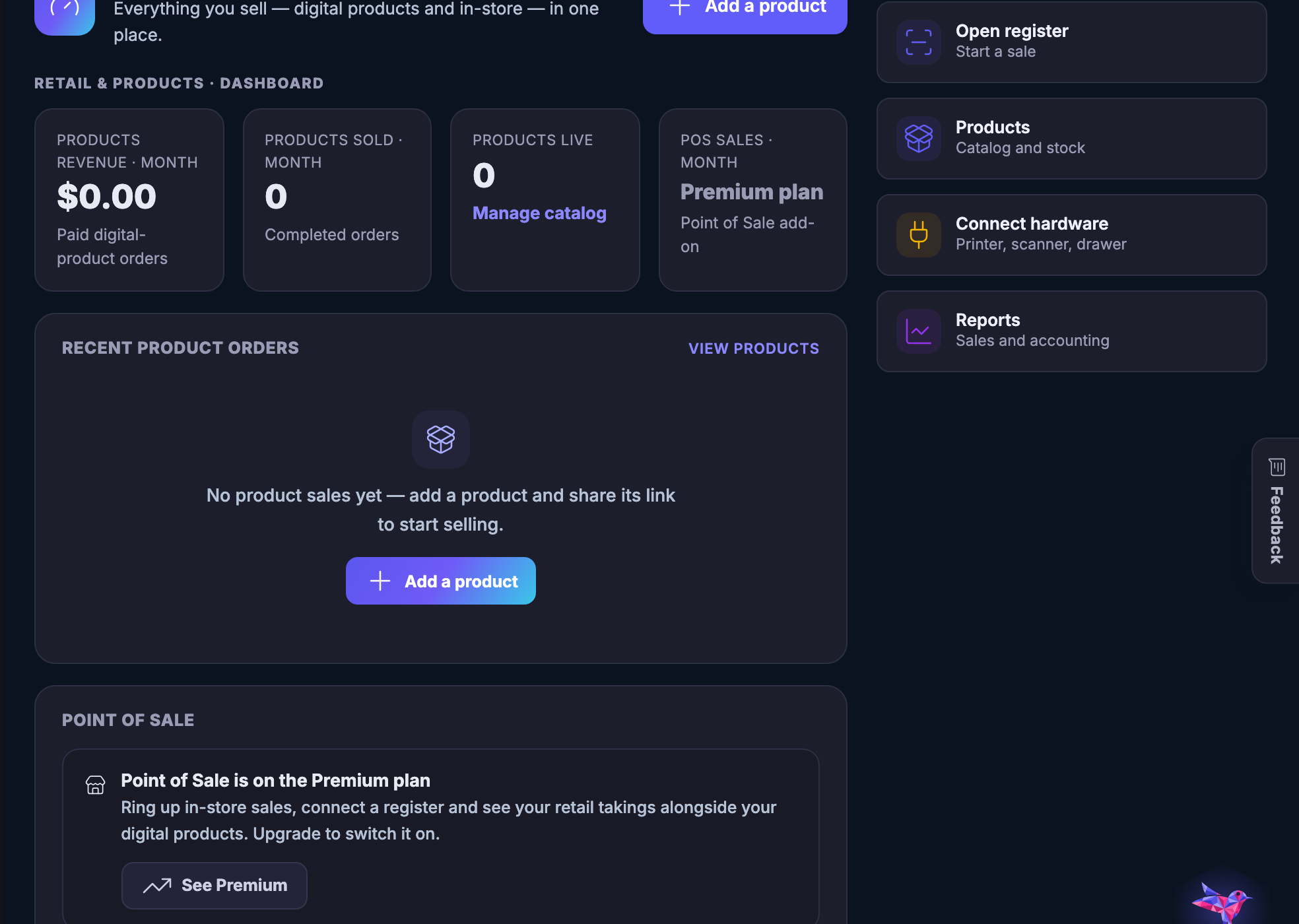
The shop’s own opening screen: what sold, what the register took, and what to do next.
Read more about Retail Dashboard
You should be able to tell how the shop is doing by opening one screen, not by adding two of them together.
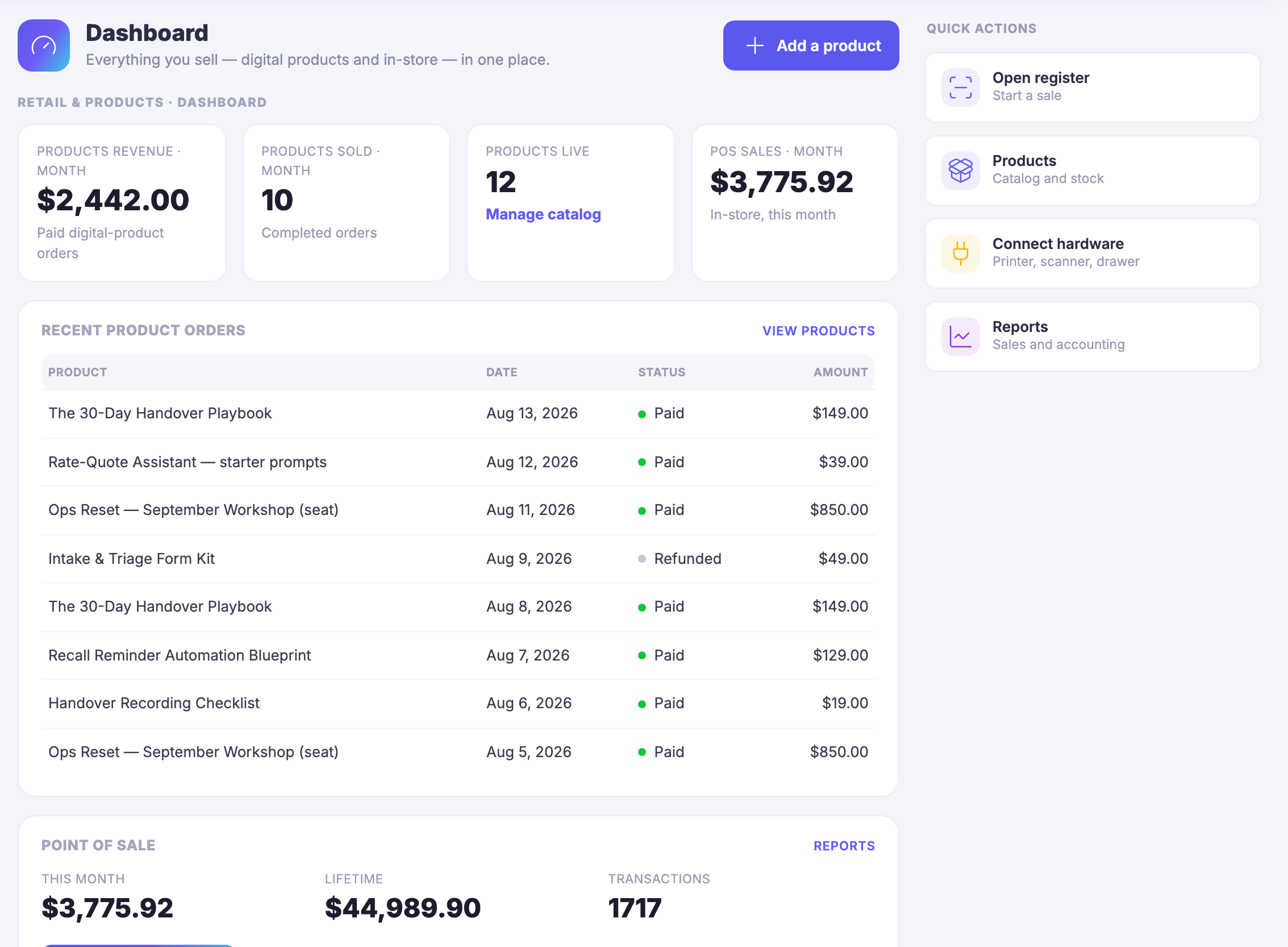
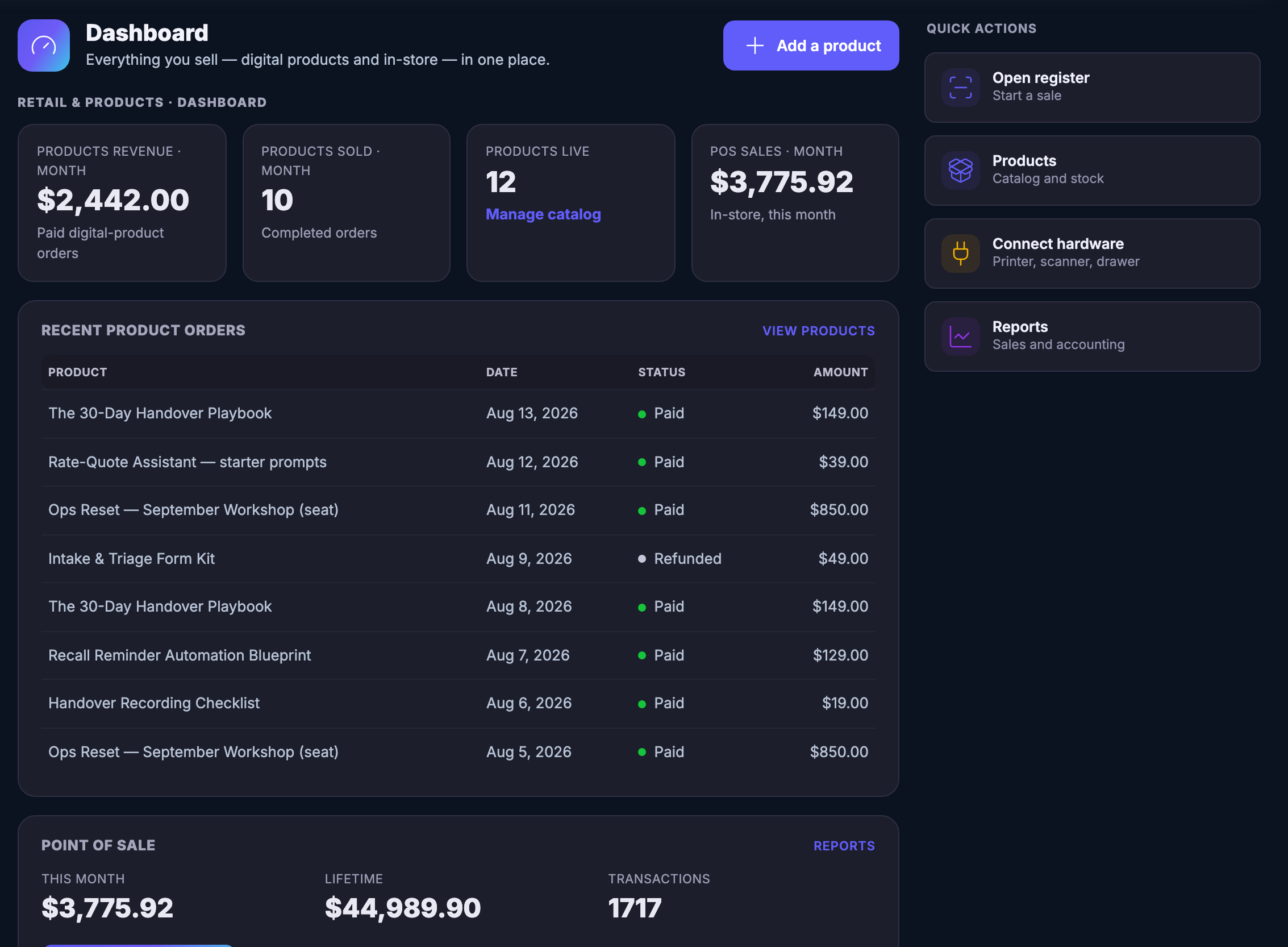
A shop that sells a parcel in the room and a file on the internet usually ends up with two half-answers — the till’s and the website’s — and somebody adding them up on a Sunday. This screen is the addition, done already. The month’s product revenue and the month’s counter takings sit beside each other because they were always the same month.
Underneath the counters is the part that actually tells you something: the last orders, newest first, each with the day it happened and what it was worth. Refunds are on that list too, marked as refunds rather than quietly missing, so the run of the week reads honestly instead of flatteringly.
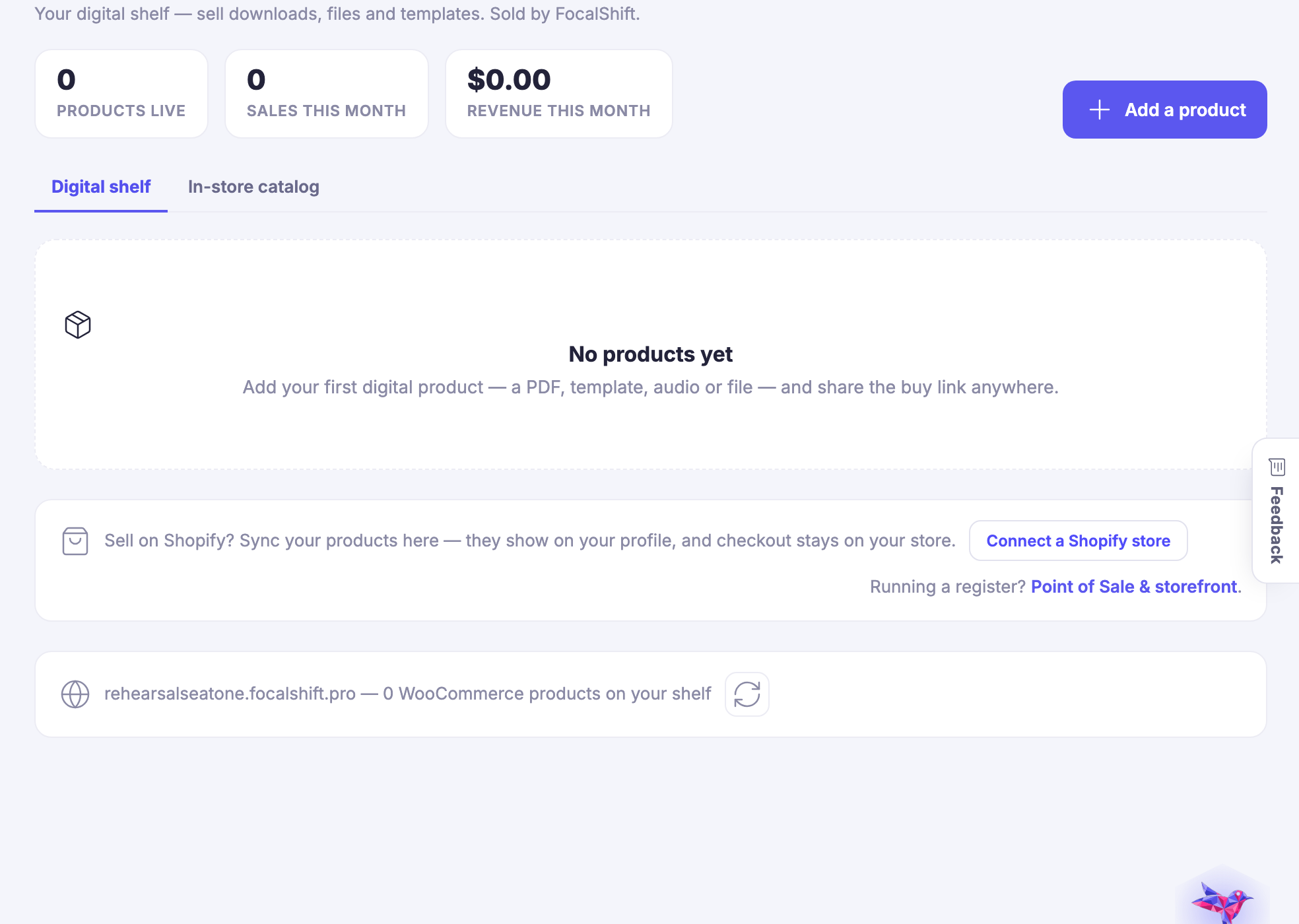
Nothing on this page is a second copy of anything. The takings were rung up on the register, the products that sold are rows in the catalogue, and what left the shelf moved the count that Inventory keeps. This screen is the place all three report to — which is also why the money on it is the same money the rest of the business counts in Money Flow.
And it is a place to leave from. The register, the catalogue, the counter hardware and the sales reports each have their own control in the same column, so the screen you check the shop on is the screen you act from. You are not navigating back to the beginning to do the obvious next thing.
What it actually does
- The month’s digital and in-store takings counted on one screen
- The most recent orders with their dates, their amounts and their refunds
- A control back into the register, the catalogue, the hardware and the reports
What that changes for you
- Opening the shop stops being a job you have to prepare for
- A refund is part of the picture instead of a surprise at month end
- Noticing something and doing something about it happen on the same page
You come away with one screen that says how the shop is doing, and what to do next.
Works seamlessly with