














INSTAGRAM · 10:30IG

Five frames. One storefront story.
A square crop and a visual sequence that earns the swipe.

Sign in to Mission Control, or create your free account.
Sign in Create an accountTurn one true business moment into a week of channel-ready posts. Choose the destinations, shape each version, set the timing, and let FocalShift carry the rhythm while you run the business behind it.
Before the doors openFacebook 20-second shelf resetTikTok Five details customers missInstagram The full shop storyYouTube Thursday · 8:12 · One true moment
Write the story once in Compose. Maven reshapes it for every place it is going, and the whole week is queued before your coffee is cold.
Build your first publishing weekFree plan. No card. Nothing publishes without your approval.
One honest moment, one business reason, and enough real detail to become more than the same caption everywhere.
A square crop and a visual sequence that earns the swipe.
Vertical framing, a fast hook, and the reveal up front.
The business lesson leads; the promotion earns its place.
A concise observation that invites the conversation.
Maven adds this one: the week’s story is one piece of writing — not one piece of writing per place you show up.
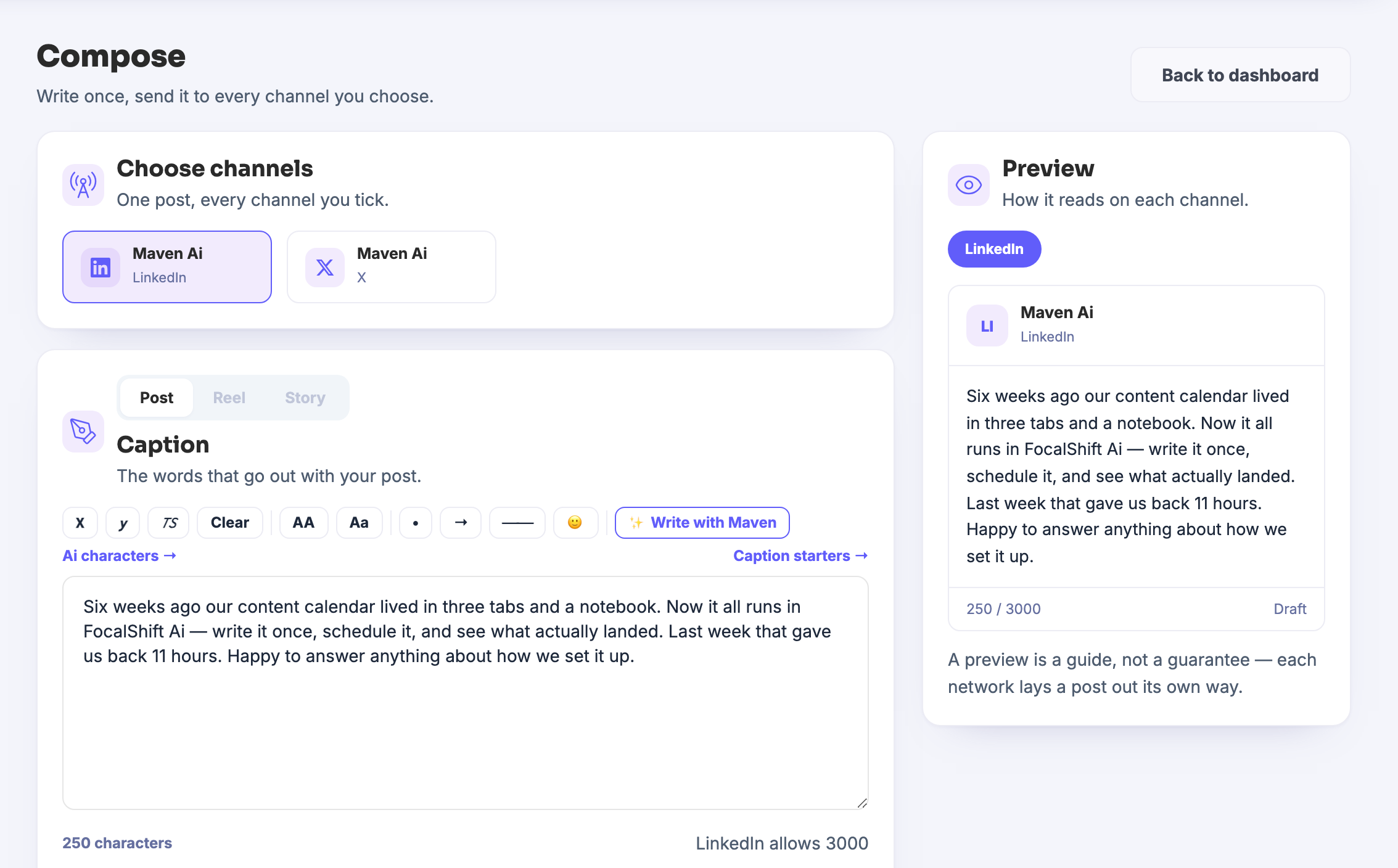
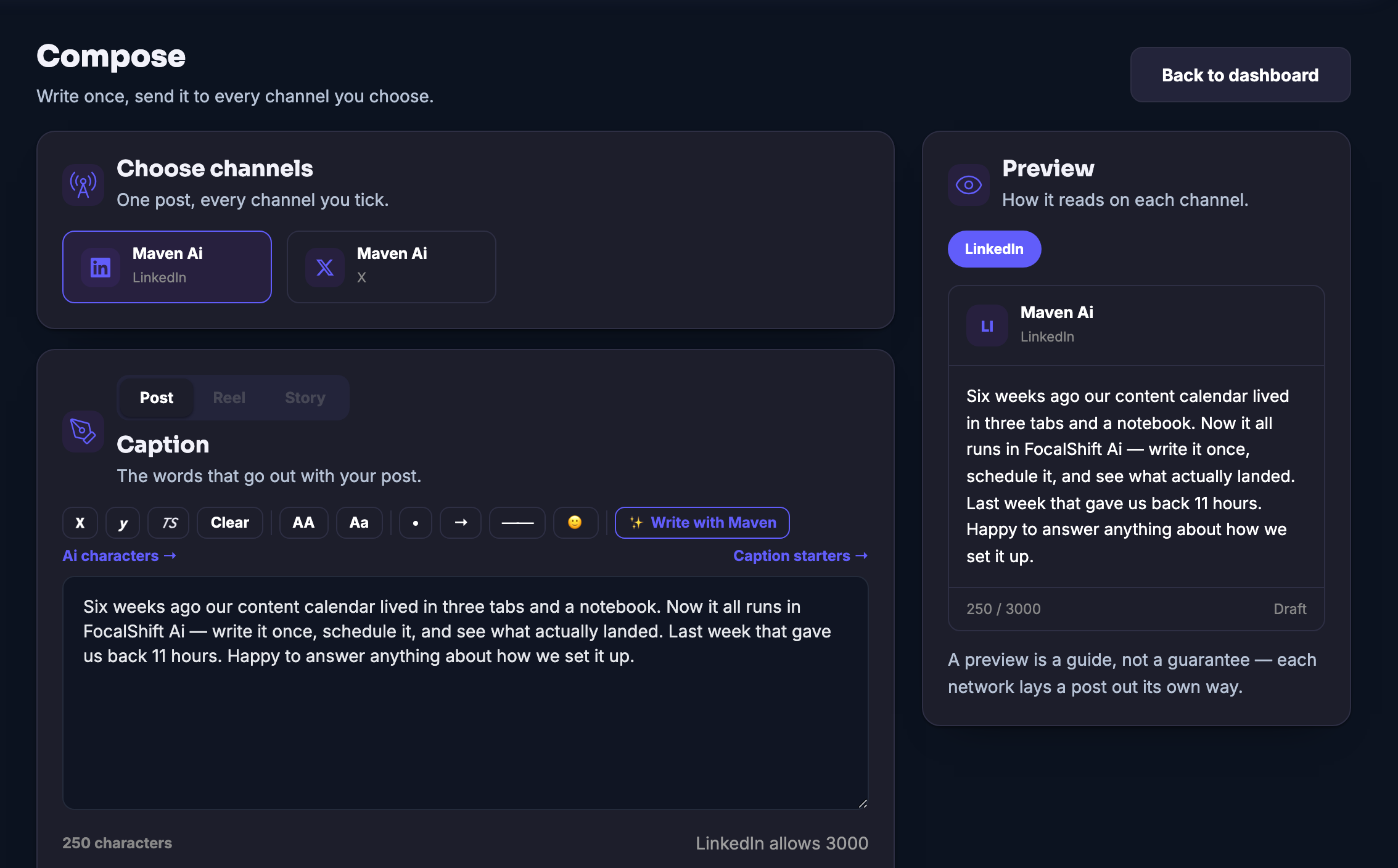
One composer for everywhere you post: write the caption once, tick the channels you choose, and each one gets the shape people expect there.
The post was never the hard part. The hard part is that there are four of them, and they are all the same post.
Something worth telling happens maybe once a week. What stops it being told is not the writing — it is the rewriting: the same news, re-shaped by hand for every place your business shows up, until posting becomes an afternoon and the afternoon does not happen.
Compose is the desk where that collapses back into one job. Your connected channels sit at the top; you write the caption once, in your own voice, and tick where it should go. The idea, the offer and the call to action travel together — what changes per channel is the telling, which is exactly the part you did not want to do by hand.
You are never sending blind. As you type, the preview shows your words the way a chosen channel will carry them, against that channel’s own length limit — and the screen says plainly that a preview is a guide, not a guarantee, because each network lays a post out its own way. Choose a post, a reel or a story; add the hashtag row; done.
And when the box is blank, Maven sits in the composer with you: caption starters for the empty morning, and a Write with Maven control that drafts from what you give it. You still say yes to every word — it is your name on the post.
What it actually does
What that changes for you
You come away with one story, told properly in every place you show up.
Works seamlessly with
The week, decided in one sitting
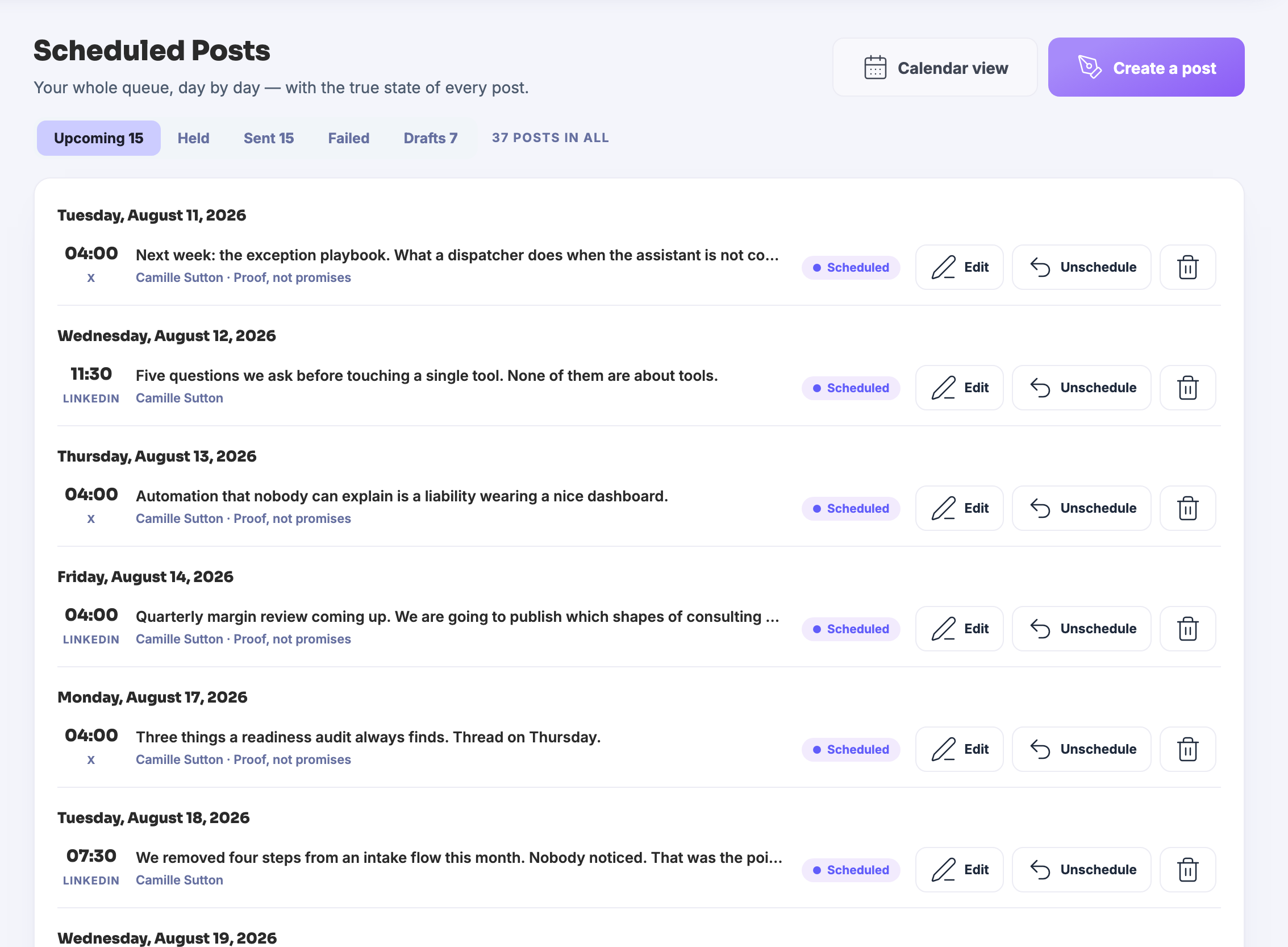
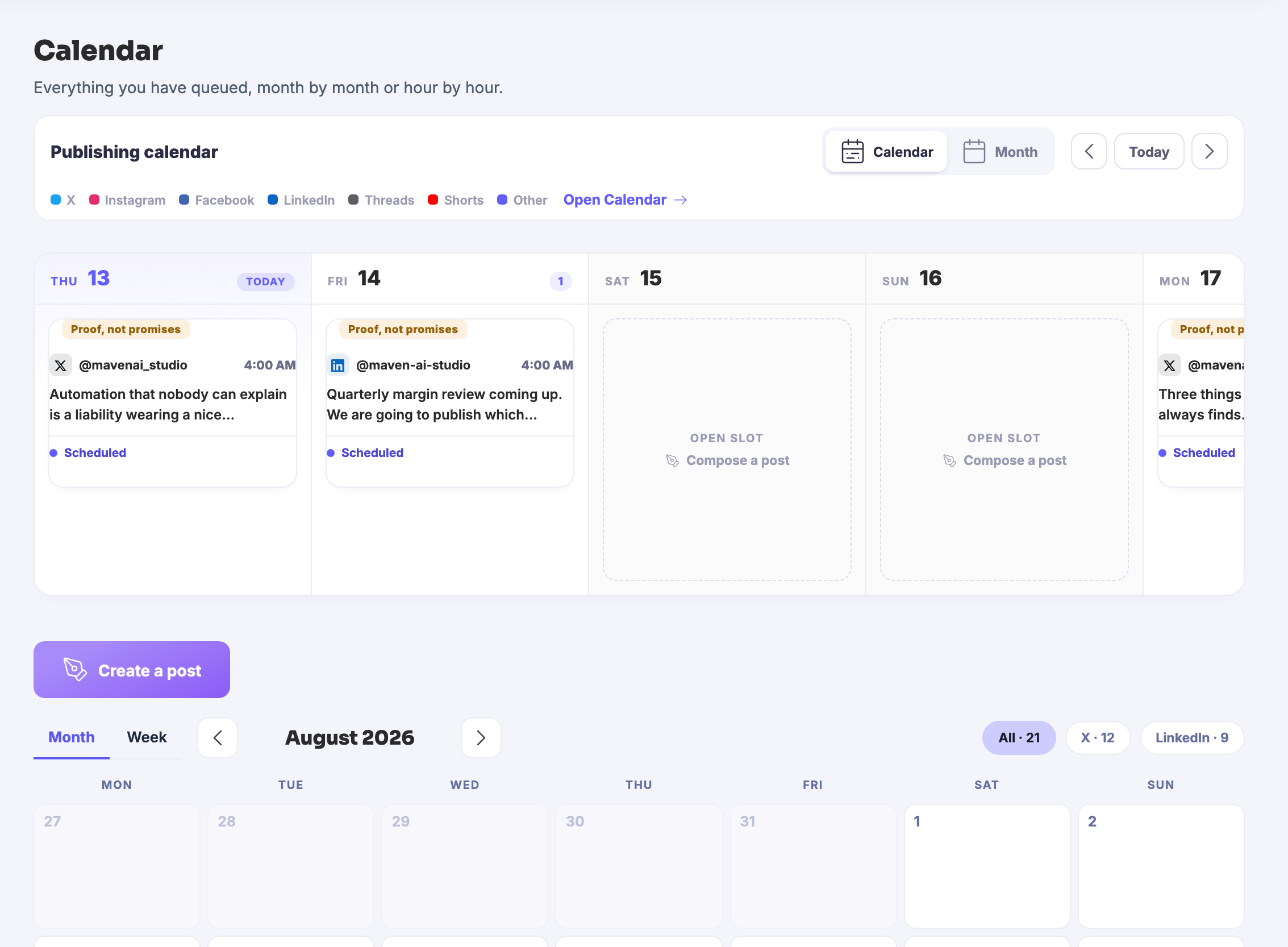
Scheduled Posts is the week laid out, one chip per piece, each waiting on the same tick. Approve once and the queue runs itself. See the gap before your audience does: Thursday is open, so drop the lifted post on it and the week is whole.
The story stays true. The post learns the room. →Compose — platform screenshots
Real screens from the product. Open any one full size, or switch the set to light or dark.
Campaigns — platform screenshots
Real screens from the product. Open any one full size, or switch the set to light or dark.
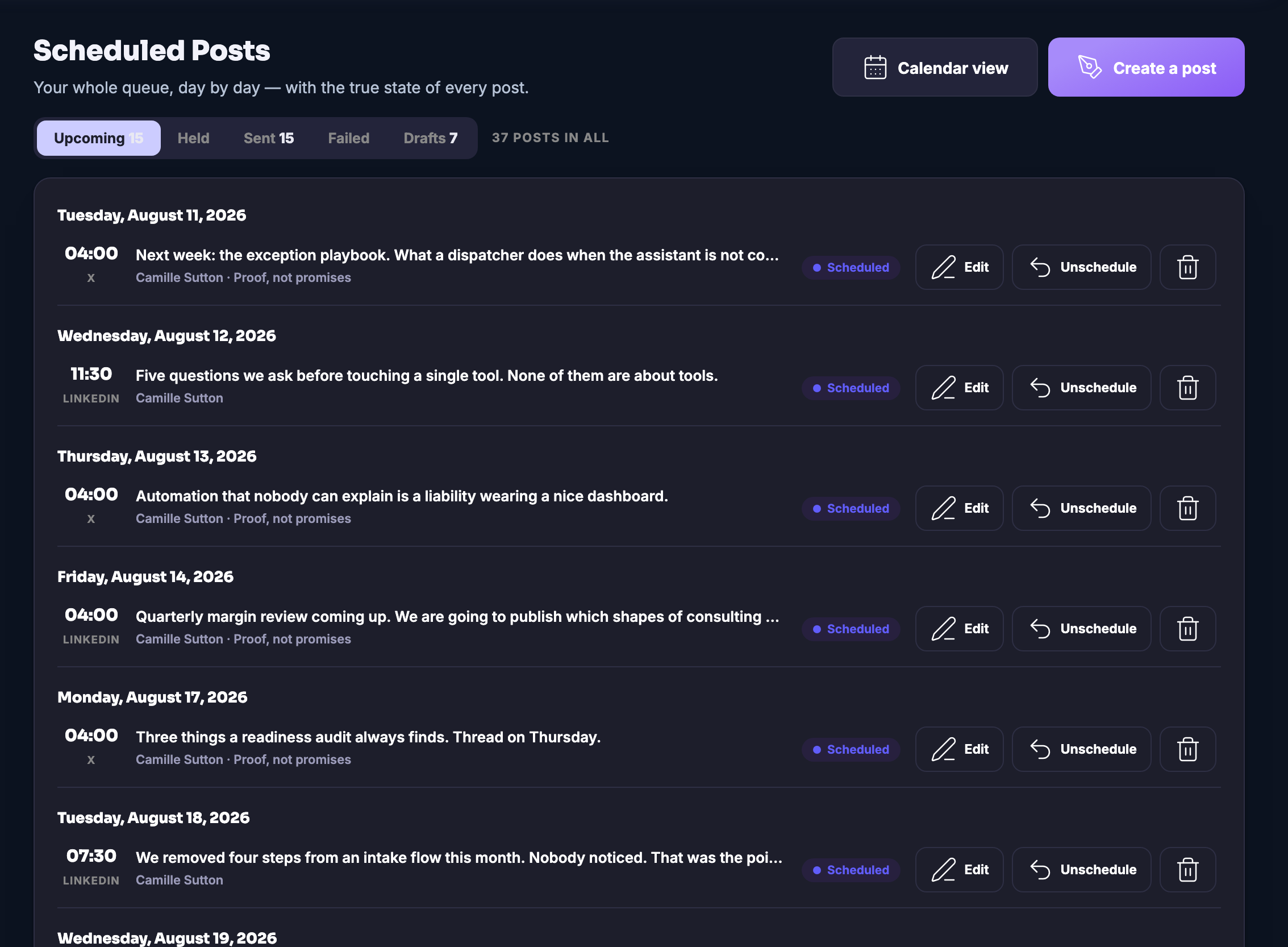
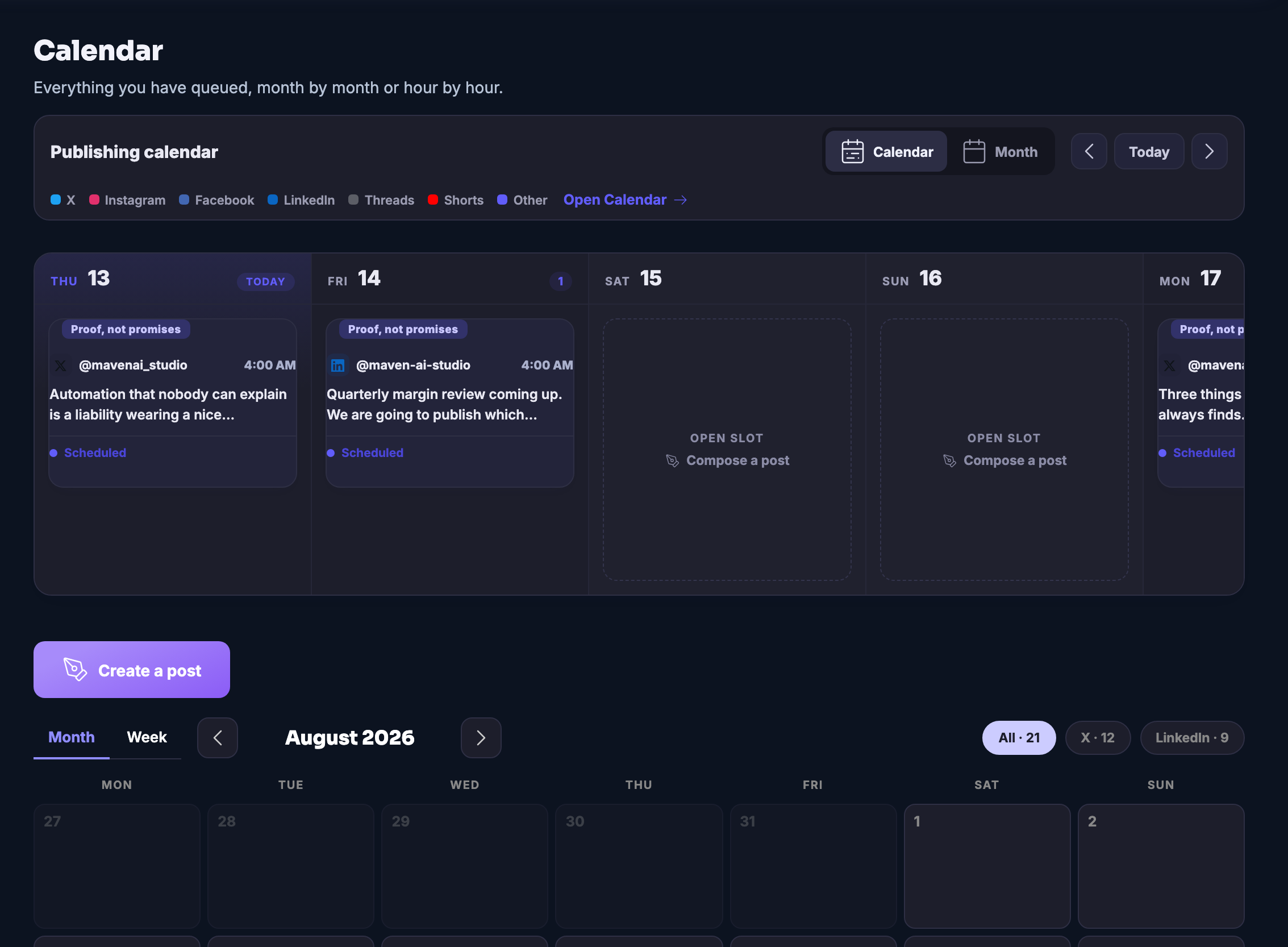
Scheduled Posts — platform screenshots
Real screens from the product. Open any one full size, or switch the set to light or dark.
Activity — platform screenshots
Real screens from the product. Open any one full size, or switch the set to light or dark.
Content Planner — platform screenshots
Real screens from the product. Open any one full size, or switch the set to light or dark.
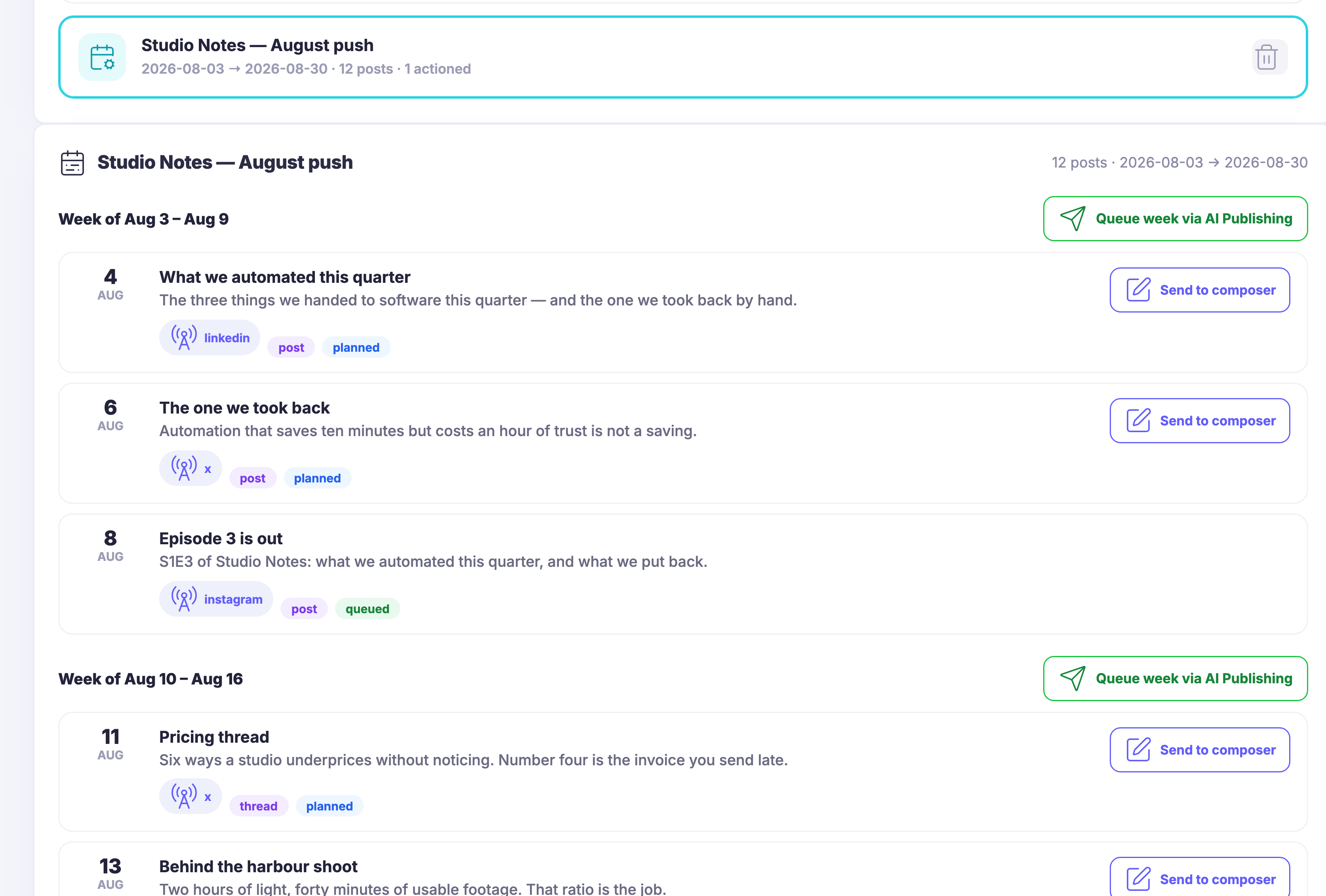
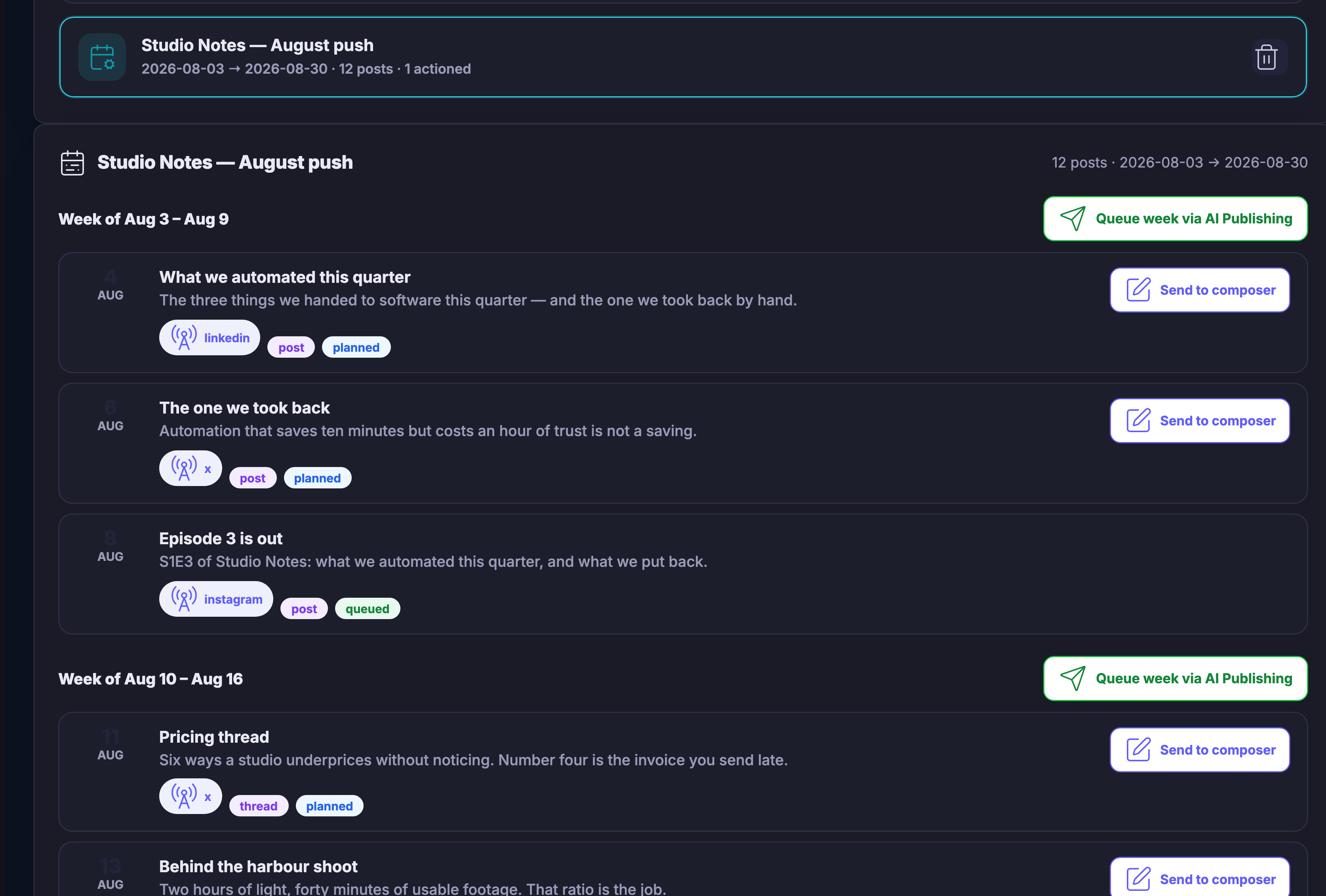
Maven adds this one: the week you meant to have is the one sitting in the queue, not the one in your head.
Everything waiting to go out, day by day, with the true state of every piece.
The week you meant to have is the one sitting in the queue.
A queue is only useful if it tells the truth. This one keeps waiting, held, sent, failed and drafted as five separate states, and a piece of writing sits in exactly one of them. Nothing is still described as scheduled after it has gone, and nothing is described as sent when it never left the building.
It is grouped by the day it goes out rather than by the day it was written, which is what makes the gaps visible. An empty Thursday looks like an empty Thursday, and a week with everything crowded into one morning looks like that too — before it happens, while it is still free to move.
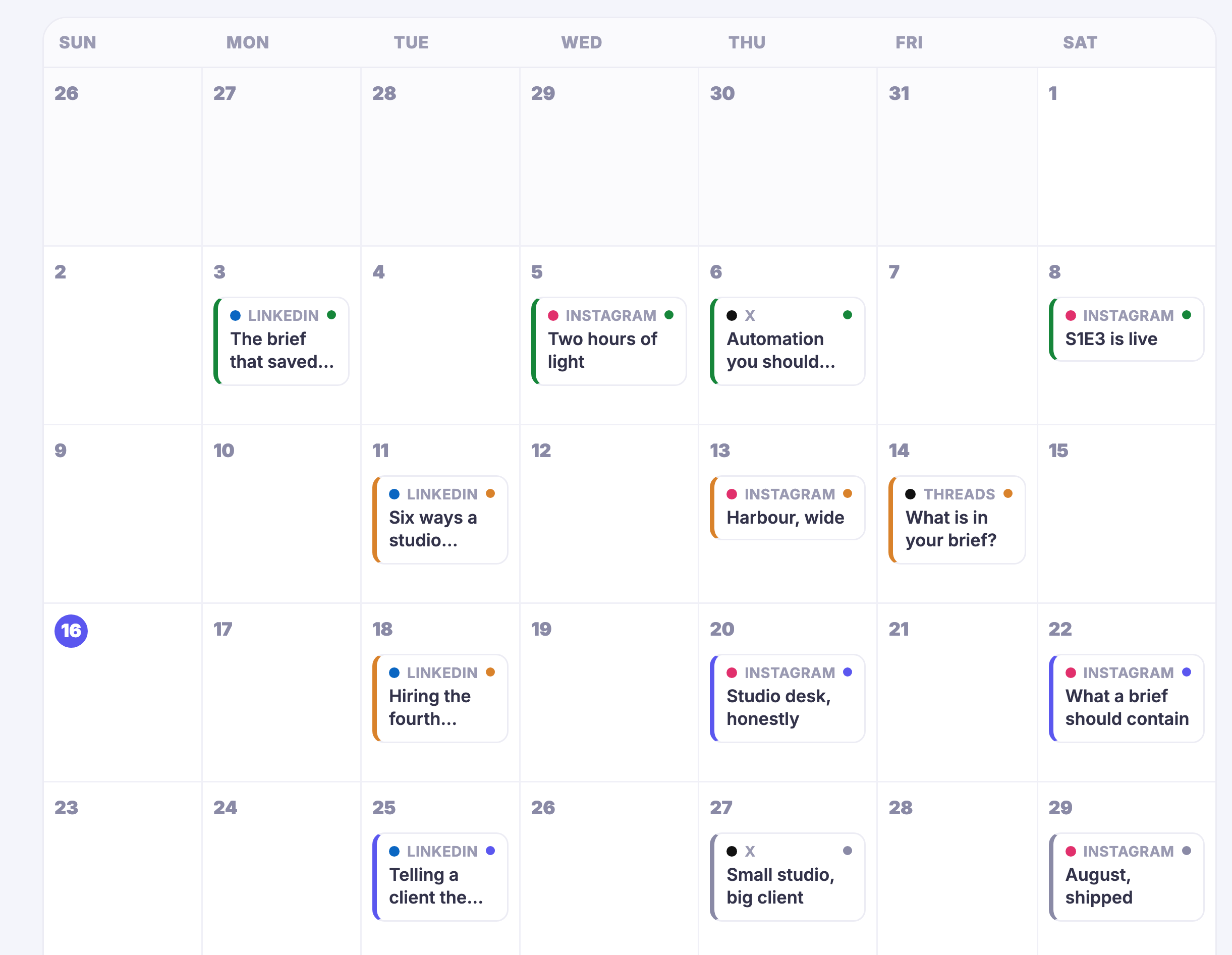
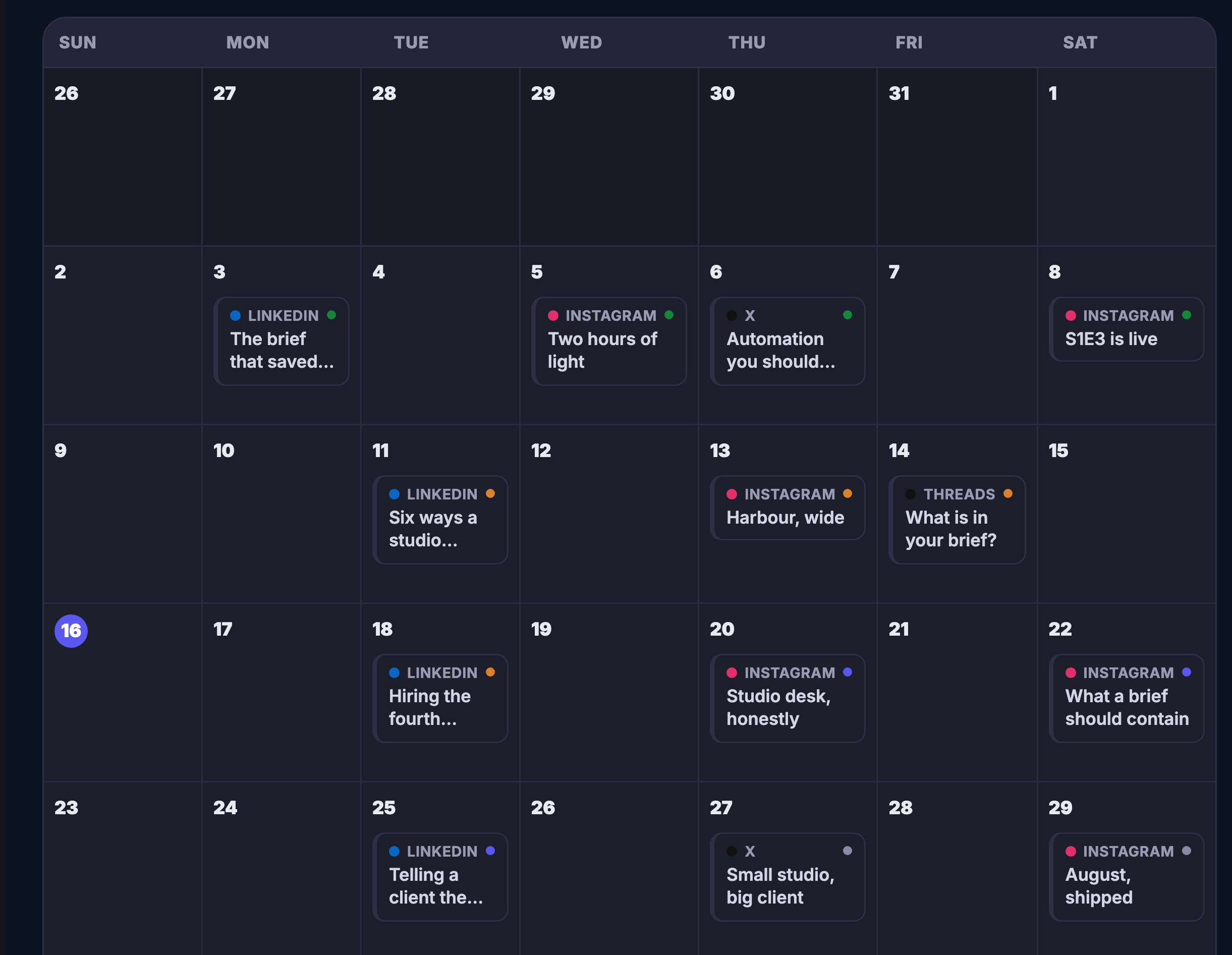
The same week reads as a calendar when the shape matters more than the list: which places you are showing up in, how far apart, and where the open slots are. It is the same queue underneath, so a piece moved in one is moved in the other.
And it is editable from where you are reading it. Change the wording, pull something back out, or let it go — without opening another screen to find the piece you were already looking at.
What it actually does
What that changes for you
You come away with a fortnight already written, spaced out and waiting its turn.
Works seamlessly with
The month · A brief in, a dated month out
Give Content Planner one sentence about the month ahead. It comes back dated: the launch week full, the quiet week left honestly quiet, every chip a draft waiting on the same approval as the rest.
Because you said I reach nobody yet
.
The month decided while you have the time — one ongoing calendar of what you are going to say, sitting on the days you are going to say it.
The month decided in one sitting, while you still have the sitting.
Posting in bursts and then vanishing is not a strategy. It is what happens when the plan lives in somebody’s head and the week gets busy. The planner moves the plan somewhere better: one ongoing calendar of what you intend to say, with each intention sitting on the day you meant it for.
A grid is honest in a way a list is not. A day with something planned shows what it is; a day with nothing offers you the space. Spacing the message out stops being arithmetic you do in your head and becomes something you can see — and the gap in the middle of the month is visible to you long before it is visible to anybody else.
The hardest part of showing up was never the writing. It is deciding, every single day, what the thing should be. So you can hand that decision over once: say what the stretch is about, what you want out of it and how often you want to appear, and the month comes back drafted — a title, an opening line, the kind of piece, the day. Each run is kept as its own plan, so the thinking behind last month is still readable when you sit down to do the next one.
And a plan is a proposal until you say otherwise. Nothing in it goes anywhere on its own. You open a slot and send it to the composer to make it yours, or you hand a whole week across in one motion — and only then does any of it become something waiting to go out.
What it actually does
What that changes for you
You come away with a month of posts decided in one sitting.
Works seamlessly with
Every destination, one hub
Connect each account once. After that the hub is the only place you write, and every spoke is a room your story already knows how to enter. The bright spoke is a channel that is connected; the rest wait until you are ready for them.
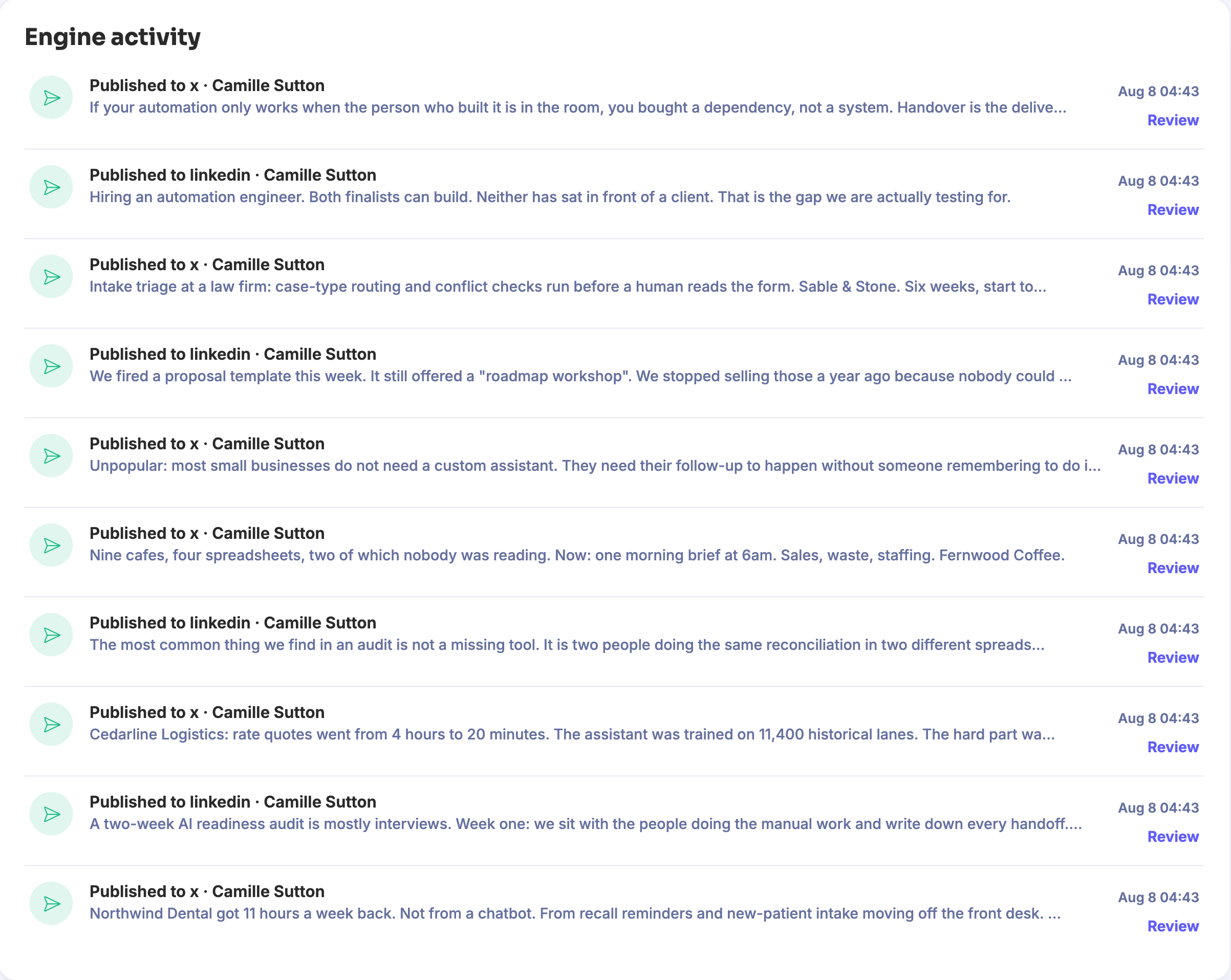
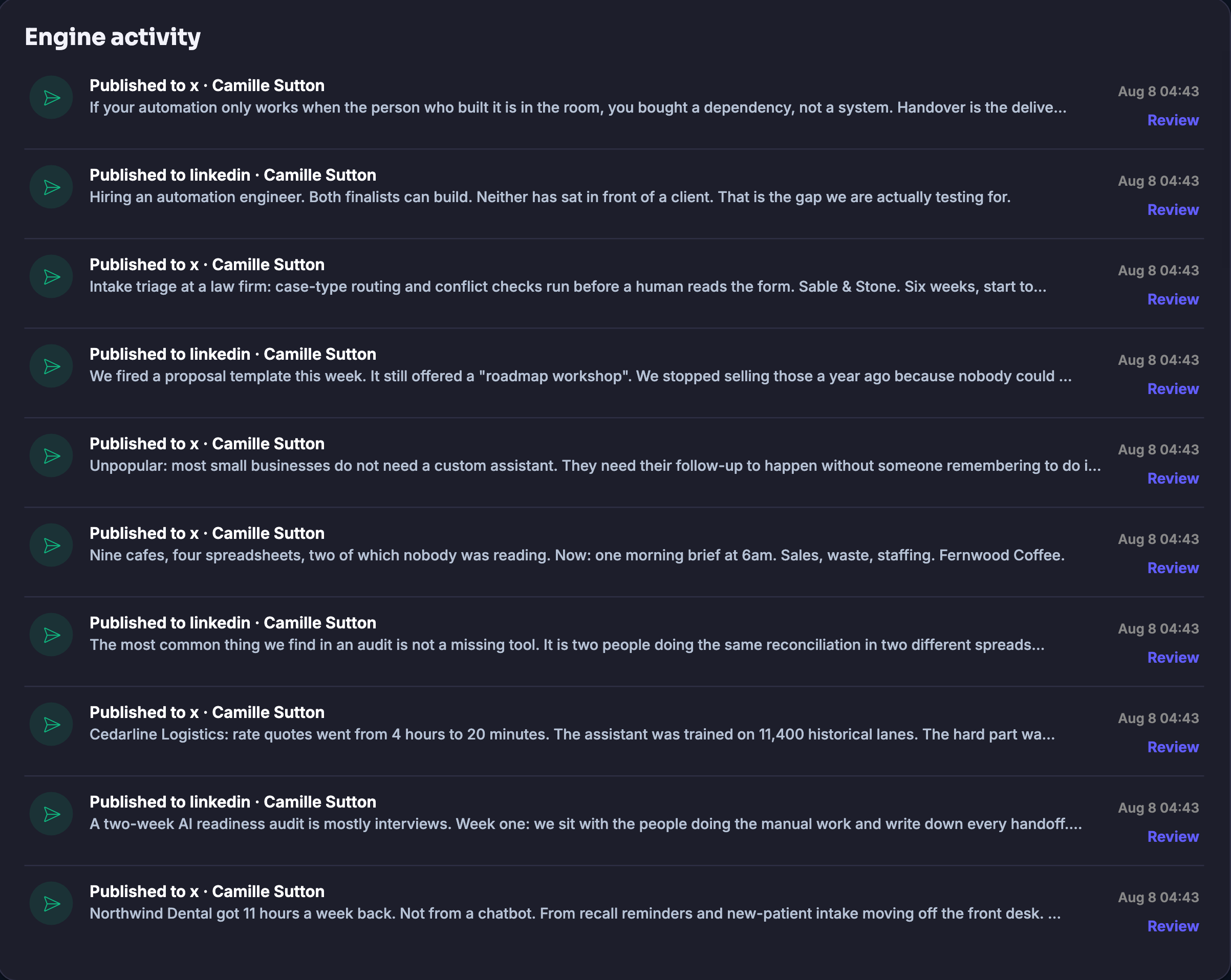
Maven adds this one: every other publishing screen tells you what is meant to happen — this is the one that says what did.
One line for every piece that has actually gone out — where it went, when it went, the words it opened with, and a way straight back to it.
Publishing is the one part of the week you cannot check by looking at the plan — you have to know what actually left the building.
Everything else in this workspace is written before the fact. The planner decides what the weeks are about, the calendar puts pieces on days, the queue holds what is going next. All of it is intent, and intent is not evidence. This screen is the other half: it is written as things happen, one line per piece, and it is the only place that can tell you a thing is genuinely out rather than genuinely scheduled.
Each line is built to be read without opening it. The headline says where the piece went, so a run that fanned out across several audiences reads as several lines and you can see the shape of it immediately. Under that sit the opening words of the piece itself, which is almost always enough to recognise it, and beside it the moment it went. Reading the week’s publishing becomes reading a list, top to bottom, instead of opening things one at a time to find out which is which.
And because it is a record of attempts rather than a list of wins, it is also where the awkward cases surface: the product keeps every attempt, every delivery and every hold on this same timeline, so something that did not go — or has been held back — sits in the run where you will actually see it, next to a control that takes you to it. The shipped picture above is a clean run, with nothing held and nothing failed.
What it actually does
What that changes for you
You come away with a written record of everything you have actually published, and where each piece went.
Works seamlessly with
Sunday evening · What actually went out
Activity is the receipt for the week: one row per piece, the room it went to, the time it left, the first line it opened with. The newest is at the top. Read it on Sunday and the loop is closed, back to the week you decided on Thursday.
Maven adds this one: the post, the letter and the landing page were always one launch — this is the screen where they act like it.
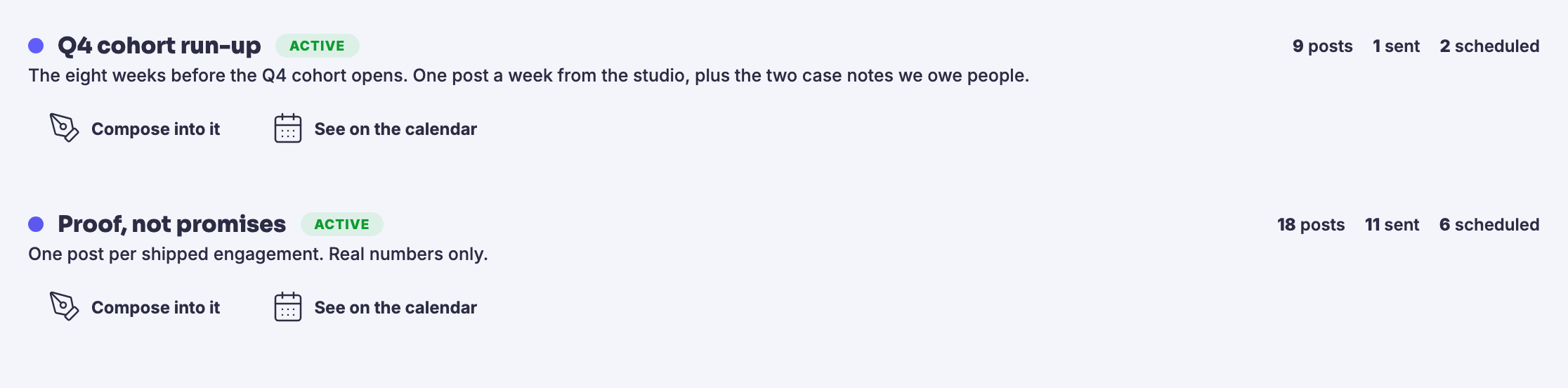
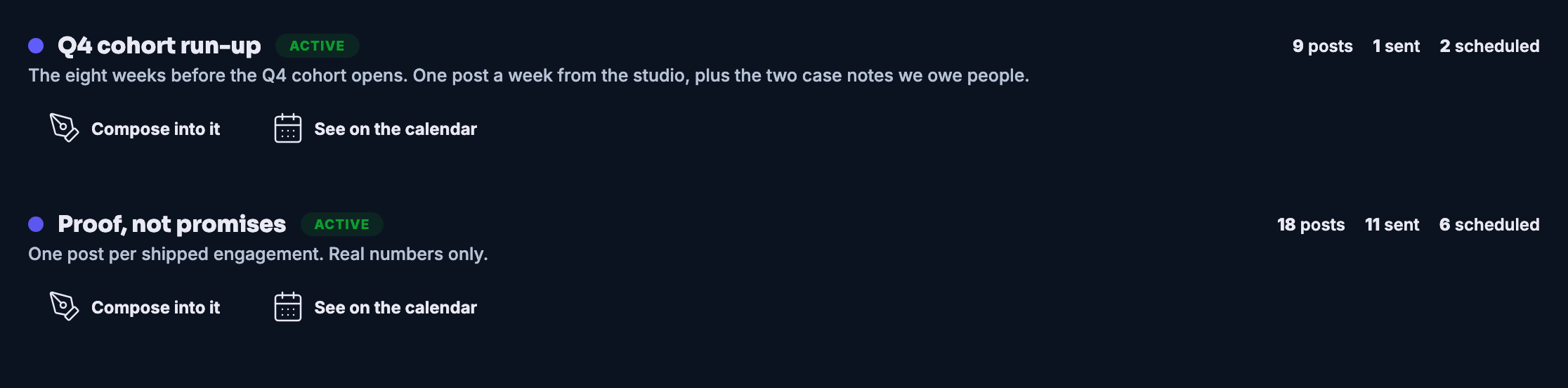
Name the push once, and the posts, the sends and the pages that belong to it live under that name — with one row that says how it is going.
A launch is never one post — it is a set that has to move together, and this is the screen it moves on.
Name the push and it becomes a place. The social series for it, the letters it sends and the landing pages that catch what it brings in are grouped under the campaign’s name — instead of scattered across tools that do not know they are working on the same launch.
Mid-launch, the question you actually ask is “how is it going” — and this screen answers it without an audit. Each campaign carries its own one-line brief, its state, and the plain counts of what has been written, what has gone out and what is still scheduled. A push that has not started sending says so, in its own row, rather than looking like one that has.
And the row is where the work carries on. Compose straight into the campaign and the new piece belongs to the push from its first word; open the campaign on the calendar and the whole run is laid over your week, each piece where it will land.
What it actually does
What that changes for you
You come away with a launch that moves as one thing, and one row that tells you how it is going.
Works seamlessly with
Social Media Publishing · included
Compose once, approve once, and Scheduled Posts, Content Planner, Activity and your marketing Campaigns do the showing up. A campaign here is a marketing push: a social series, its sends and its pages, followed in one view.
Build your first publishing week Free plan. No card. Nothing publishes without your approval.Мы используем несколько файлов cookie, чтобы FocalShift Ai работал и — только с вашего разрешения — чтобы понимать использование. Политика в отношении файлов cookie
Maven assessing your needs.
my own small shop
email conversations
leads
my follow-up
Review control — not part of the loading screen.