Maven adds this one: the logo, the brief and the contract were never the hard part — finding them again was.
ملفات
Your working files, in your workspace — dropped in once, sorted into folders, and opened only by the people you chose.
Read more about Files
The work makes files — and the files finally have an address.
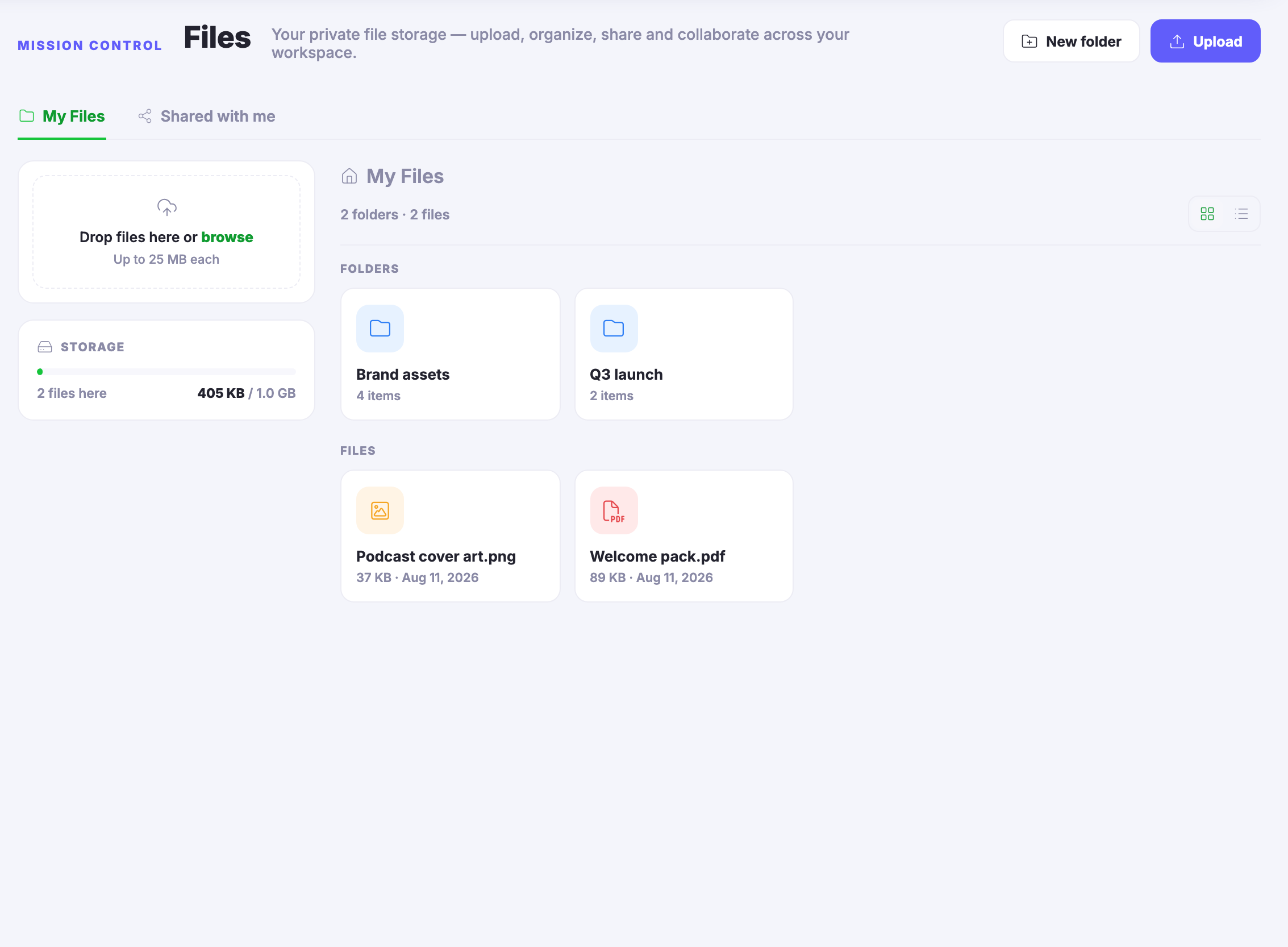
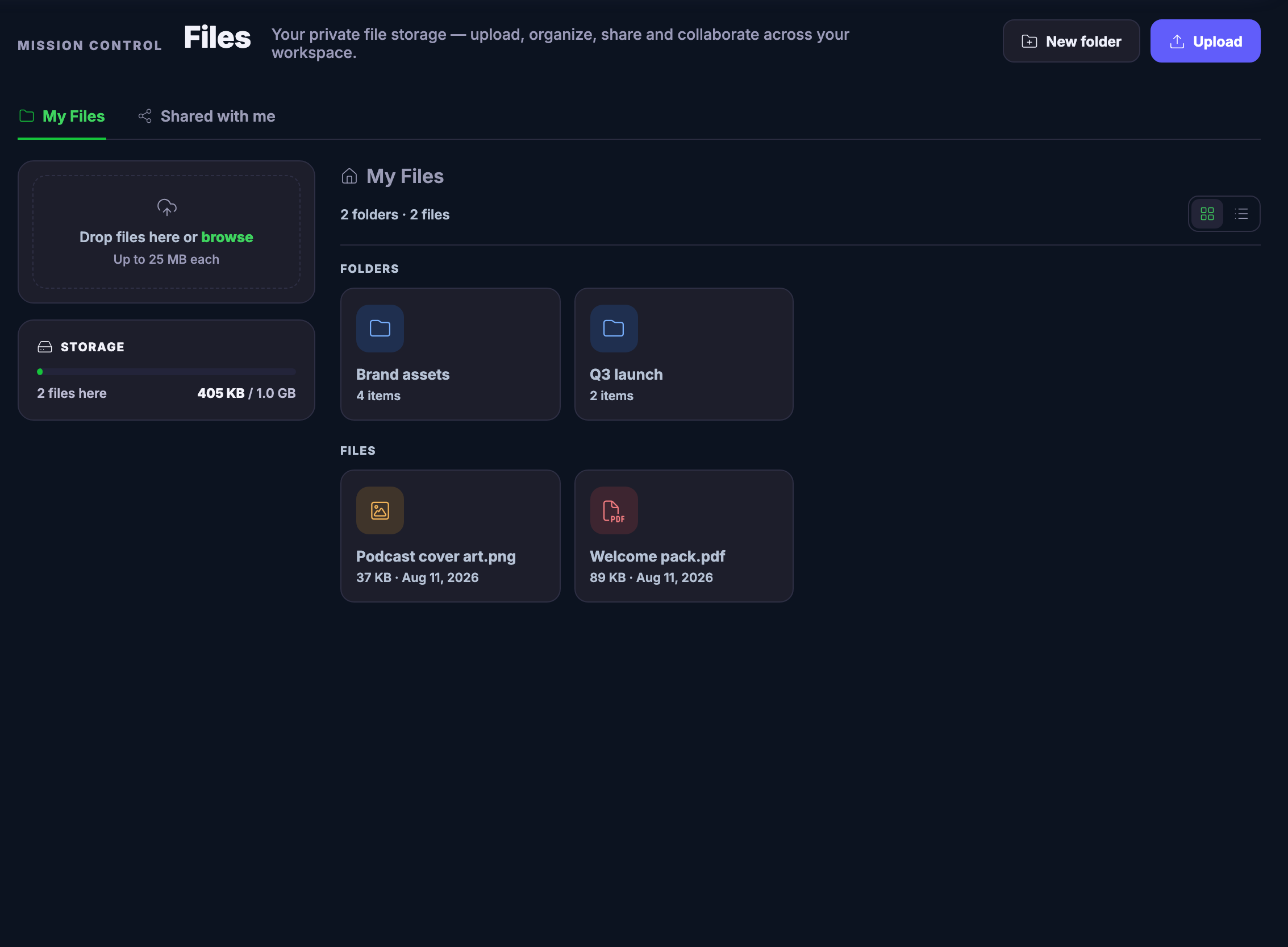
One place, on purpose. Drag a file onto the page or upload it in a click, and put it in a folder named for the work it serves — the brand’s assets in one, the launch’s papers in another. Grid when you want to see thumbnails, list when you want sizes and dates in columns. The storage panel keeps an honest running count of what is here and the room you have left.
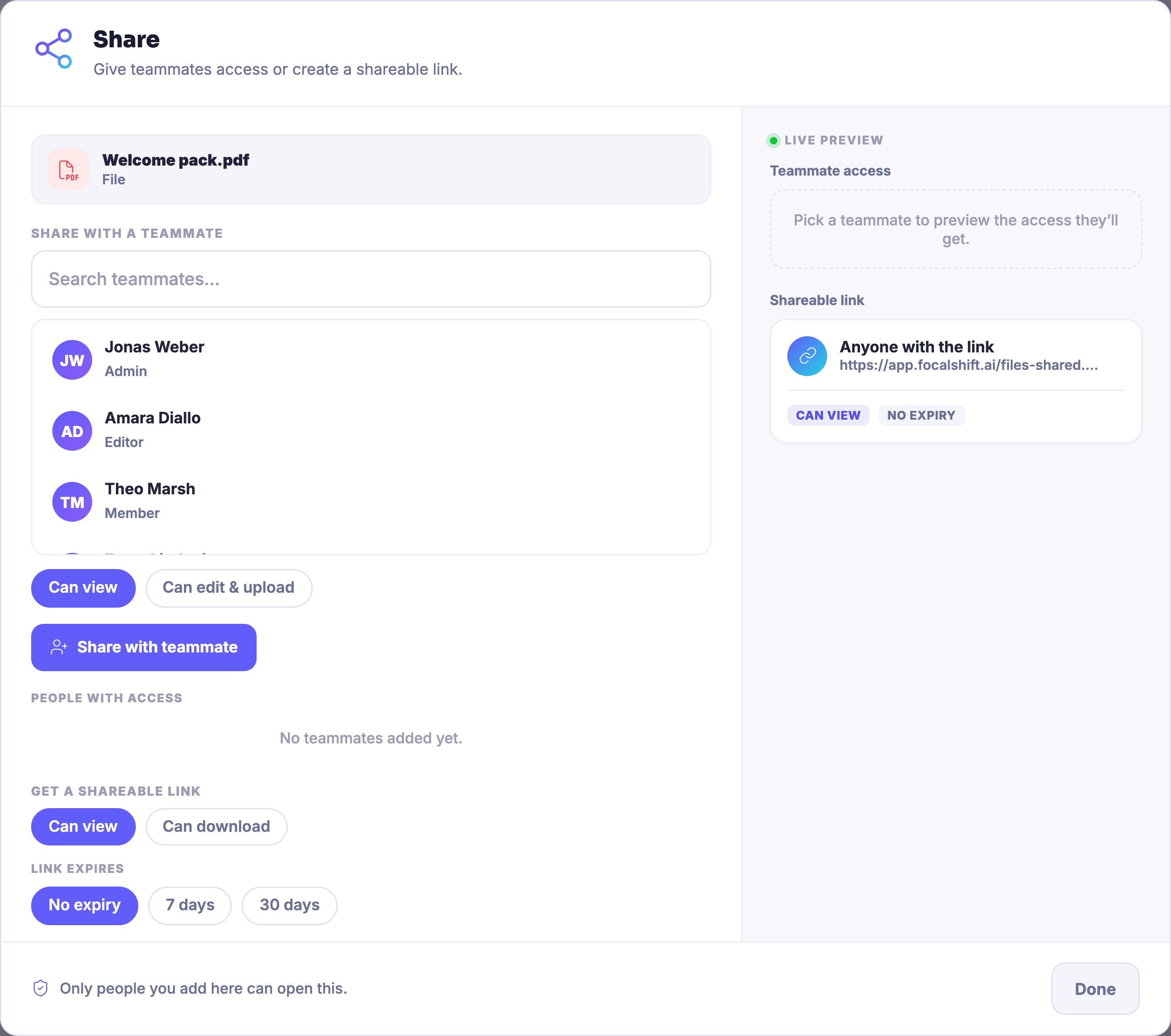
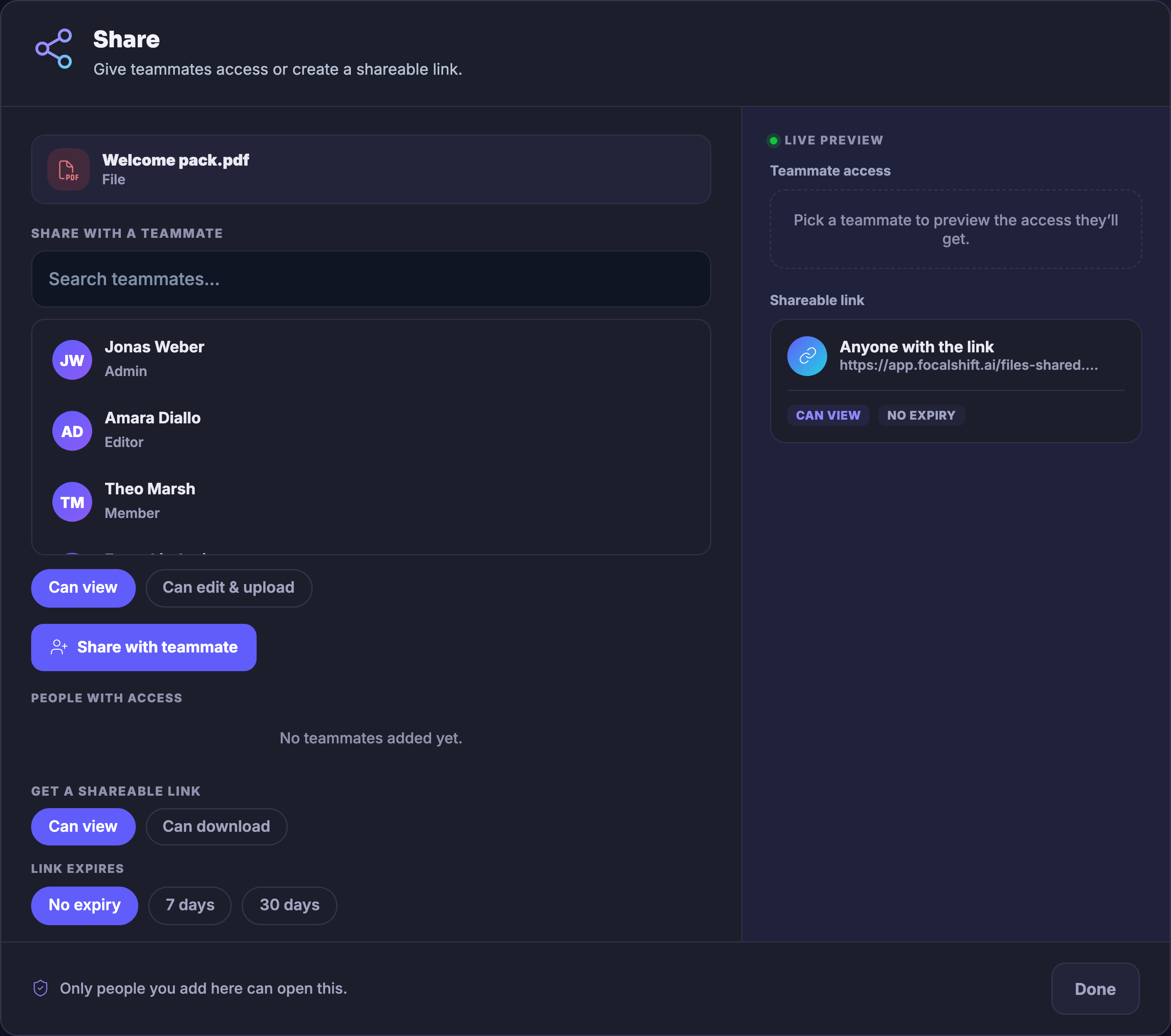
Private until you say otherwise. Nothing here is visible to anybody else until you share it — and sharing is specific. A teammate gets view access or edit-and-upload access, by name. A link can view or it can download, and it can expire on a schedule or never. What you hand a teammate arrives under their own Shared with me tab, and the dialog says the quiet part out loud: only people you add can open it.
And a file is not a dead end. From its own menu a file can be sent to a Focus Board, so the draft joins the board where that work is already moving — the file home and the workday pointing at each other instead of past each other.
What it actually does
- Uploads by drag or click, folders to sort into, and grid or list views of everything you hold
- Teammate shares with view or edit-and-upload access, and share links that view or download, with an optional expiry
- A Shared with me tab for what others hand you, and a send-to-Focus-Board control on every file
What that changes for you
- The latest logo is exactly where the next person expects it
- Access is deliberate — private by default, and only as open as you chose
- No more digging through mail threads for the attachment
You come away with one tidy home for the files your business runs on, and a say over who opens each one.
Works seamlessly with