See what changed.
Decide what follows.
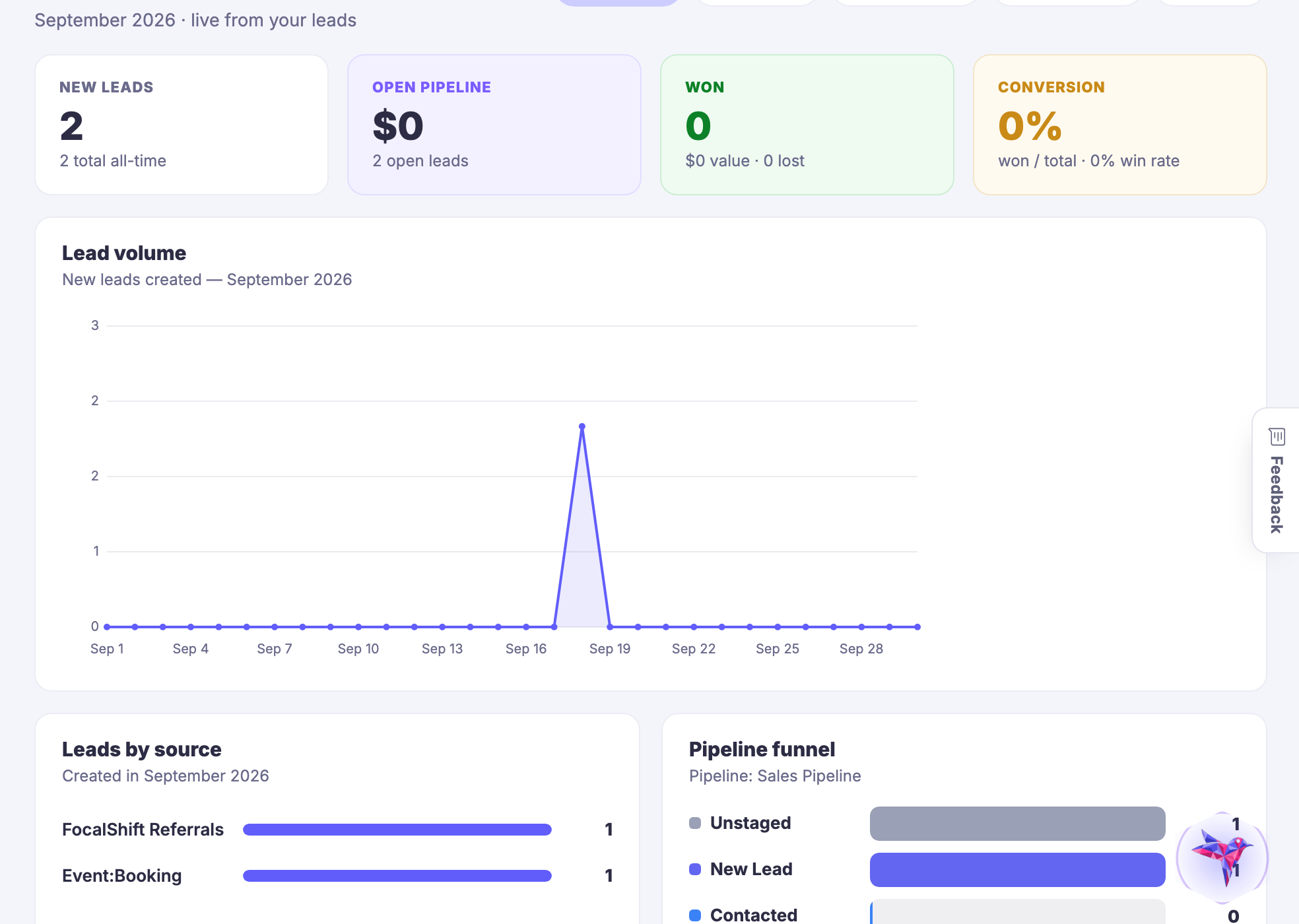
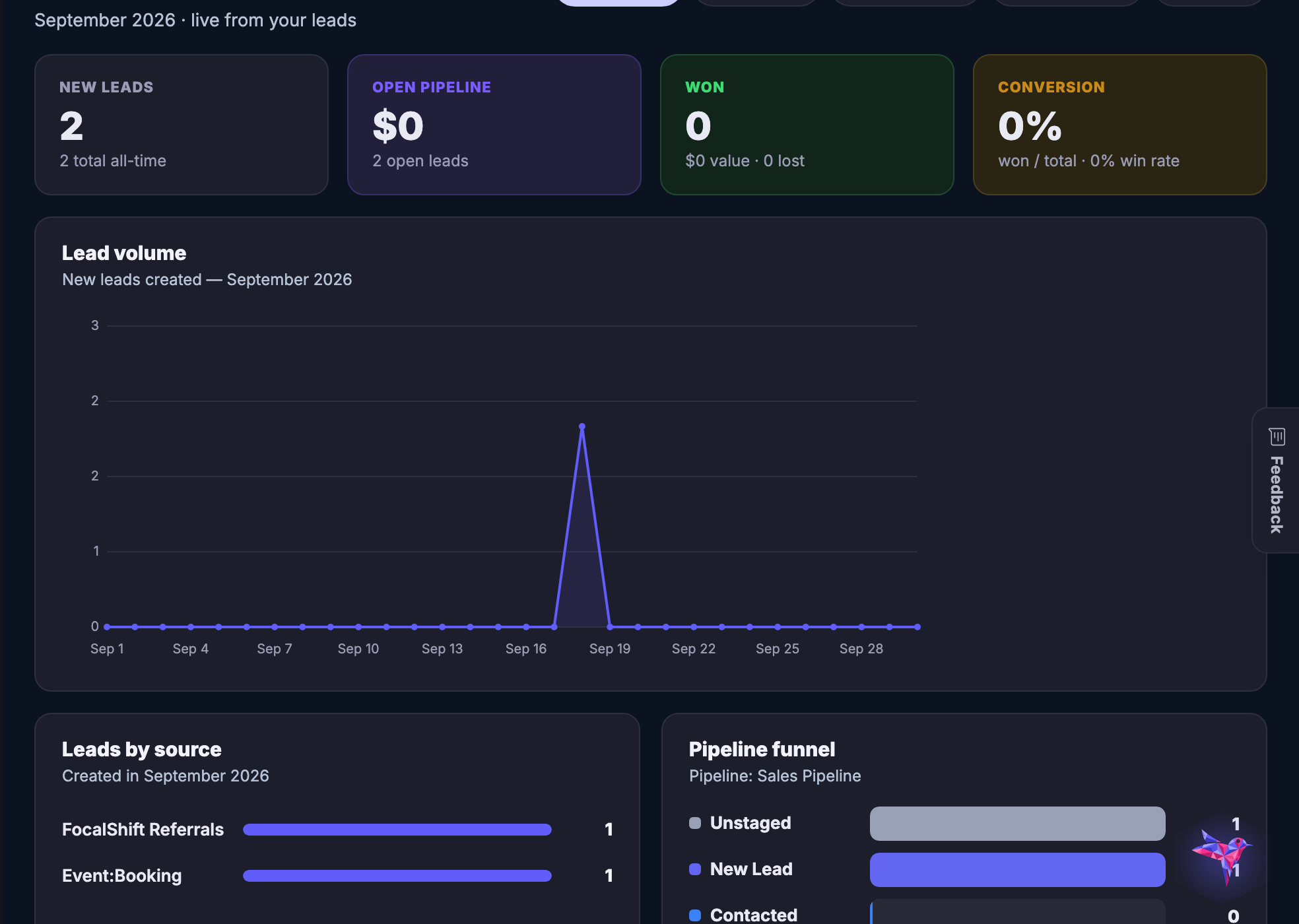
FocalShift turns real Lead Hub activity into a clearer view of volume, sources, current pipeline stages, outcomes, sequence engagement, and AI SDR activity—inside the workflow where you can respond.
The idea, drawn
A week of activity, in a shape you can act on.
Analytics that live somewhere else become homework. These sit inside the workflow they are describing, so the answer and the thing you would do about it are on the same screen.
Drawn: a week of separate activity becoming one readable shape, with the next move attached to it.
Made of your own activity
Not a sample, not a benchmark. The sources, stages and outcomes are the ones on your own board.
Readable in one look
Volume, where it came from, where it is stuck and where it ended — without building a report first.
Next to the thing you would change
The pipeline it is describing is one click away, so a decision does not need a second tool.
Read the change in the right window.
Move between this month, last month, the last three or six months, and this year. Shorter views resolve by day; longer views resolve by week so the trend stays readable.
Illustrative shape only. The live tool uses the member's real Lead Hub records and honest empty states.
See which sources are adding to the conversation.
FocalShift groups leads created in the selected period by their recorded source. It is a source mix you can compare—not a claim that one touch caused the outcome.
A lead created through a connected capture path with that source recorded.
Source mix is evidence of origin, not proof of attribution.
Read the pipeline as it stands.
See current non-merged lead counts across the member's default pipeline, with unstaged leads surfaced when they exist. This is a present-stage distribution—not a historical path or a time-to-convert model.
Counts reflect where non-merged leads sit now.
Live stage names come from the default pipeline.
Unstaged leads remain visible when present.
Conversion and win rate are not the same question.
FocalShift keeps both definitions available so a fast read does not flatten two different views of performance.
Change the question.
Keep outreach activity connected to the lead view.
Where sequence and AI SDR data exist, FocalShift can surface enrollments, message states, opens, clicks, active agents, active enrollments, touches, and recorded SDR decisions.
Sent activity is represented separately from work that is still queued.
or decided
A clearer boundary makes a better decision.
Every number belongs to one of three layers. Follow the thread without asking the data to claim more than it knows.
Observed: Stored member-scoped activity such as creation, source, current stage, status, value, sequence activity, and AI SDR activity.
No invented trend. No filled-in story.
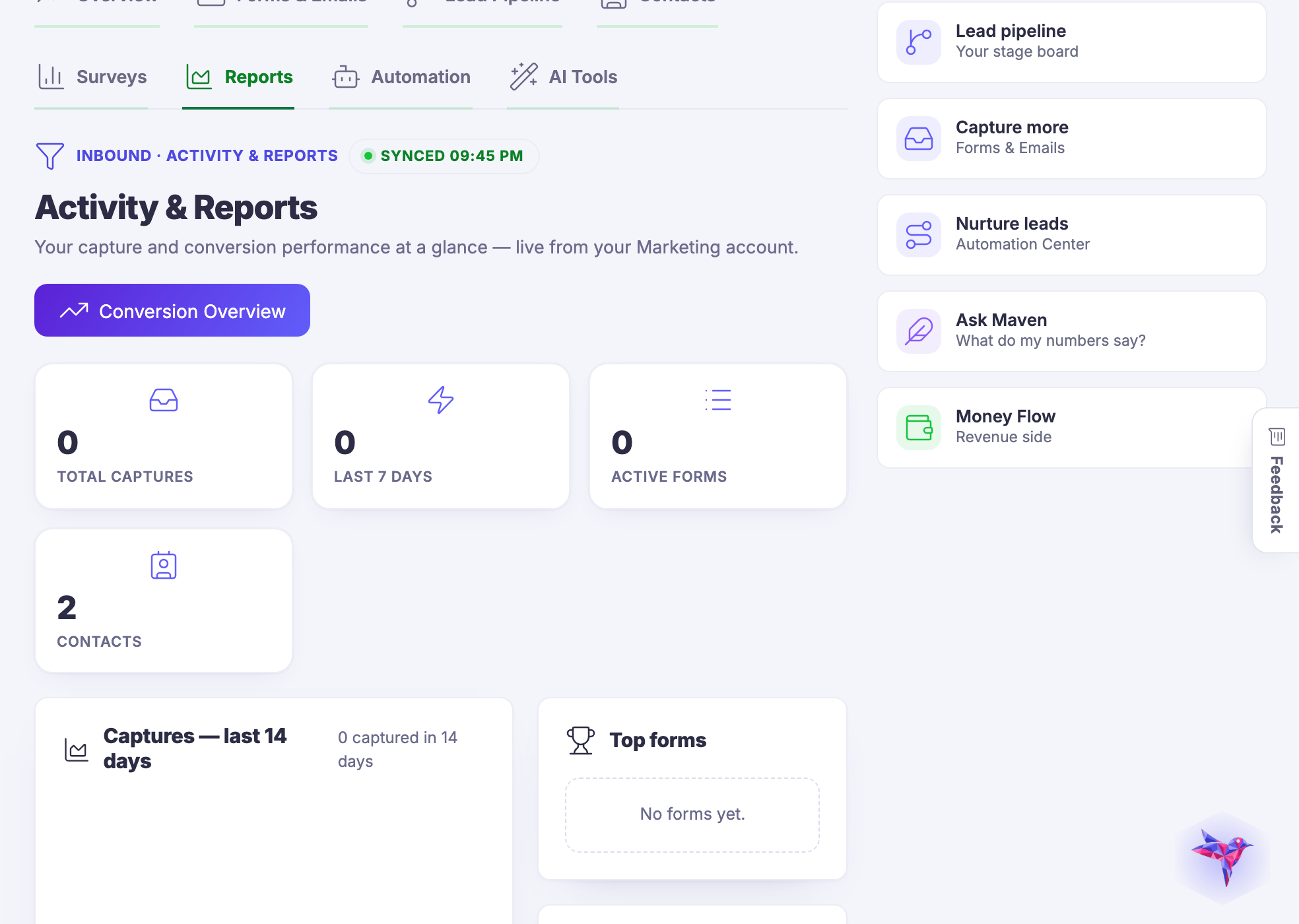
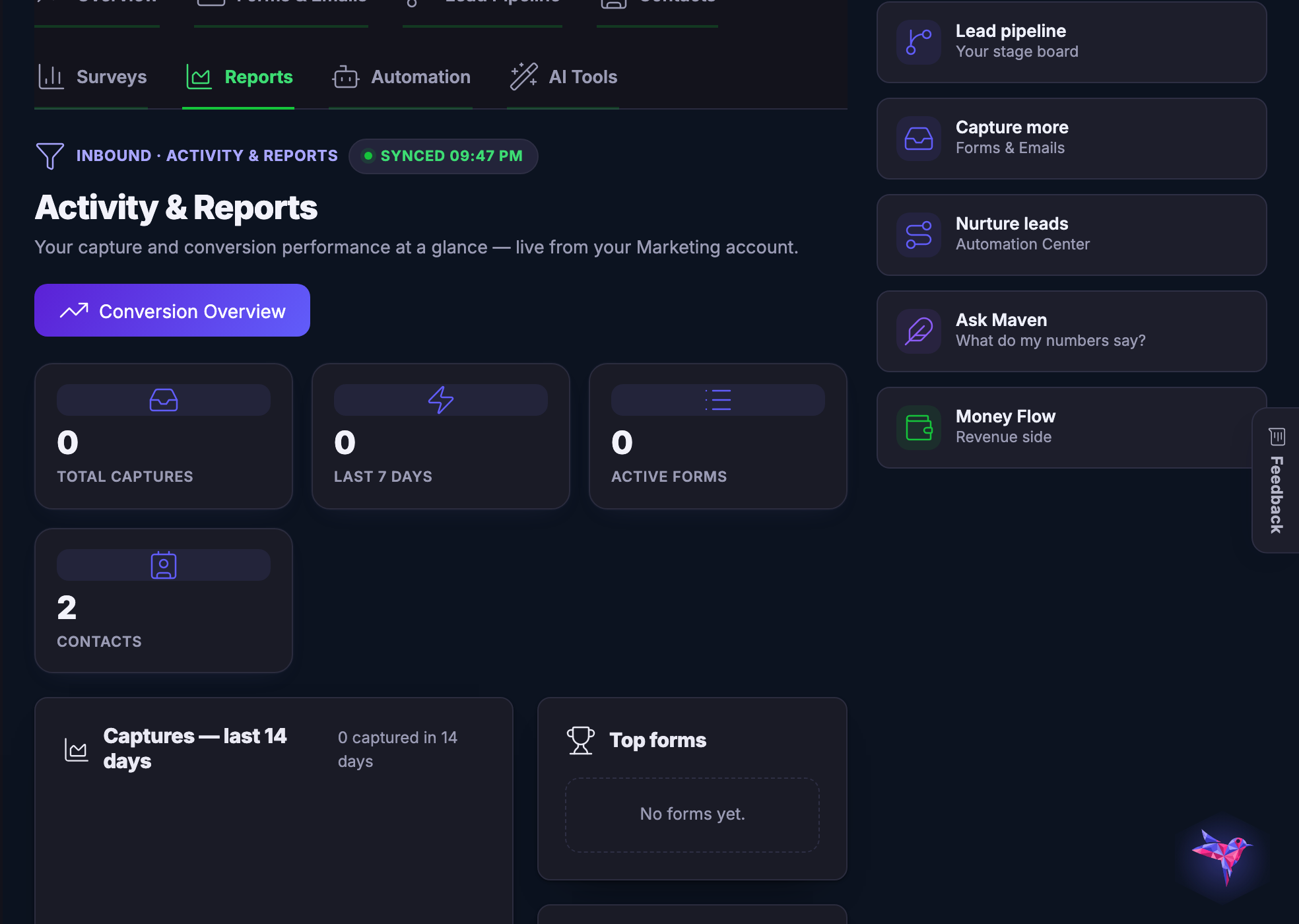
When a period has no new leads, when no pipeline exists, or when sequences and AI SDR activity have not started, FocalShift shows an honest empty state instead of manufacturing a chart.
Analytics scoped to the member.
Lead Insights requires a signed-in member and reads that member's Lead Hub records. The analytics view is read-only: inspecting it does not change lead records.
The tool requires a signed-in FocalShift member.
Analytics are read from that member's Lead Hub records.
The aggregation does not rewrite the underlying lead activity.
Follow the signal back to the work.
See lead activity in context, inspect the definition behind the number, and return to the source, pipeline, sequence, or AI SDR workflow that needs attention.
The Knowledge Base, documentation, and support tickets are available from the Support Hub.