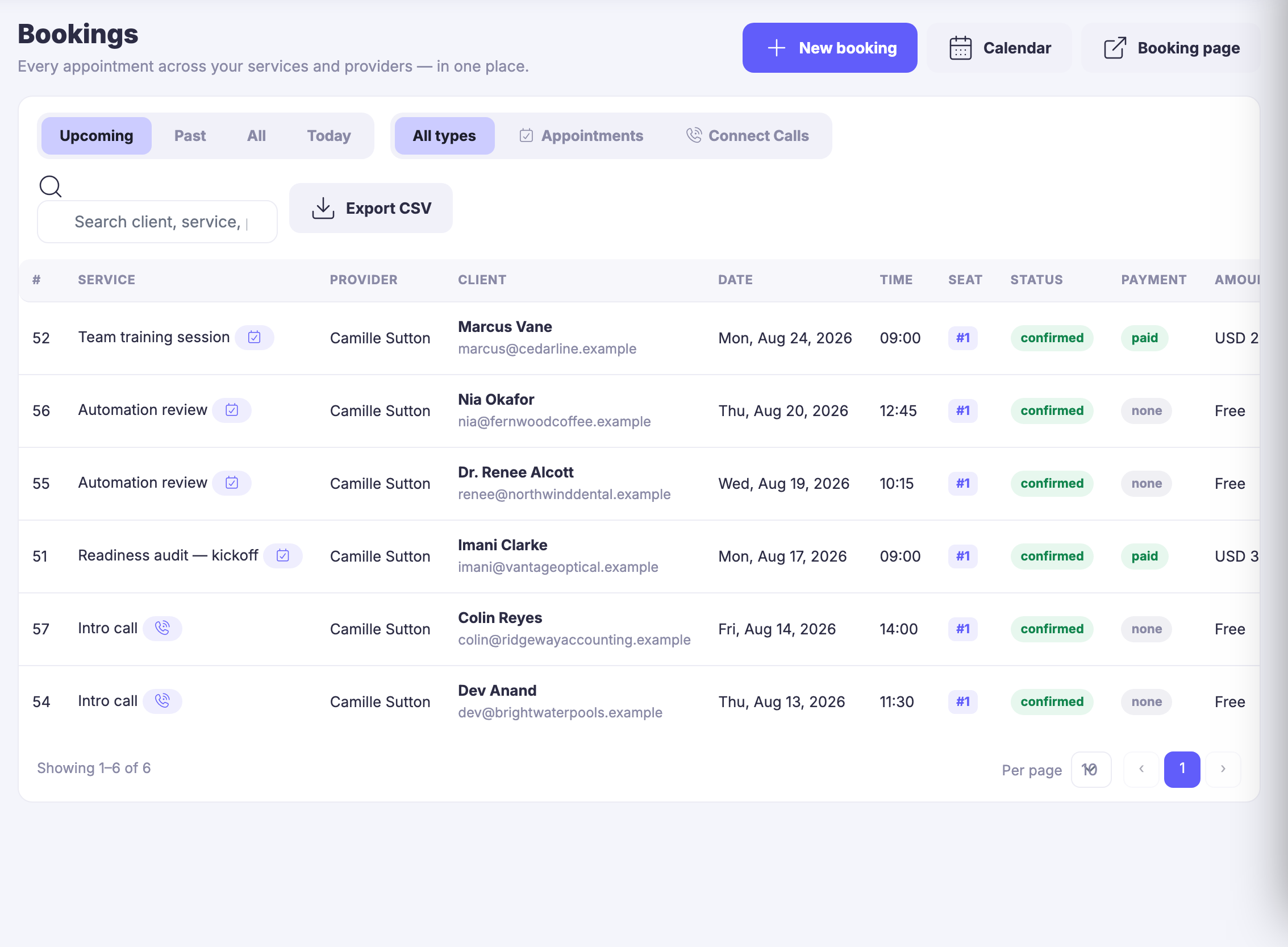
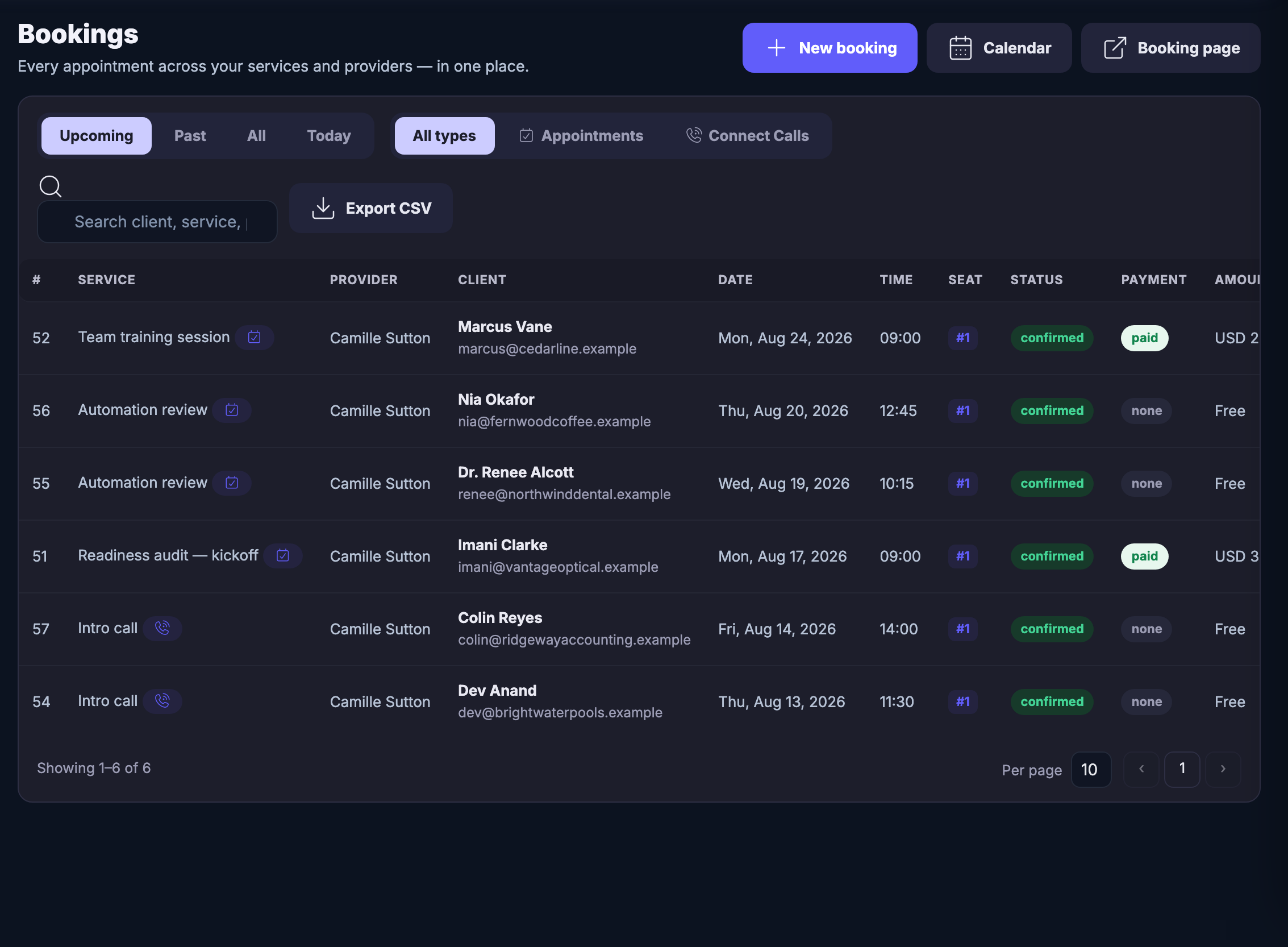
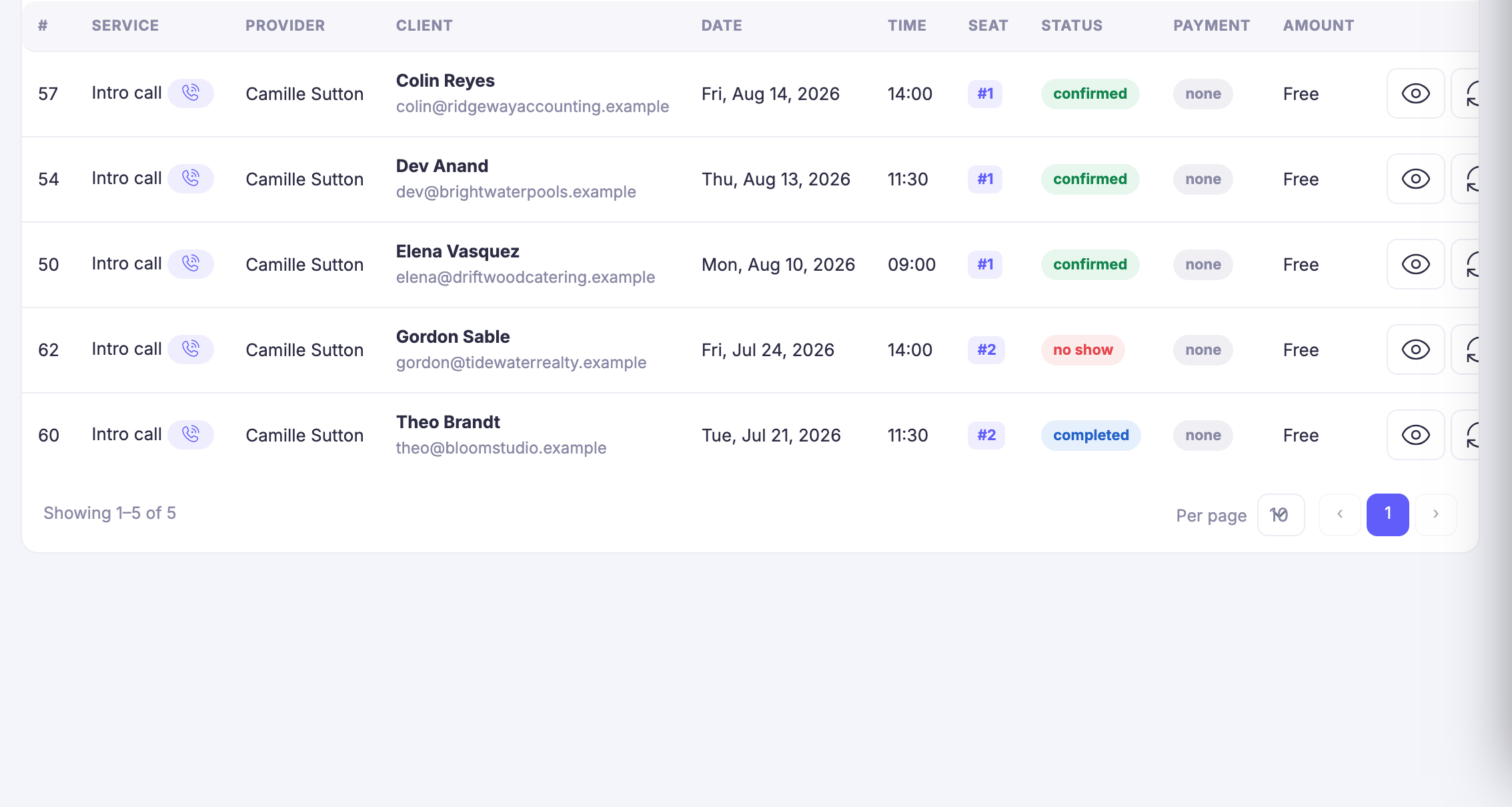
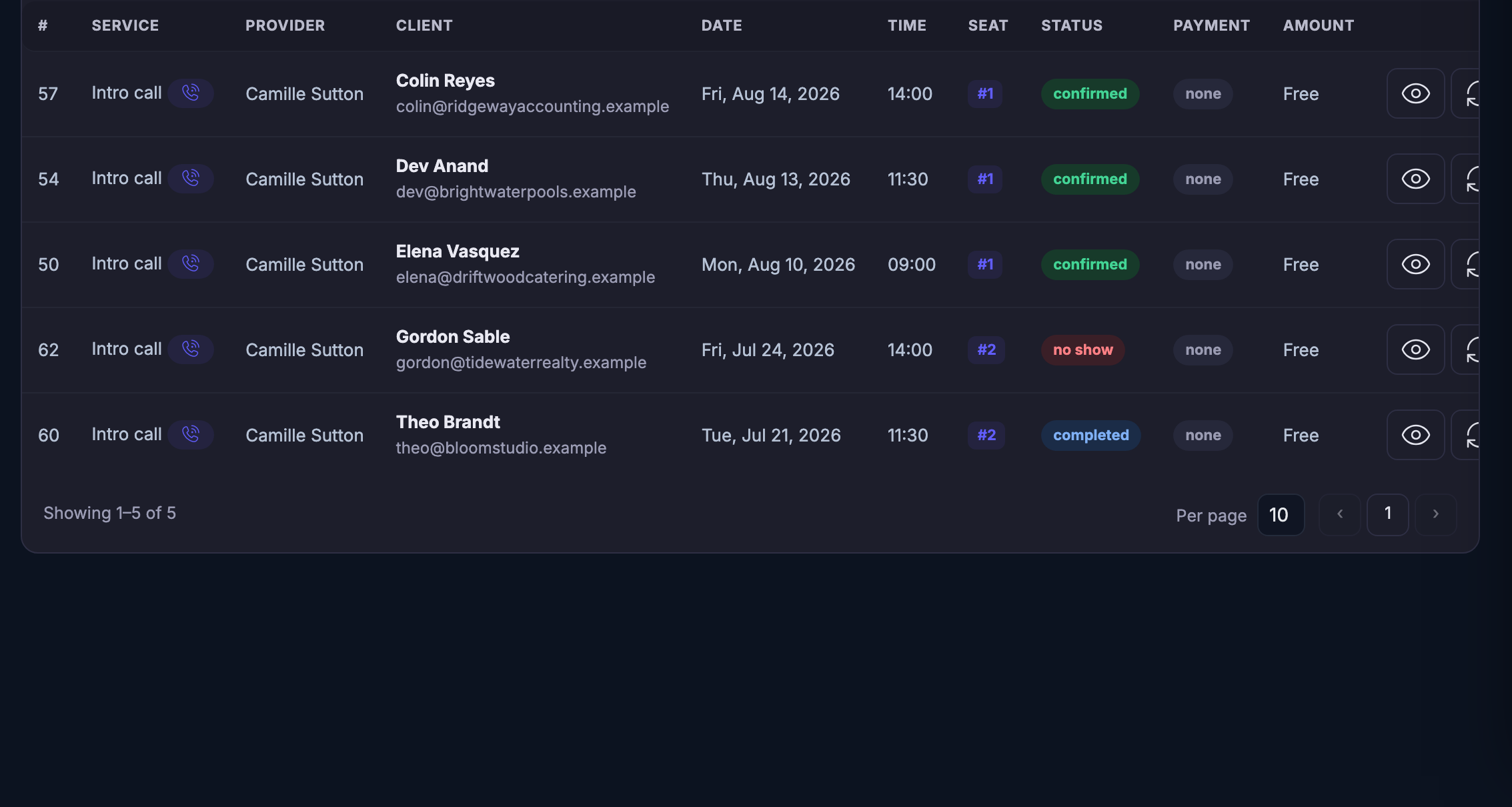
Maven adds this one: every other screen in the module tells you what is booked — this is the one that shows you the shape of the month it is booked into.
Buchungskalender
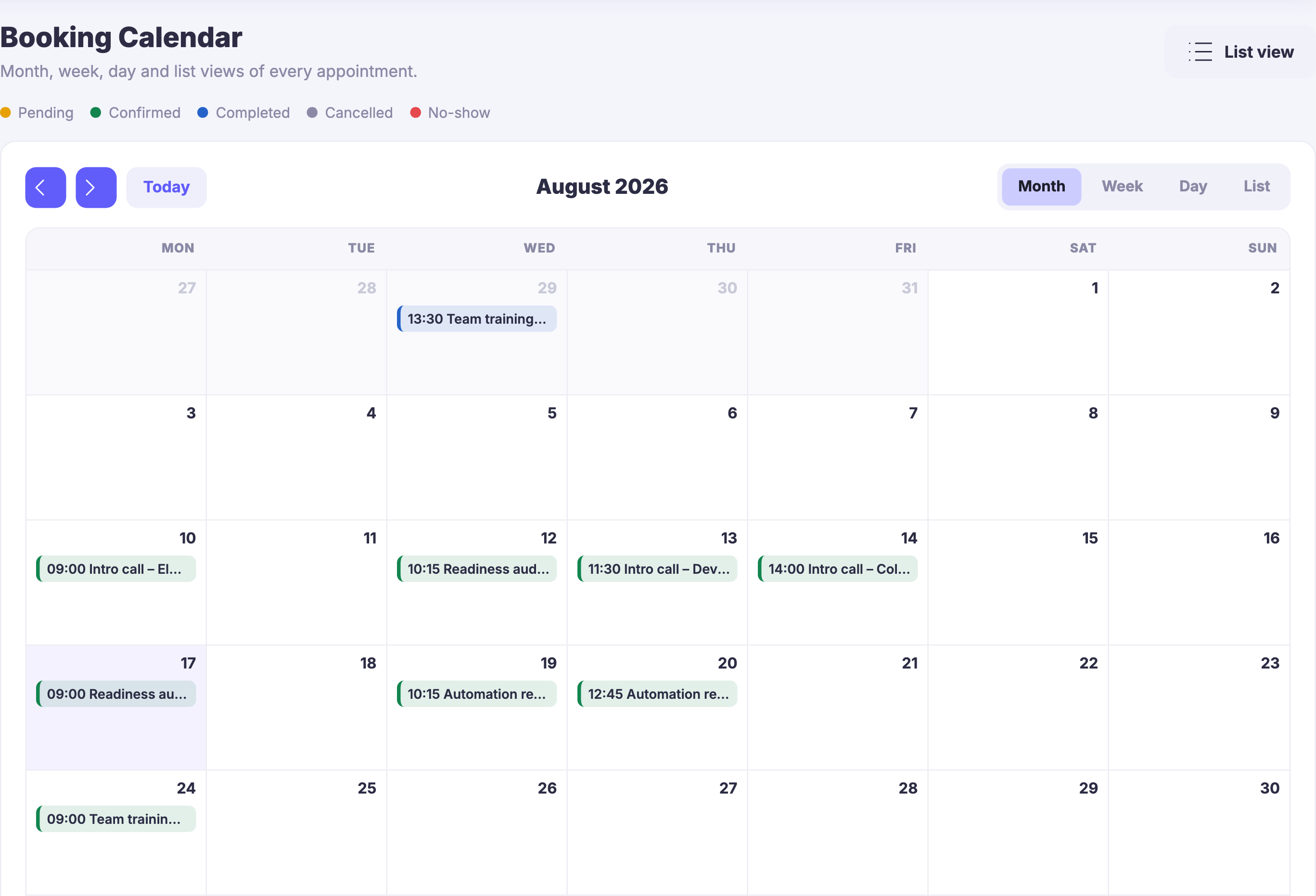
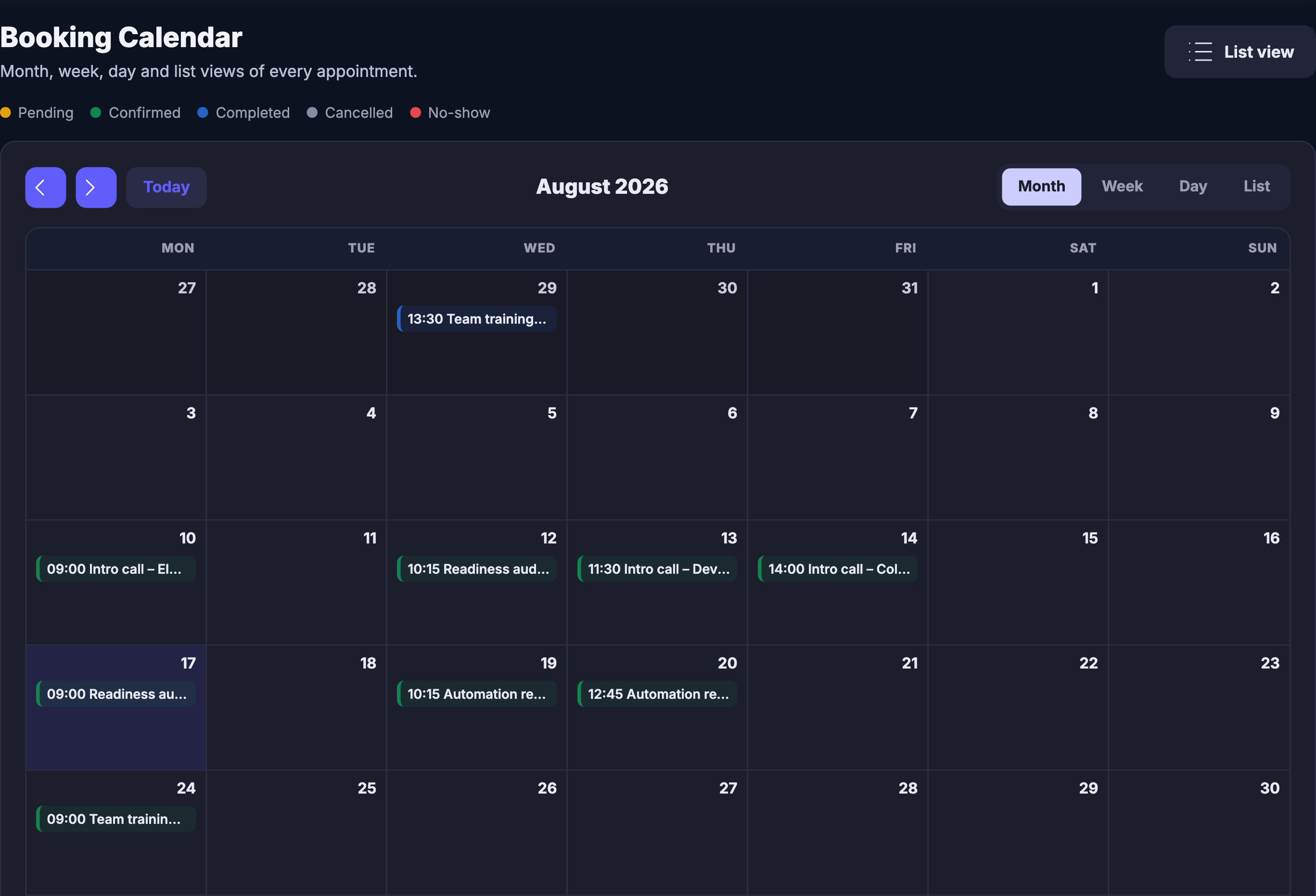
Every appointment you have sold, laid into the month it belongs to — and the same set as a week, a day or a plain list the moment the month is the wrong question.
Read more about Booking Calendar
The month your booked hours actually landed in — and the three other ways to read the same set.
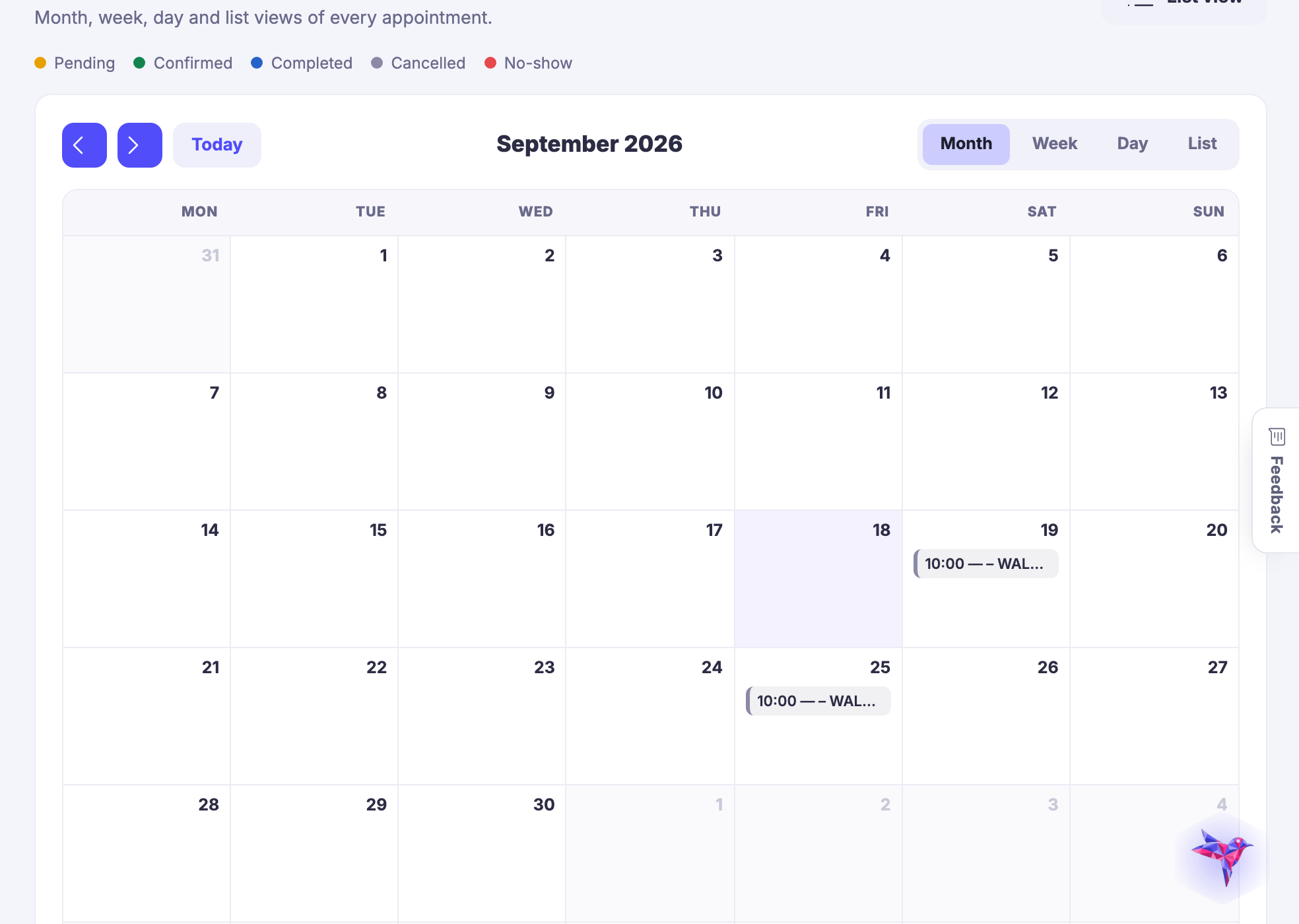
The Booking Calendar is the second of the module’s two run-the-day screens, and it answers a different question from the first. The list tells you what is booked; the calendar tells you the shape of the time it was booked into — where the work clusters, which days are untouched, and what next week already looks like before you promise anybody anything.
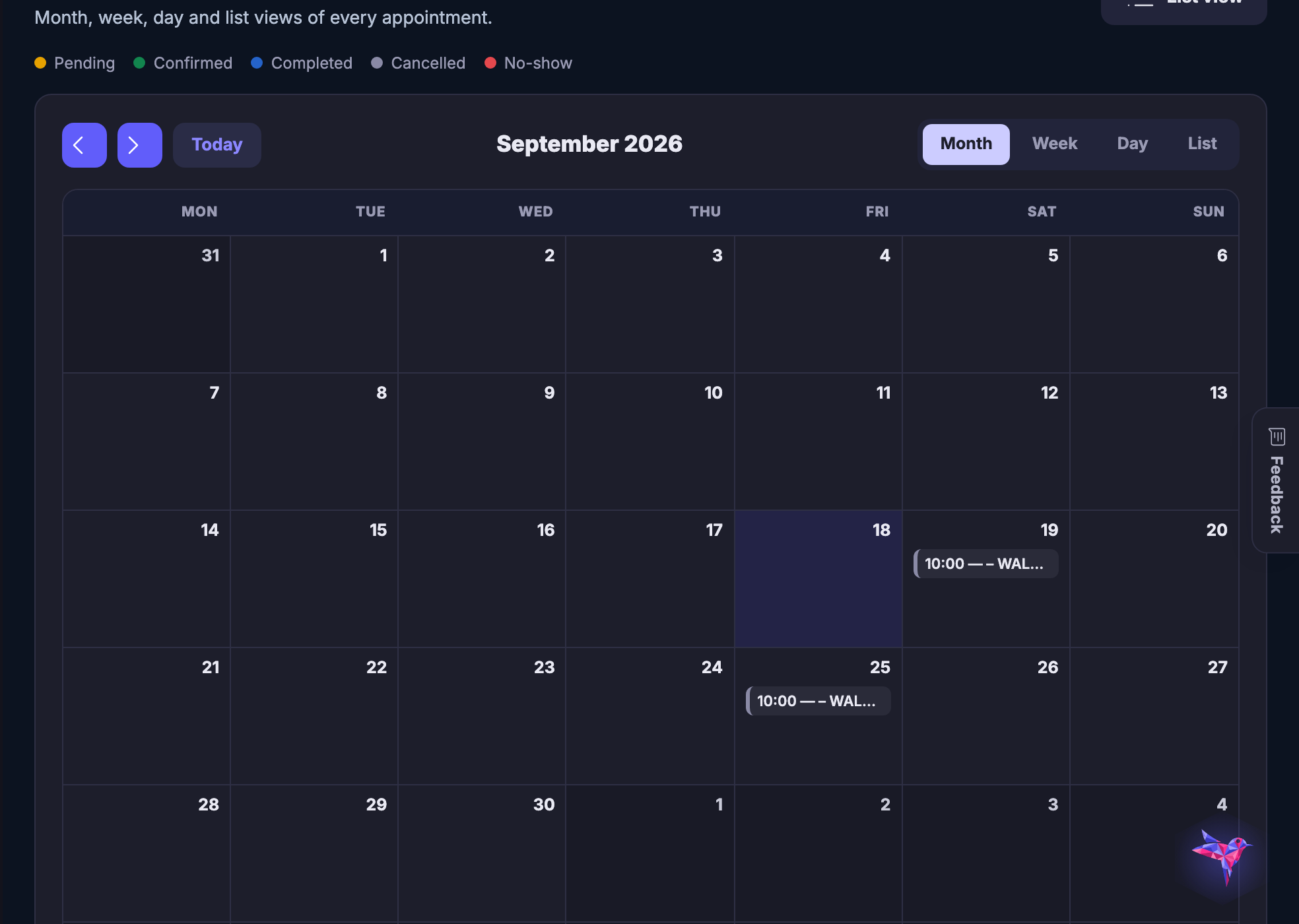
One set of appointments, four ways to read it. Month while you are planning, week while you are working, day while you are running it, and a plain list when reading down it beats looking at it. Every service and every provider lands in the same grid, so the month is the whole business rather than one person’s diary.
Where a booking stands is a colour, not a click. Pending, confirmed, completed, cancelled and the ones where nobody came each own a dot, named above the grid, so a month that is going wrong looks wrong. Nothing has to be opened to be understood.
And what fills this month is decided upstream, on the section this card points at. The hours you open, the buffer between them, the notice you insist on, the daily limit, the days you block — those rules decide which times a customer is ever offered. The calendar is where you find out whether the boundaries you set were the right ones.
What it actually does
- Month, week, day and list views of the same set of appointments
- Every service and every provider in one grid, not one calendar each
- Pending, confirmed, completed, cancelled and no-show, each a named dot
What that changes for you
- You can see the shape of the month before you promise anyone an hour
- A booking that went wrong looks wrong, without opening it
- The week you are about to work is the week everybody else is reading
You come away with the month your sold hours actually landed in, and the four ways of reading it.
Works seamlessly with