Messages

This is the product's own frame. Your conversations appear here once you have an account.

Get started now
Notifications

This is the product's own frame. Alerts about your business appear here once you have an account.

English
It plugged in like it belonged

For developers.

Connectors, embeds and integration points — build on FocalShift with tools that respect your time.

The shape of it

One door, and it is an open protocol.

There is no private integration road here and no second API to learn. Everything a client can do arrives at one governed door, which speaks the open agent protocol over ordinary web authentication — so a client you already have can be pointed at a member’s workspace and start working in it.

Several clients, one signed door, the member workspace behind it

Drawn: several clients, one signed door, and the member’s own workspace behind it.

Two outcomes, not three

Every tool at the door is either green or amber. Green runs. Amber does not run — it comes back as a proposal and waits for the member to approve it. There is no third, louder tier, and nothing executes without landing in one of those two.

The member owns the consent

A client registers itself, the member signs in and approves the scopes, and the token that comes back is theirs to revoke. Nothing is issued behind their back and no seat is ever assumed from a request.

Checked every time

The plan and the scope are checked on every call, not once when the token was issued — so an entitlement that changes takes effect on the next request rather than at the next sign–in.

Why it matters

What this does for your business.

Clean integration pointsConnect your stack the documented way.
Embeds anywhereThe module system works on any site you build.
A human to askDeveloper questions get developer answers.
Part of one platform — works hand-in-hand withYour Website & Servers·Contact

What exists today

The connectors that actually ship.

This list is deliberately short, and it is the whole of it. A connector that is planned is not on it.

The site connector
One plug–in pairs a member’s own WordPress site to their workspace over a signed channel, so the platform can read and change the site without anybody handing over a site password. It is one plug–in with one download door, whichever of its two names you arrived by.
The render plug–in
A companion plug–in that puts the platform’s own modules into WordPress pages as blocks and shortcodes — the render channel beside the connector’s control channel.
Sign in with your account
A first–party identity plug–in, so a member’s own site can use their platform account as its sign–in, with the modern authorization–code flow and proof of possession.
The agent door
The governed door itself, speaking the open agent protocol, with a full catalogue and a smaller curated set for clients that do better with fewer choices. Any compliant client on the internet can register, get consent and drive a workspace.
Your own model key
Under Provider Keys a member adds their own model provider key, tests it without storing anything, and pays that provider directly instead of spending platform credits. It is a premium–plan road.
The connections page
One place inside the product where third–party accounts are attached. Cards for providers whose keys are not yet in place say so plainly rather than pretending to be connected.


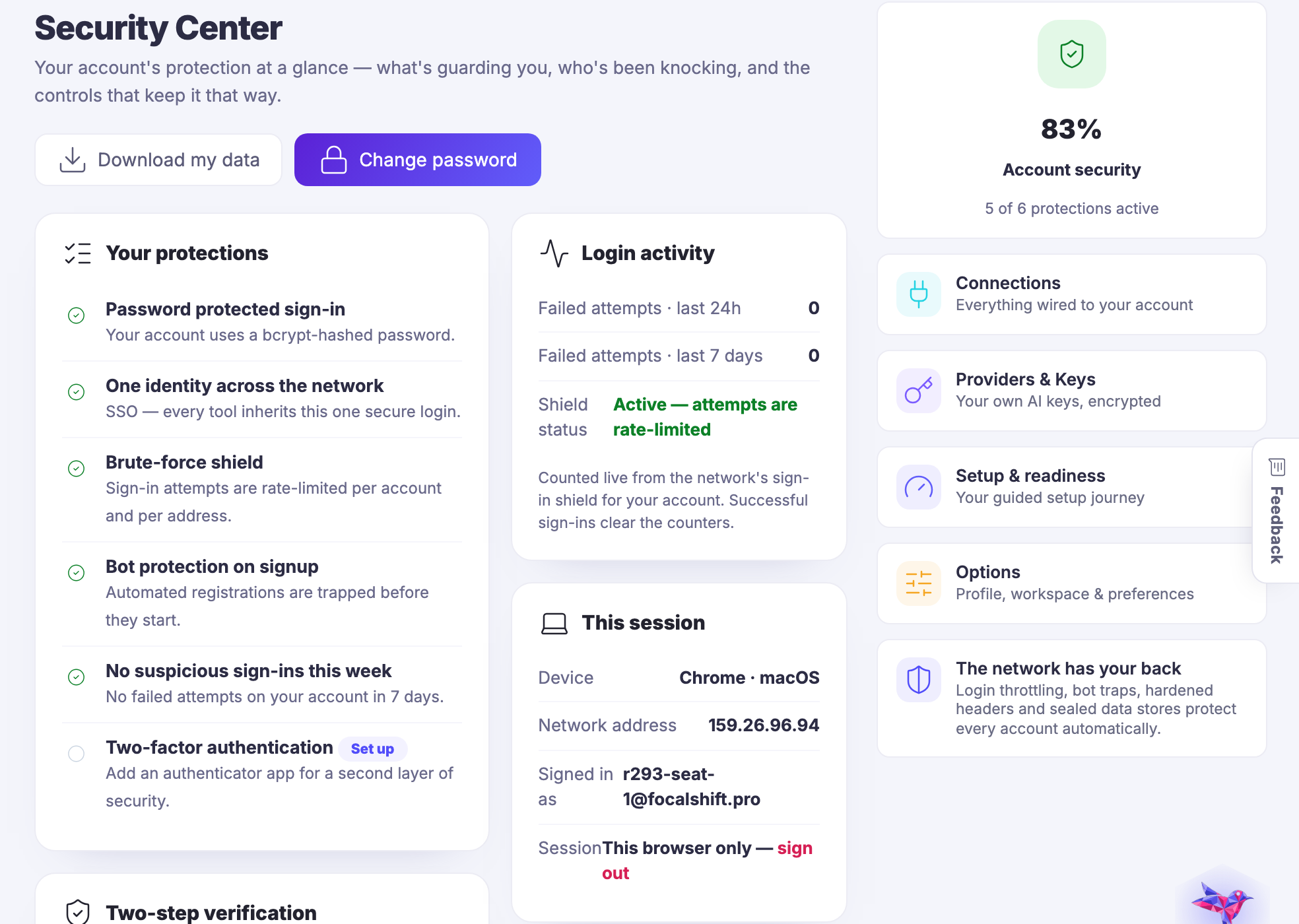
The real screen

Where a member brings their own key.

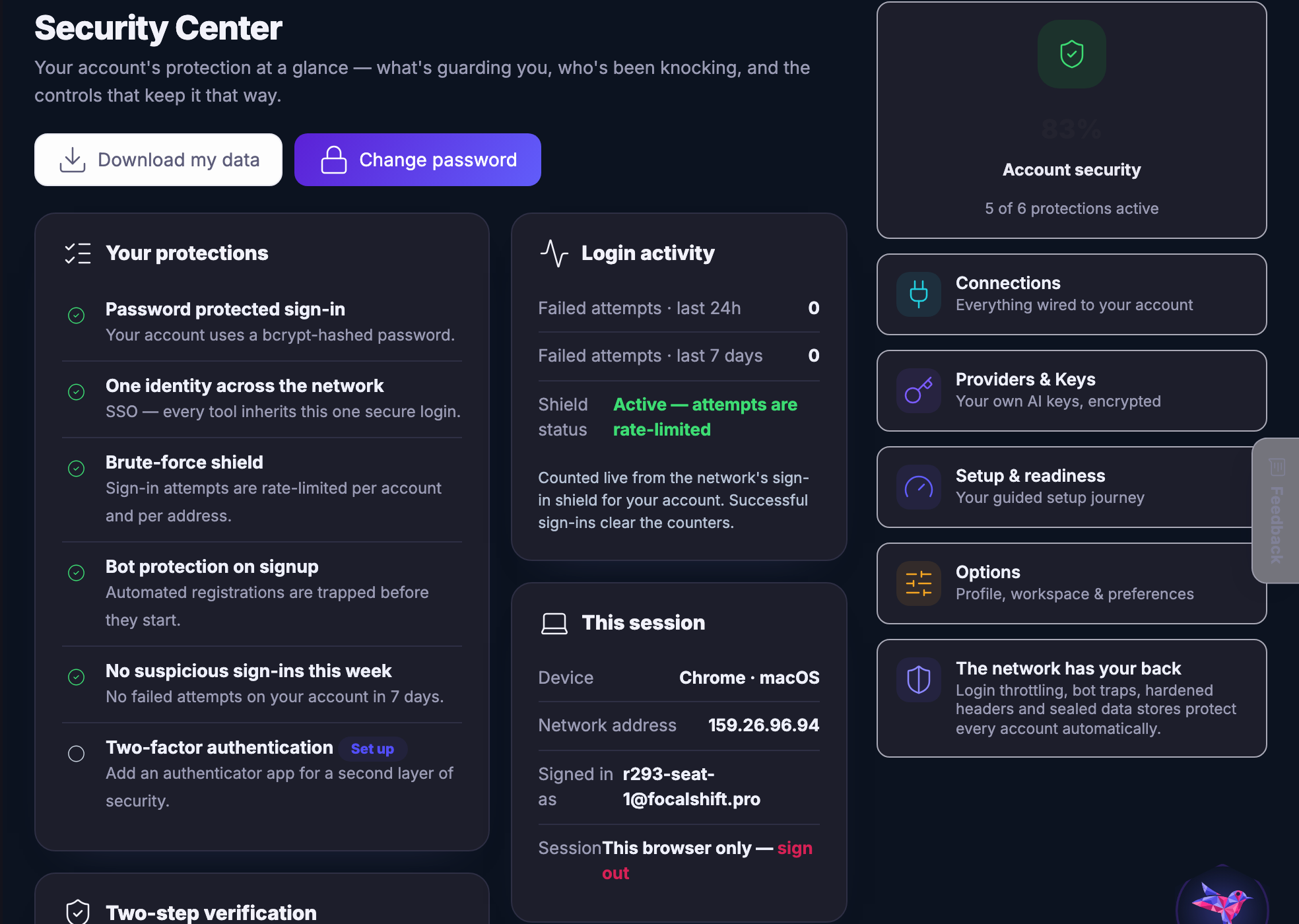
The security workspace, where connections and keys live. It is a photograph of the product, not a drawing of it.

Security and connections — What is connected, who can get in, and which keys are in use - on one screen, in the member's own account.
Security and connections

What is connected, who can get in, and which keys are in use — on one screen, in the member’s own account.

Captured from a demo business on a live account, in a browser kept apart from anyone’s own. No token, key or secret of any kind appears on this page or in any capture on it — not a value, not a prefix, not a shortened one.

Point your own client at it.

Join the beta program

See it in your own business.

Everything on this page comes with the platform — start free and try it on your real work.

Get started now
One connected destination

Go deeper without losing the thread.

Each title beginning with a hashtag is a direct destination. The navigation can bring you to the exact part of the story without creating another disconnected page.

One protocol. Every approved AI client.

One protocol. Every approved AI client.

FocalShift speaks the Model Context Protocol, so an approved AI client can work inside your business instead of guessing at it. Tools and context stay scoped to the member who owns them, and consequential actions stay behind approval.

Work from ChatGPT and Codex.

Work from ChatGPT and Codex.

Point an OpenAI client at the FocalShift connection and your business context travels with the conversation - the same tools, the same permissions, the same visible trail.

Work from Claude Desktop.

Work from Claude Desktop.

Add FocalShift as a connector in Claude Desktop and the assistant works from your real business context, inside the same member-scoped boundary.

Open Claw.

Open Claw.

Connect an always-on autonomous agent to your operating layer.

Paperclip.

Paperclip.

Coordinate AI agents, goals and work from one connected system.

Next Up: Meet Maven

Your AI teammate for moving real work forward.

Ask Maven