Sign in to Mission Control, or create your free account.
Sign in Create an accountEvery workspace, group and tool inside Mission Control — 286 of them, in the order the platform itself puts them in. This is the real inventory, not a summary of it.
What you are looking at
This is not a summary of the product and it is not a feature list written by marketing. It is the platform’s own inventory of workspaces, groups and tools, in the order the platform itself puts them in — which is why it is long.
Drawn: a great many separate doors, gathered into the handful of corridors the product actually groups them into.
The families below are the site’s own rail words. Each one gathers the workspaces that sit under it, so a long inventory has a short way in.
No workspace is sampled, ranked or truncated. If a tool is in the platform it is on this page, whether or not it is the one we would have chosen to show you.
Every tool lives behind a sign–in, so the links here go to the public page for the area rather than to a door that would close in your face.
The five families, and every section under them
The site’s own navigation words, each gathering the workspaces below that belong to it. Every section on this page is placed under one of them, and every name here jumps to that section.
Ai Mission Control
Phần cứng
Tài nguyên
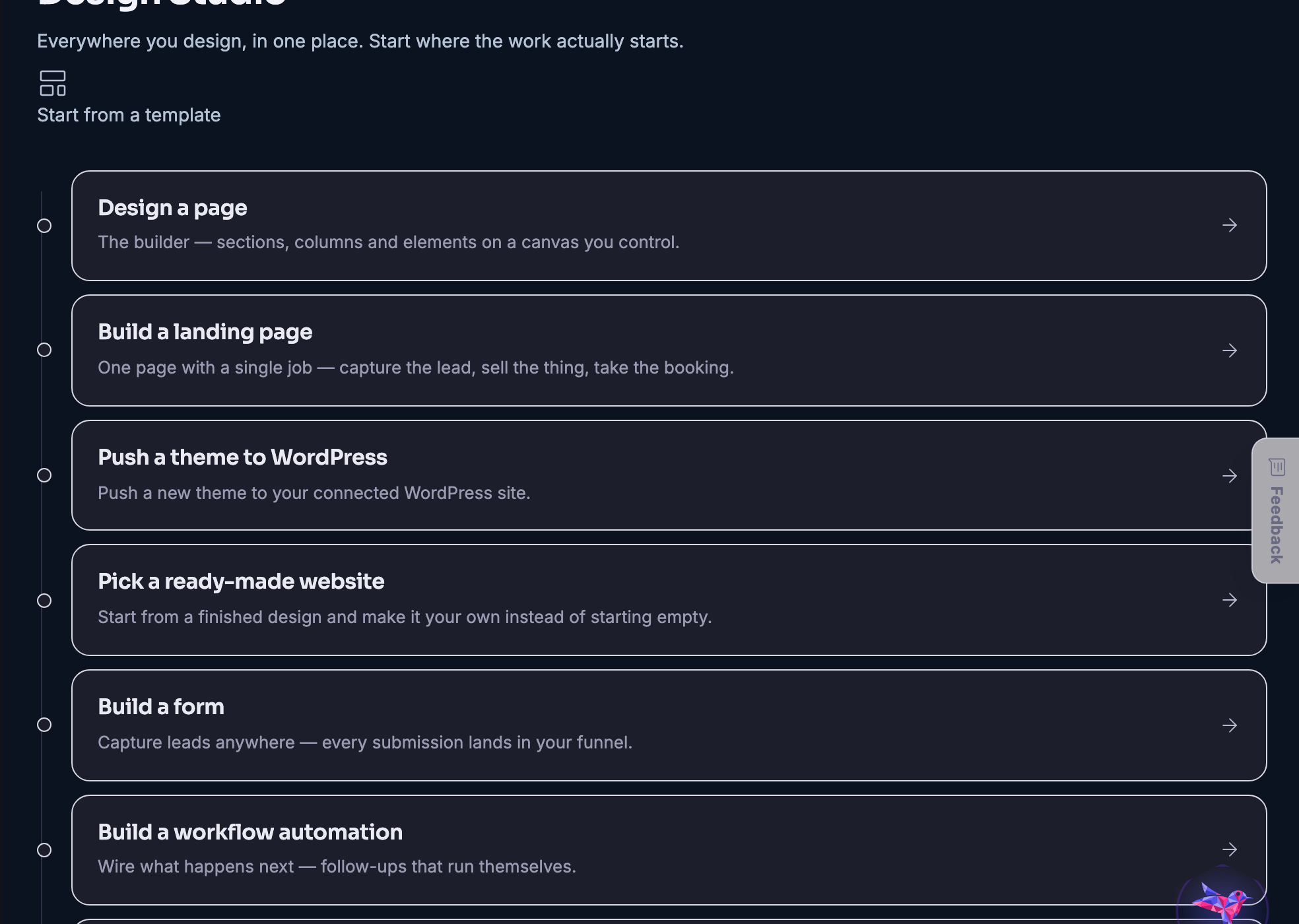
The things you can start from nothing, grouped by what you are trying to do.
Where the whole business is in one view — the money, the goals, the calendar and the work in front of you.
Everyone who has ever bought, asked or nearly bought, and the next step written on each of them.
Every way money arrives — sales, clients, memberships, deals and bookings — counted in one place.
Every channel a customer can reach you on, landing in the same timeline.
Making the thing, planning it, shipping it and then finding out whether it worked.
Shared work, client work and the spaces people do it in.
Tickets, attendees, schedules and the door on the day.
The sites, servers, domains and backups underneath everything else.
A full mail platform — the inbox, the list, the campaigns and what happened to them.
A real shop: stock, tills, staff, suppliers and the reports that follow.
The public side — the people already building, what they are making, and how to reach them.
Courses to take, courses to teach, and what your agents are being taught.
Your business, your opportunities and your area, seen geographically.
Making images, video, characters and copy — and keeping what you made.
Broadcasts and podcasts out of one setup, recorded and published.
The builder: pages, shops, templates and pushing a design to your own site.
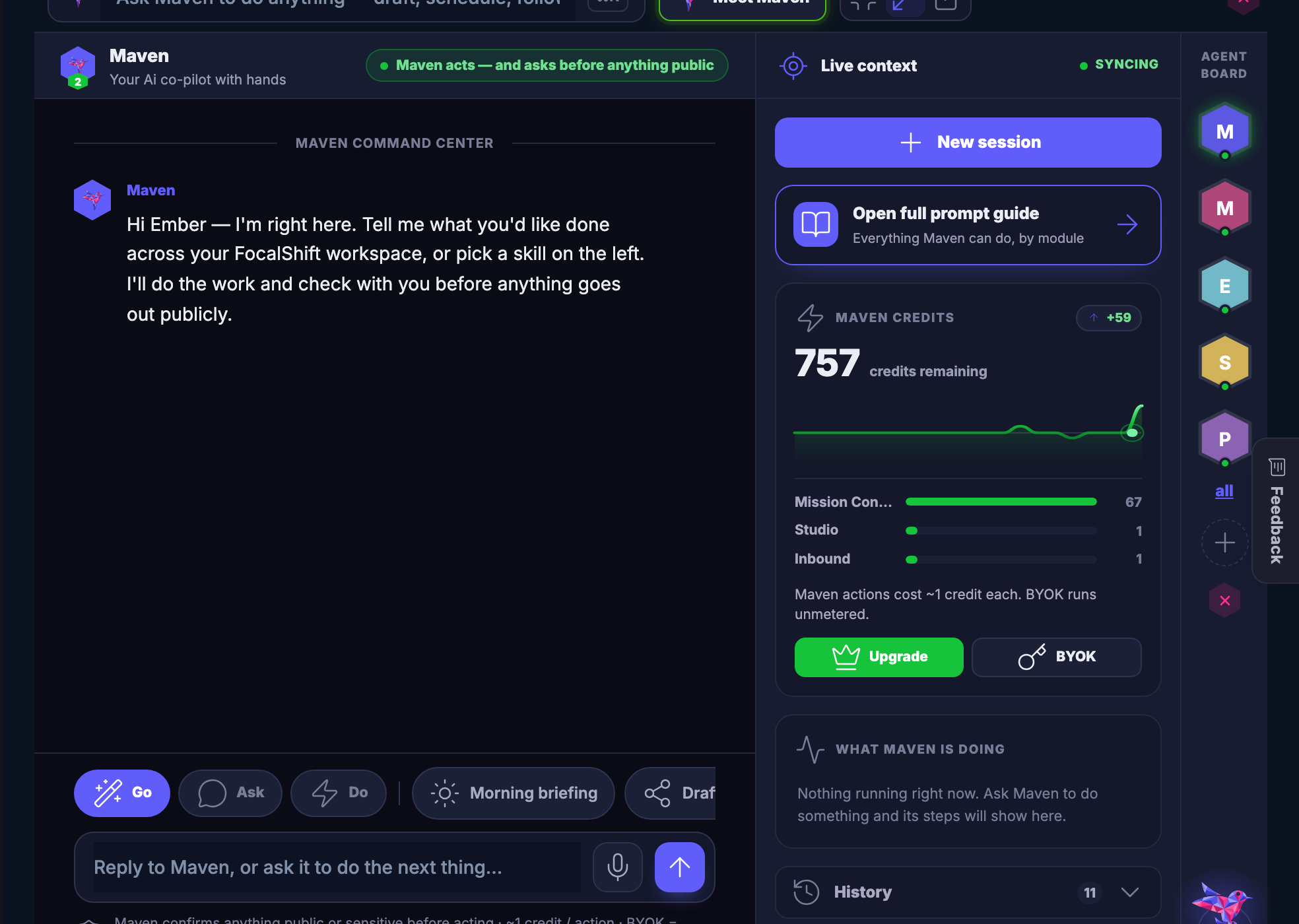
Maven itself — the chat, the agents, and how you train them on your business.
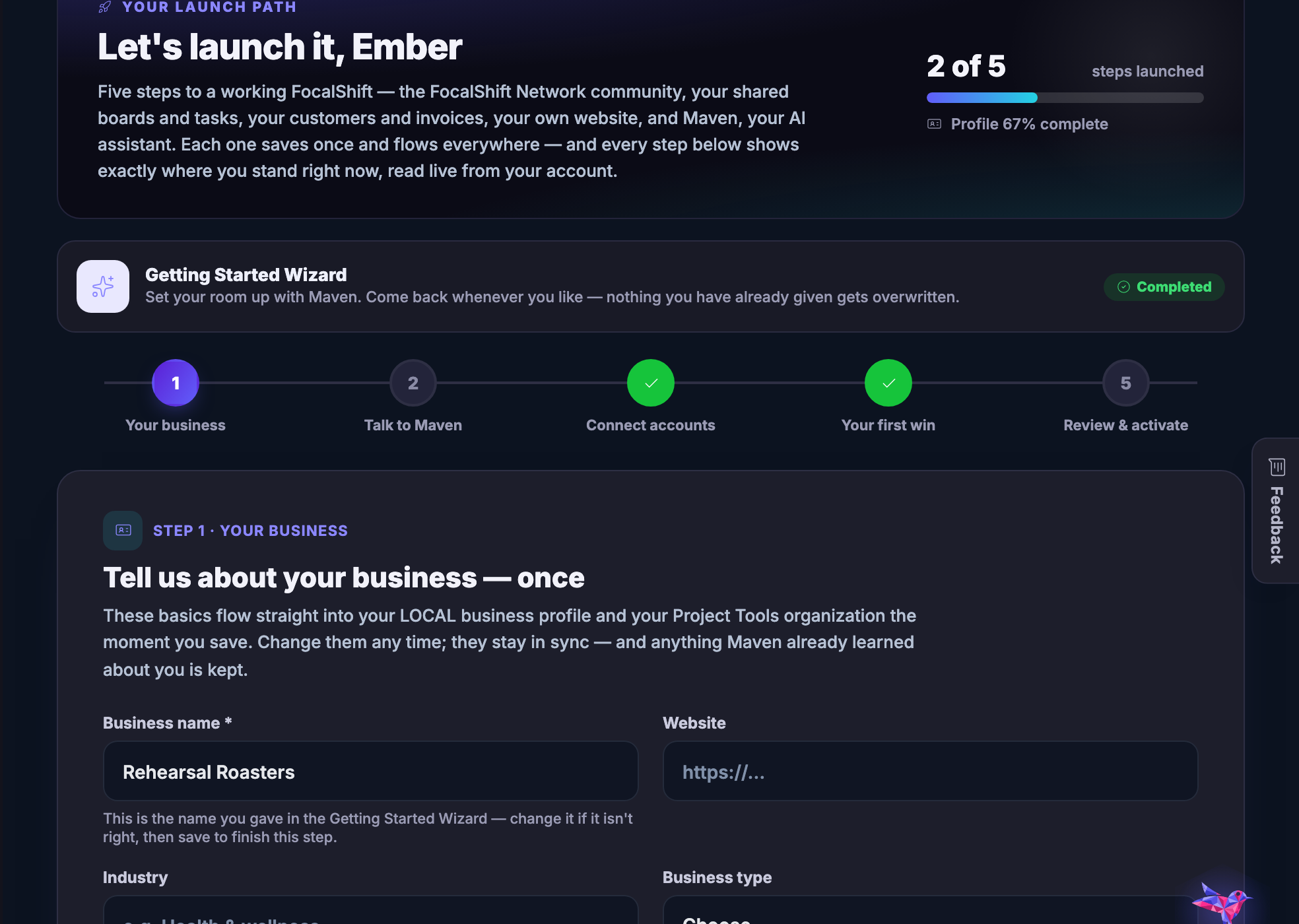
The five things worth doing first, in order.
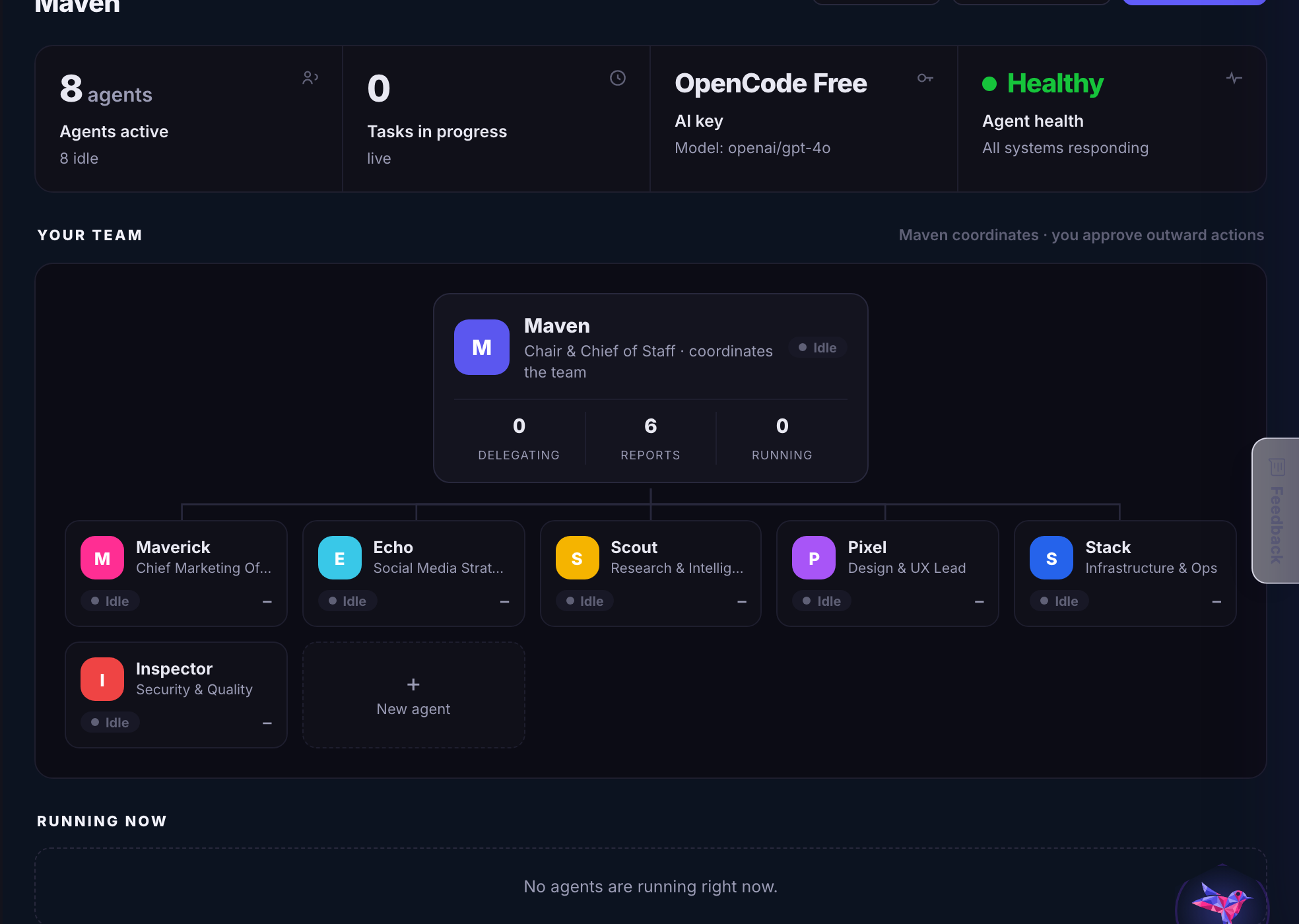
The agent platform underneath: playbooks, connections, memory and models.
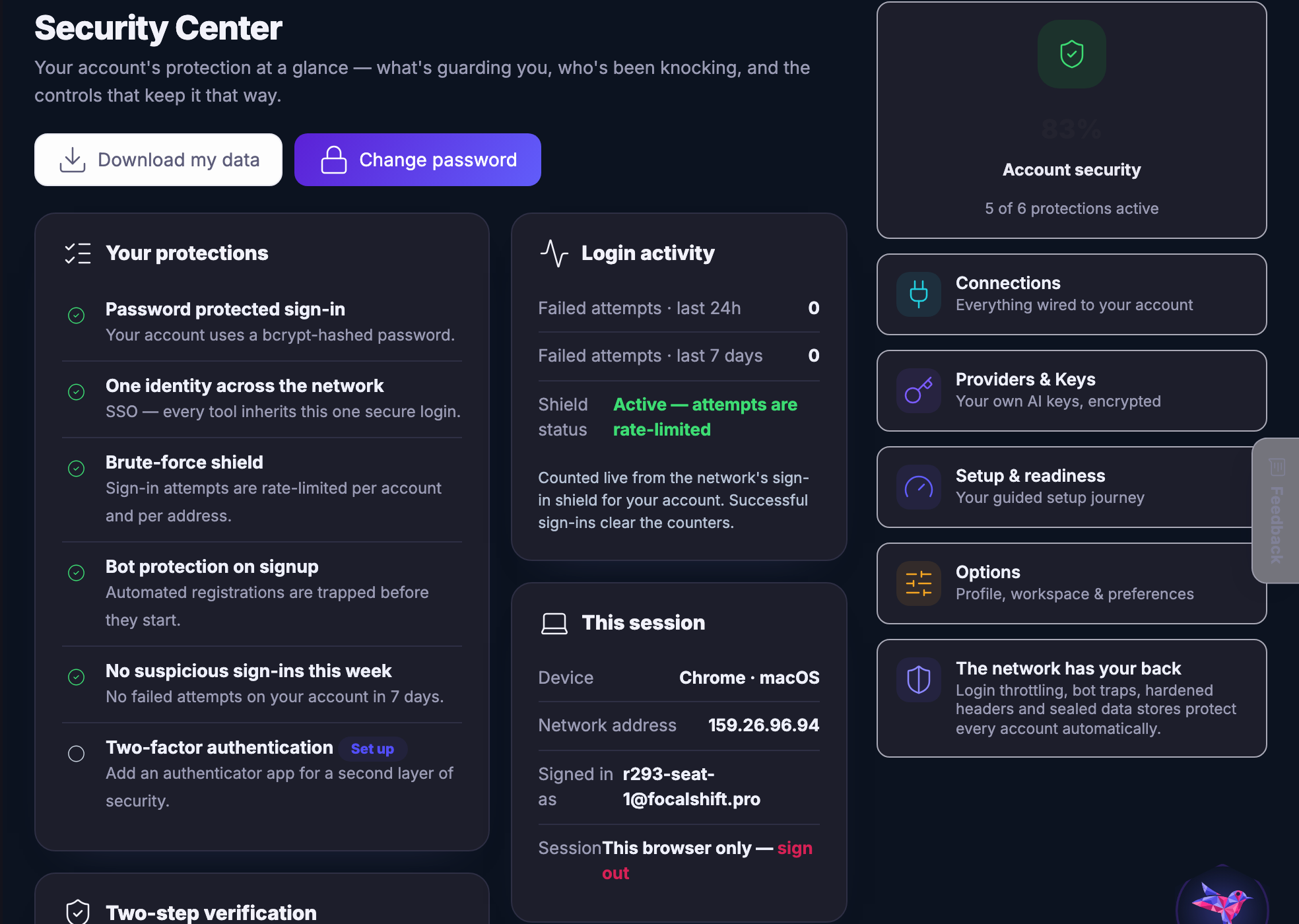
Who can get in, what is connected, and which keys are in use.
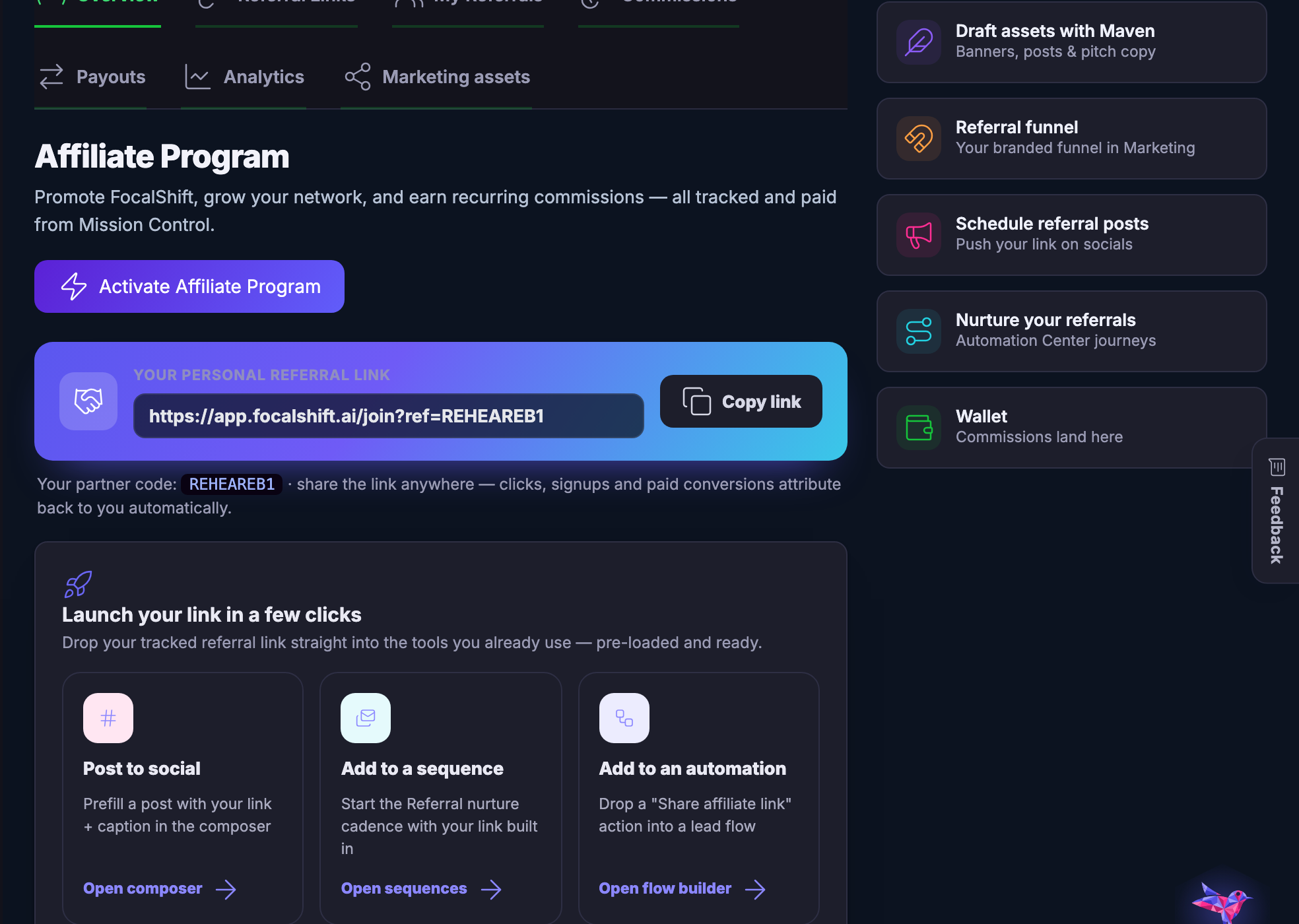
Referring other people to FocalShift, and being paid for it.
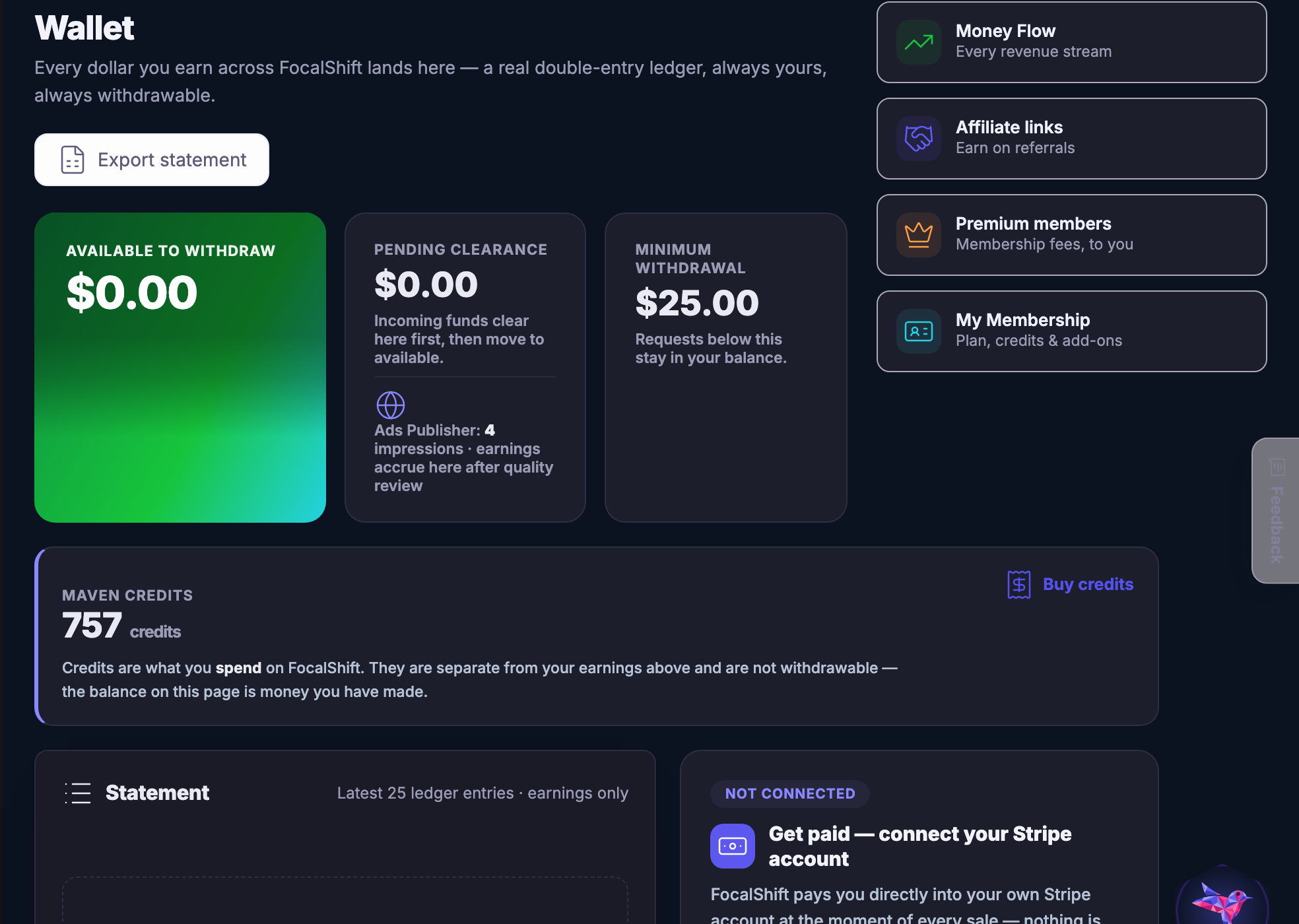
The account itself — your plan, your wallet, your profile and where to get help.
286 tools across 66 groups and 23 workspaces. Tell Maven what you are trying to do and it will build you a page out of the ones that apply.
Gặp gỡ MavenEvery workspace, on the screen a member works on
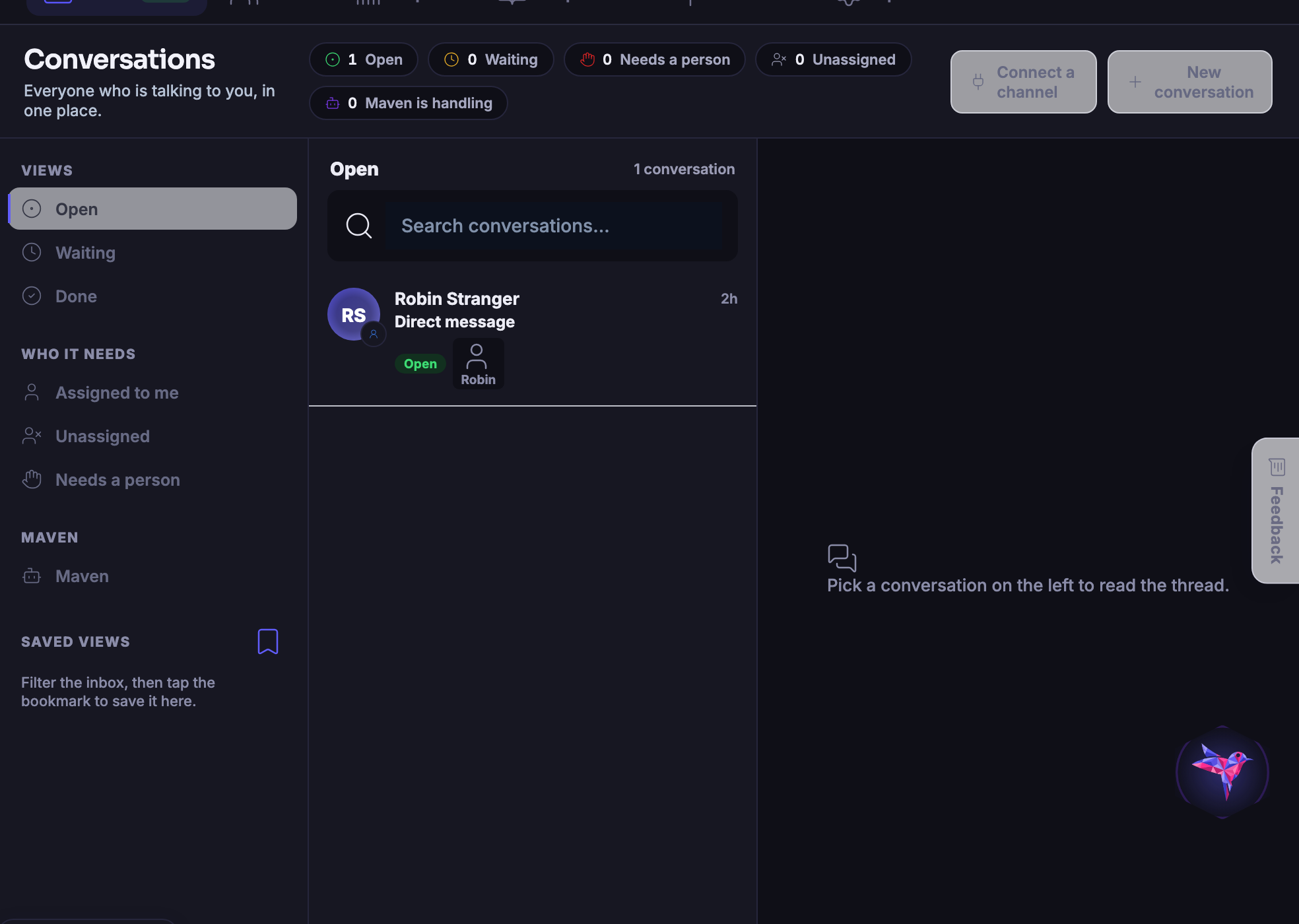
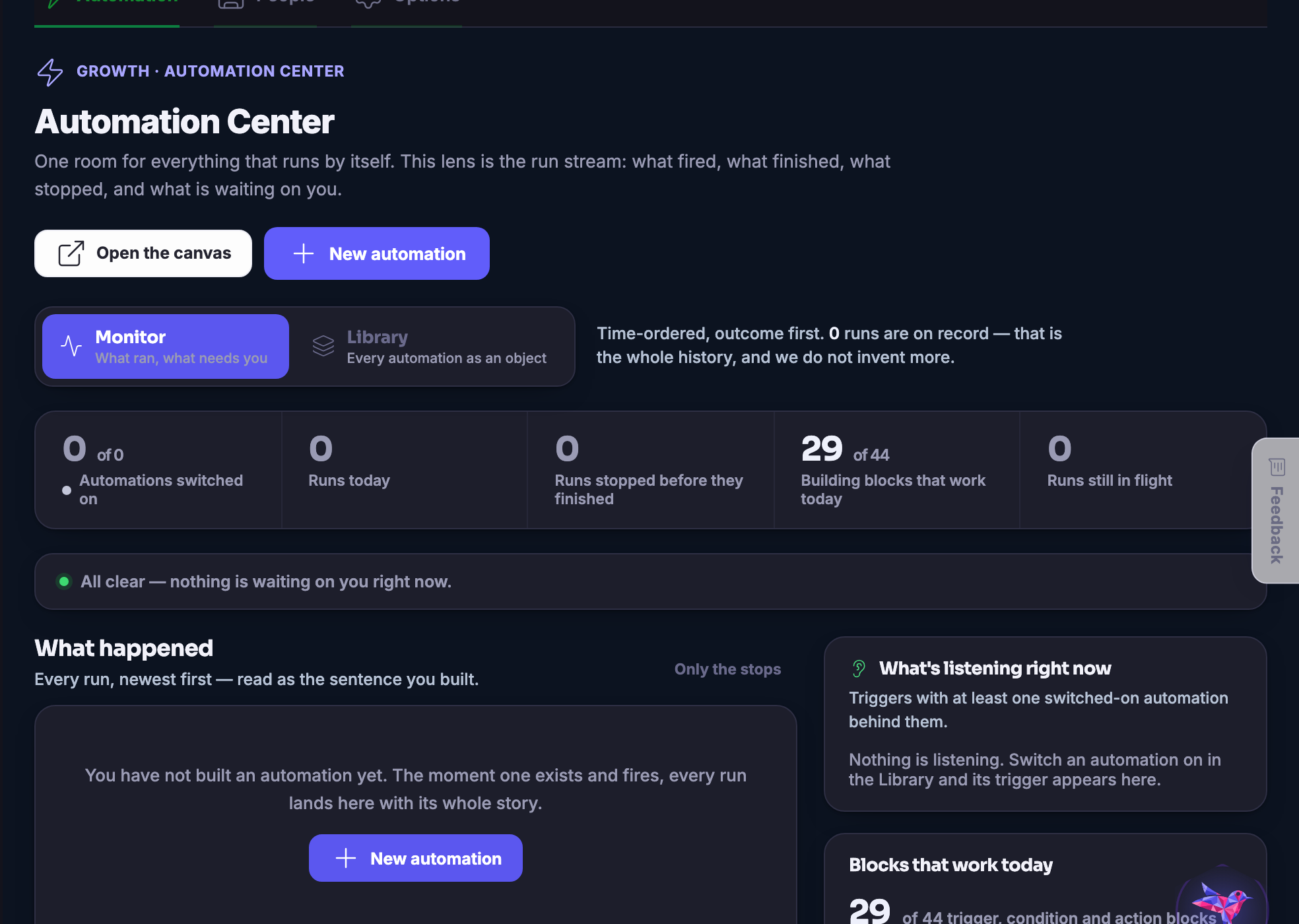
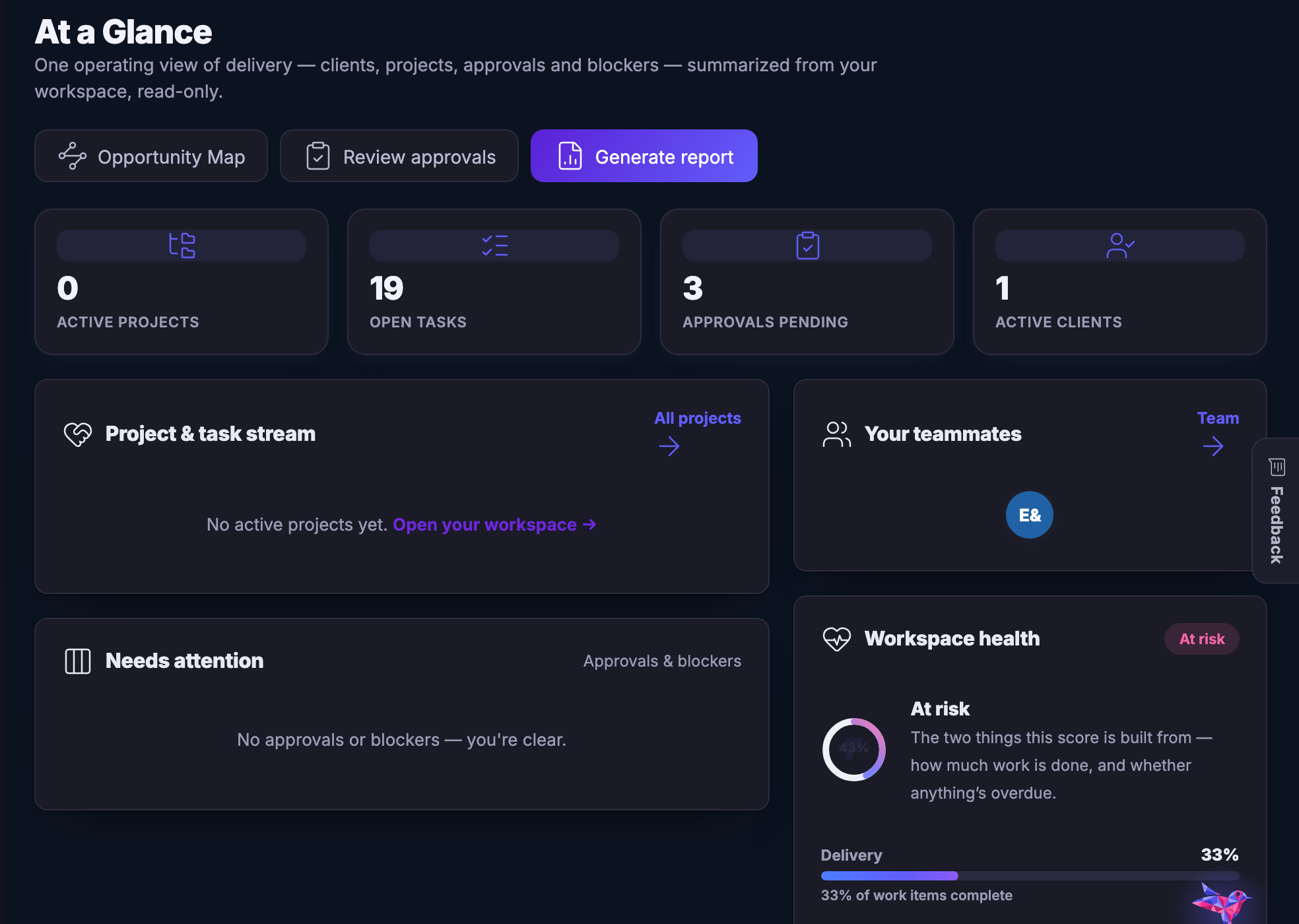
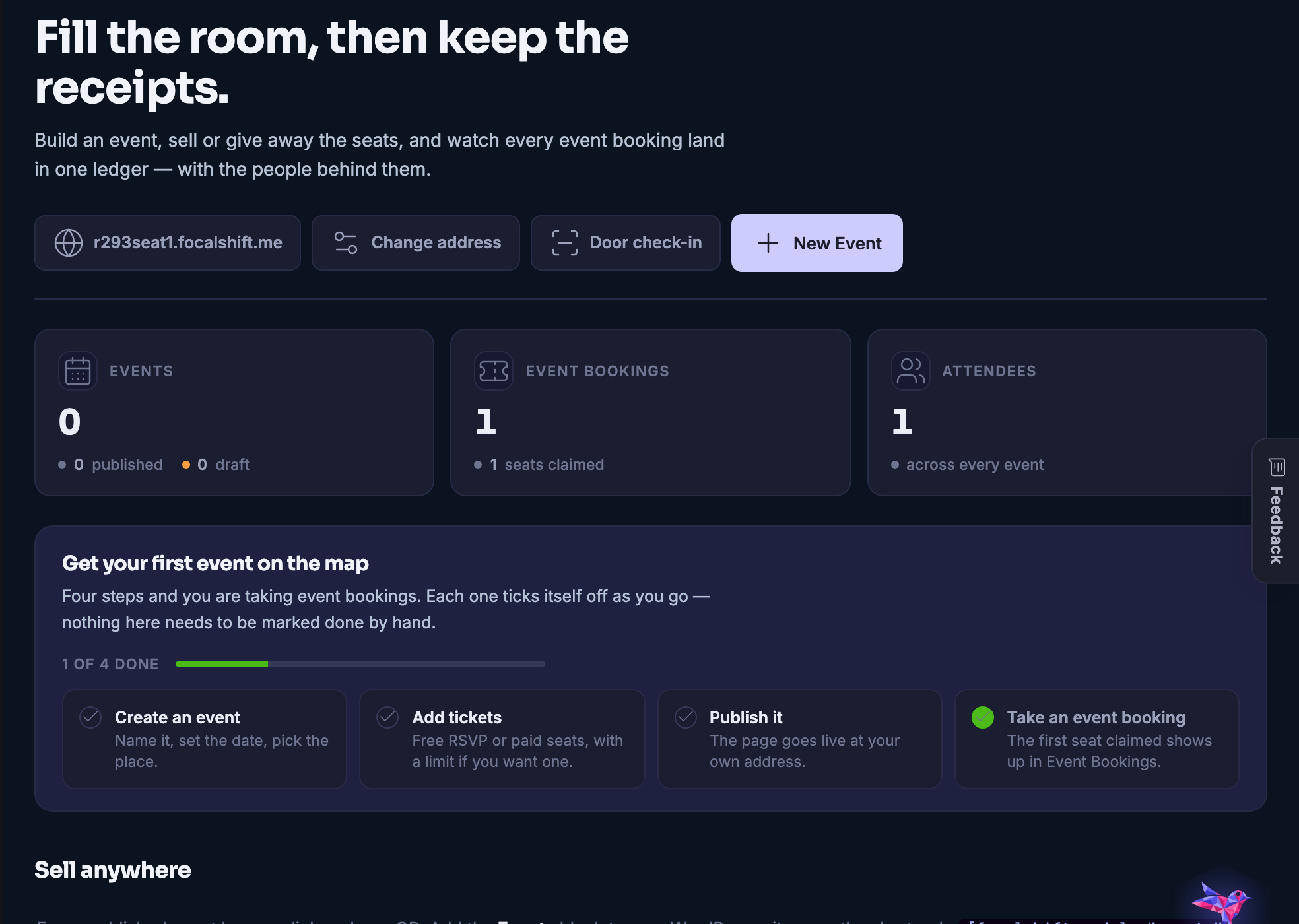
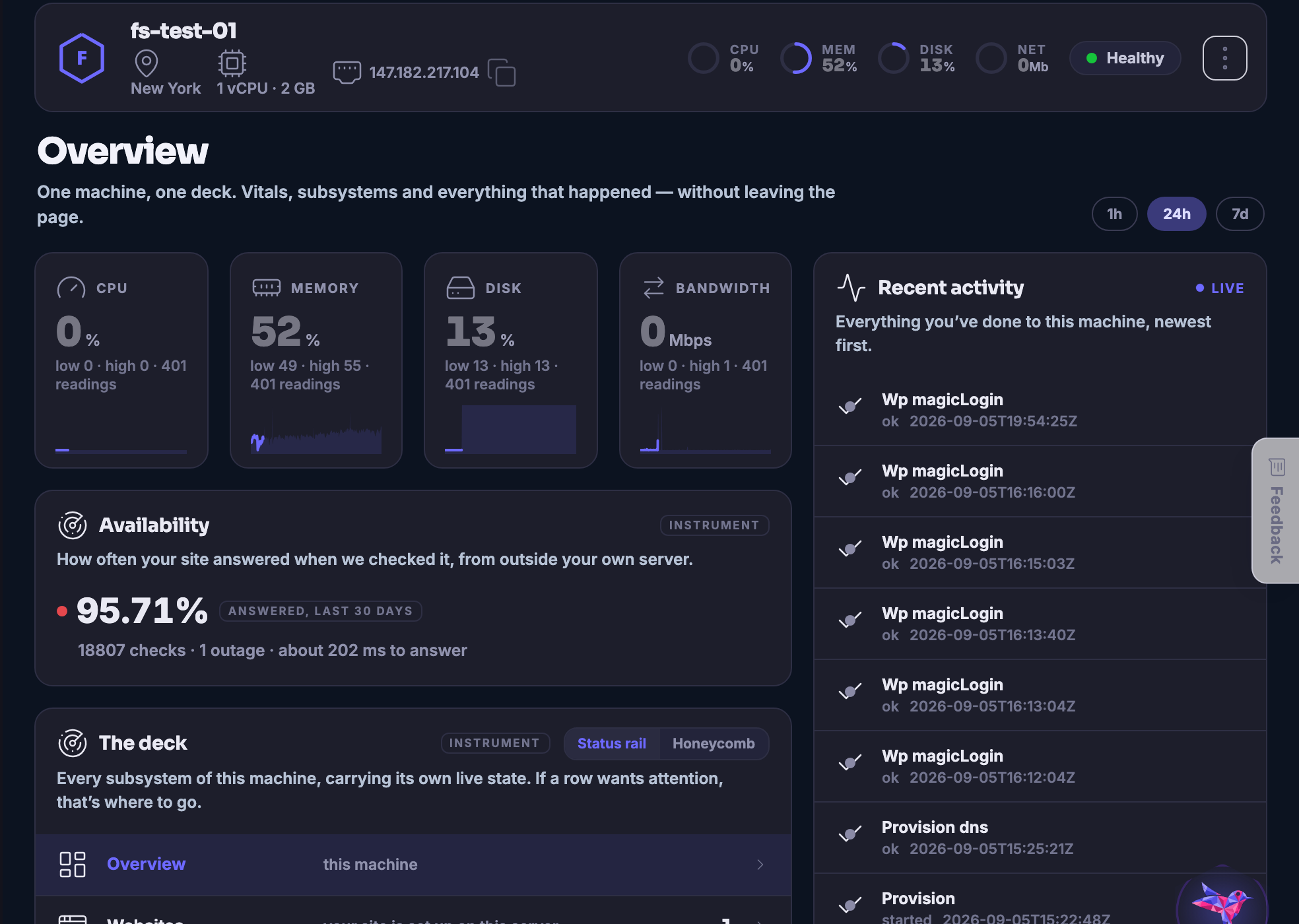
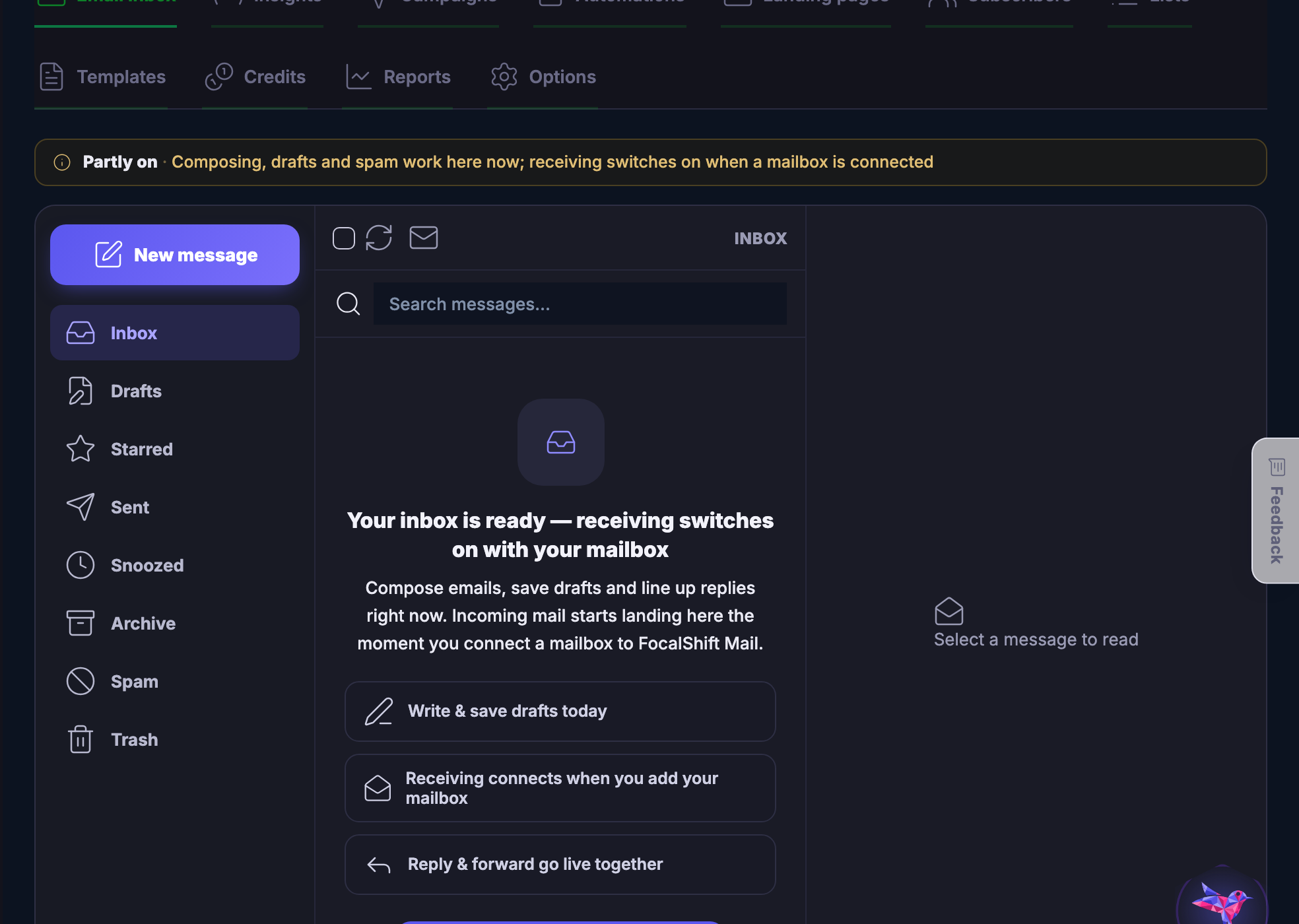
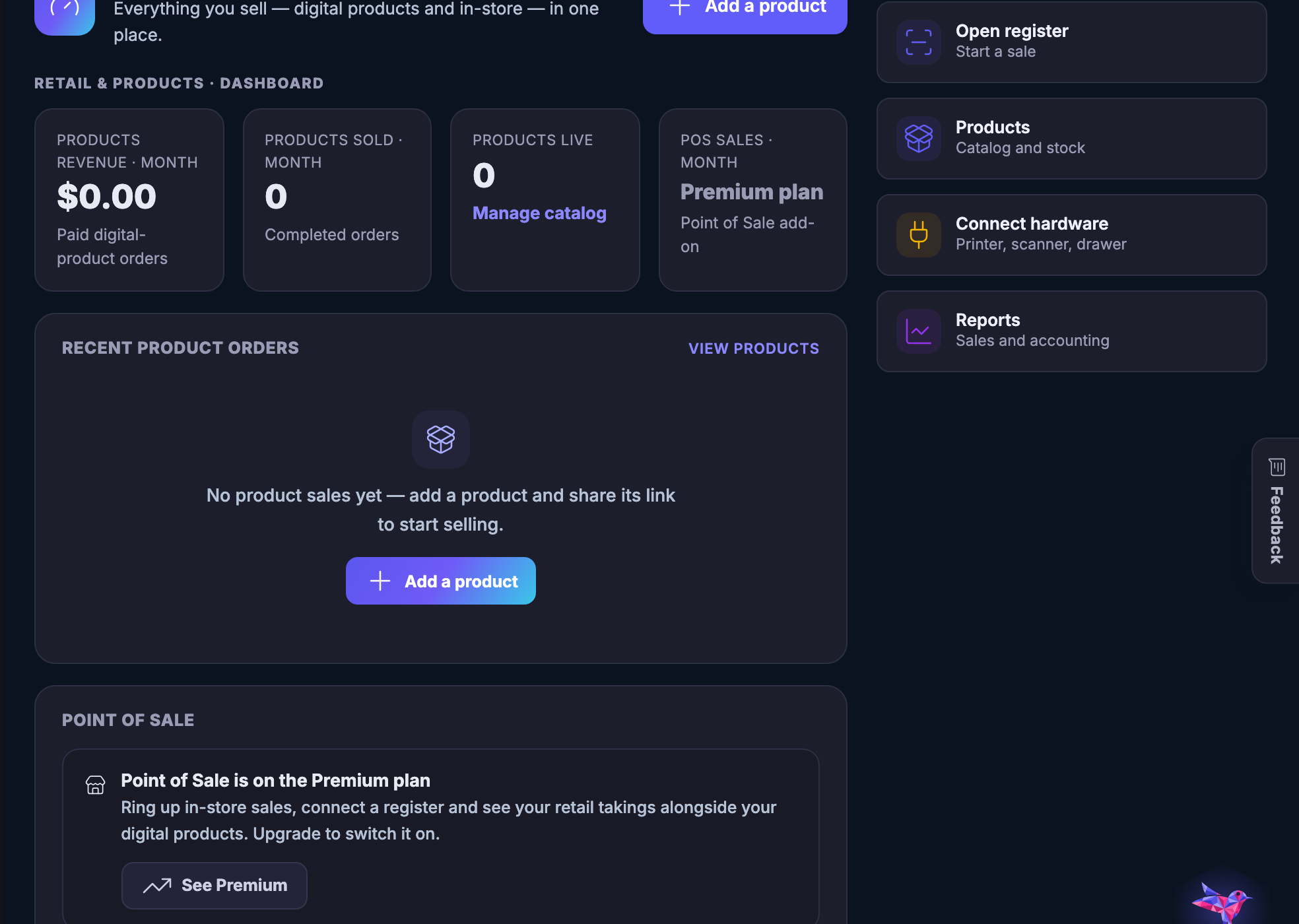
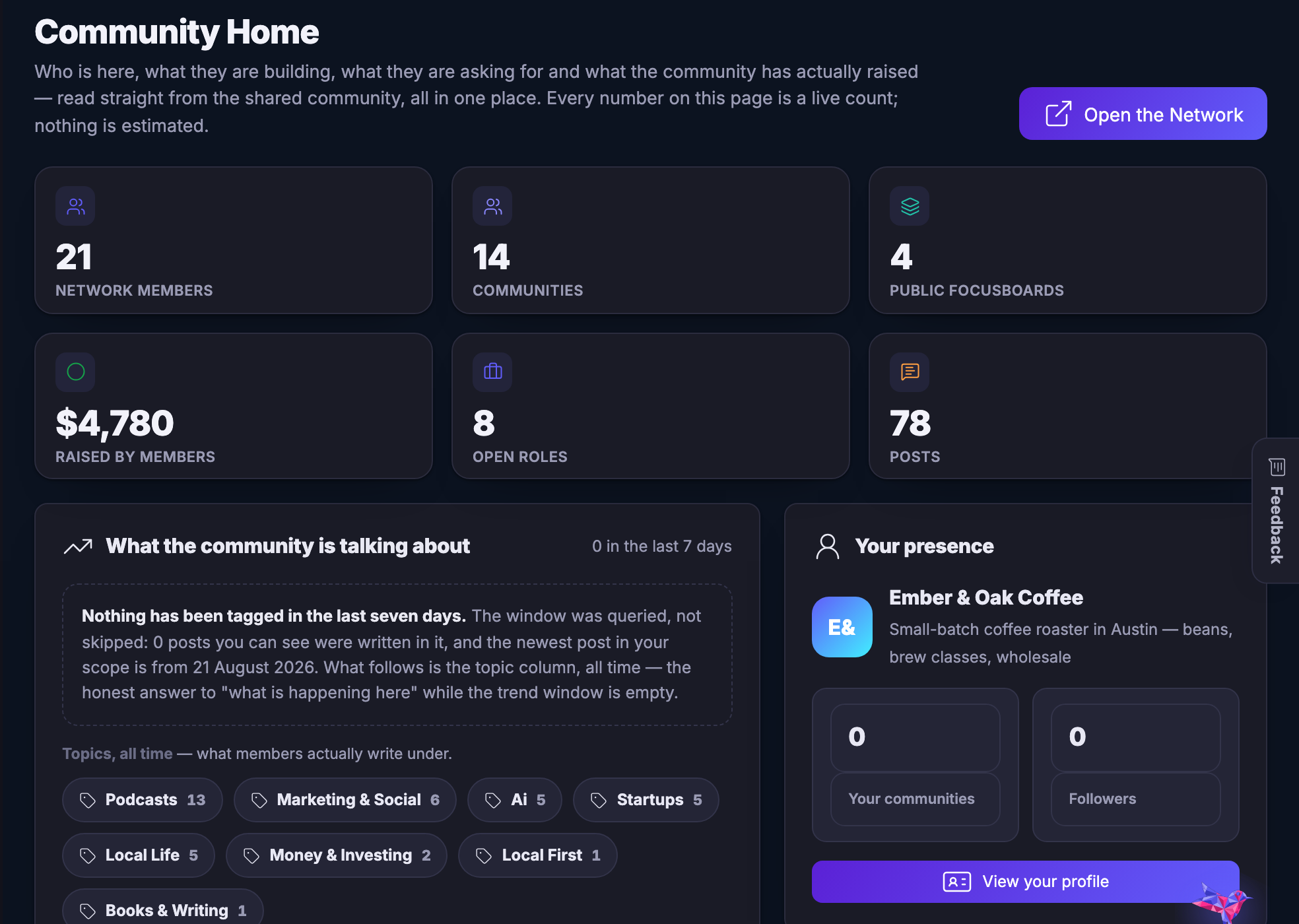
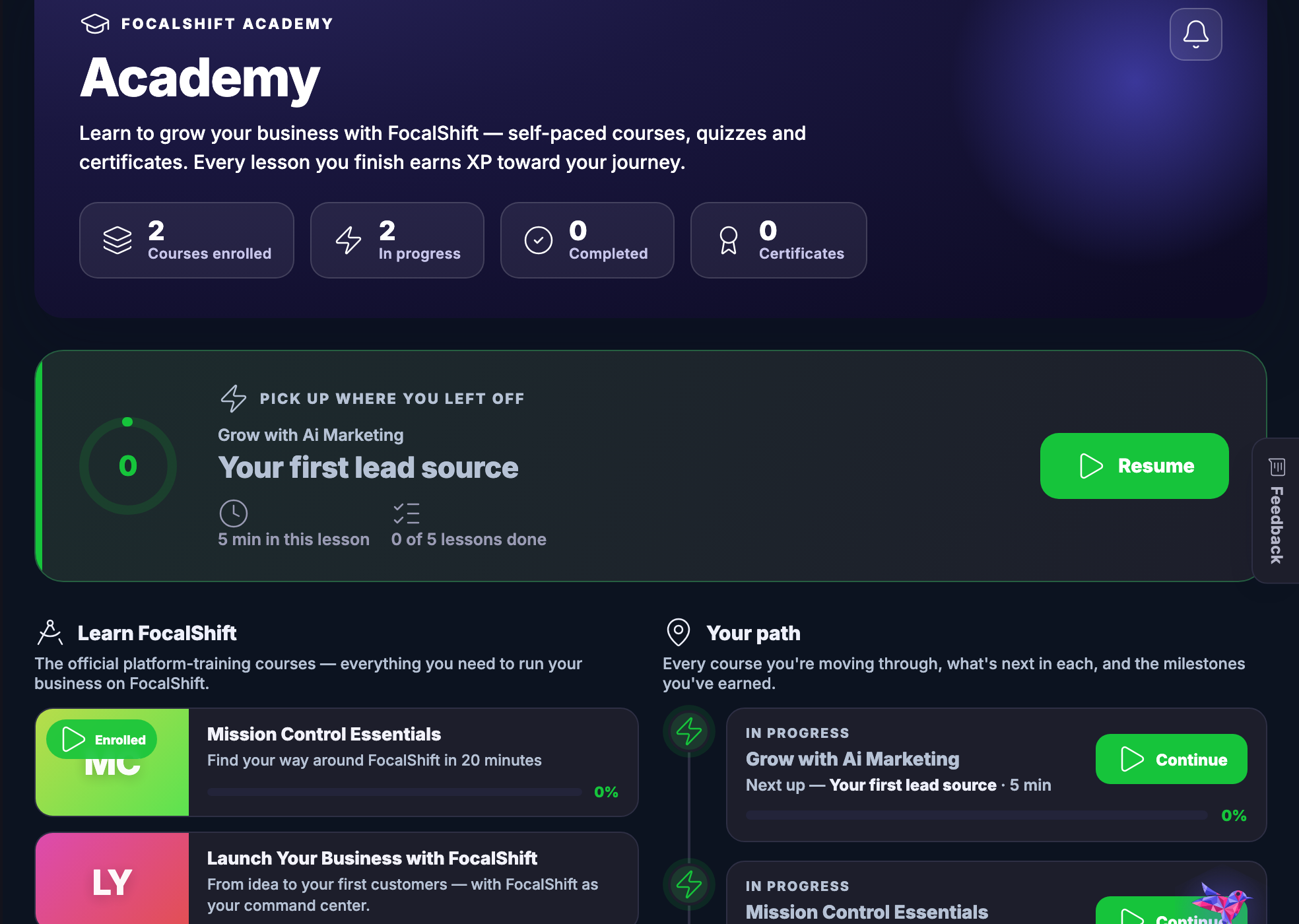
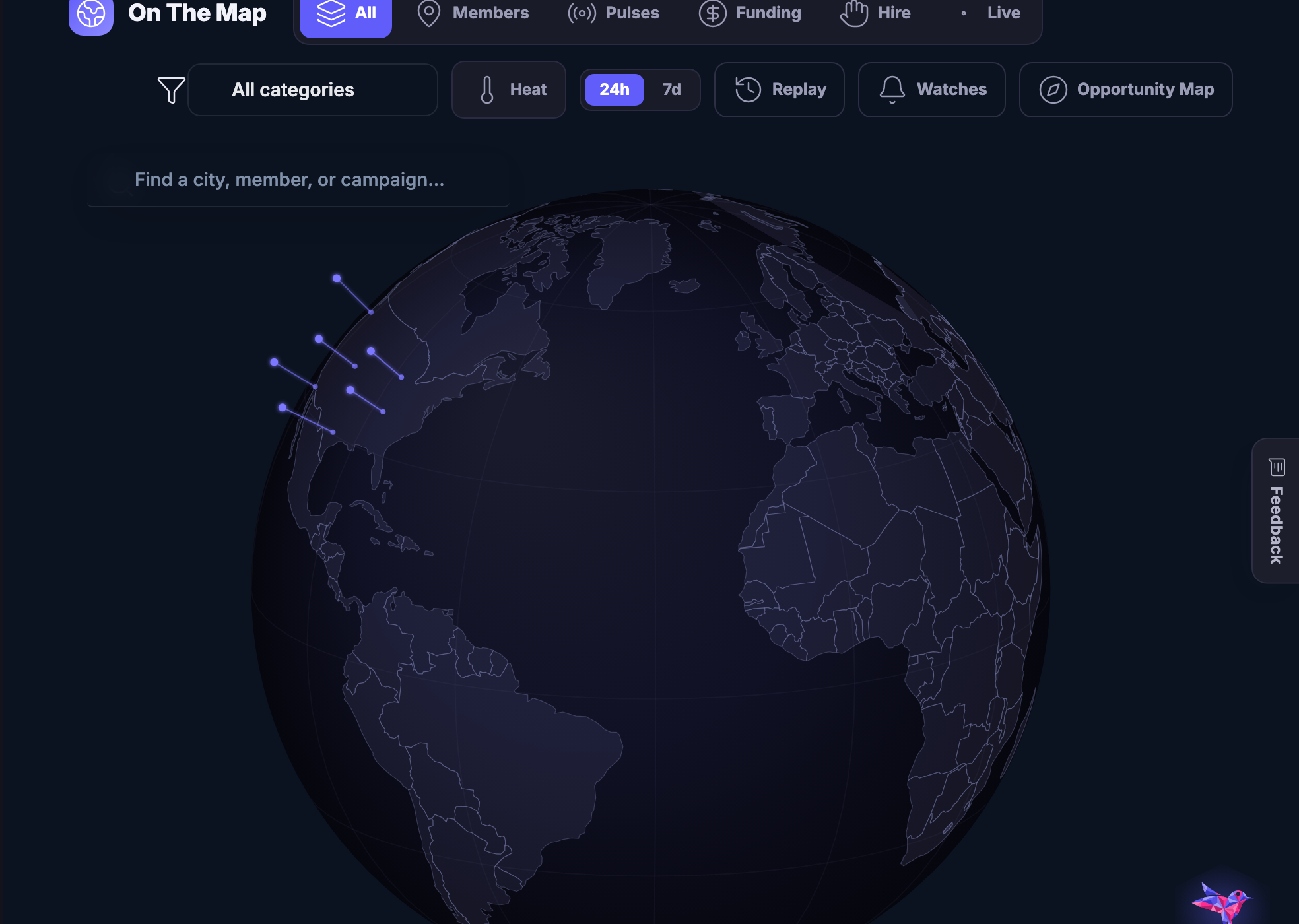
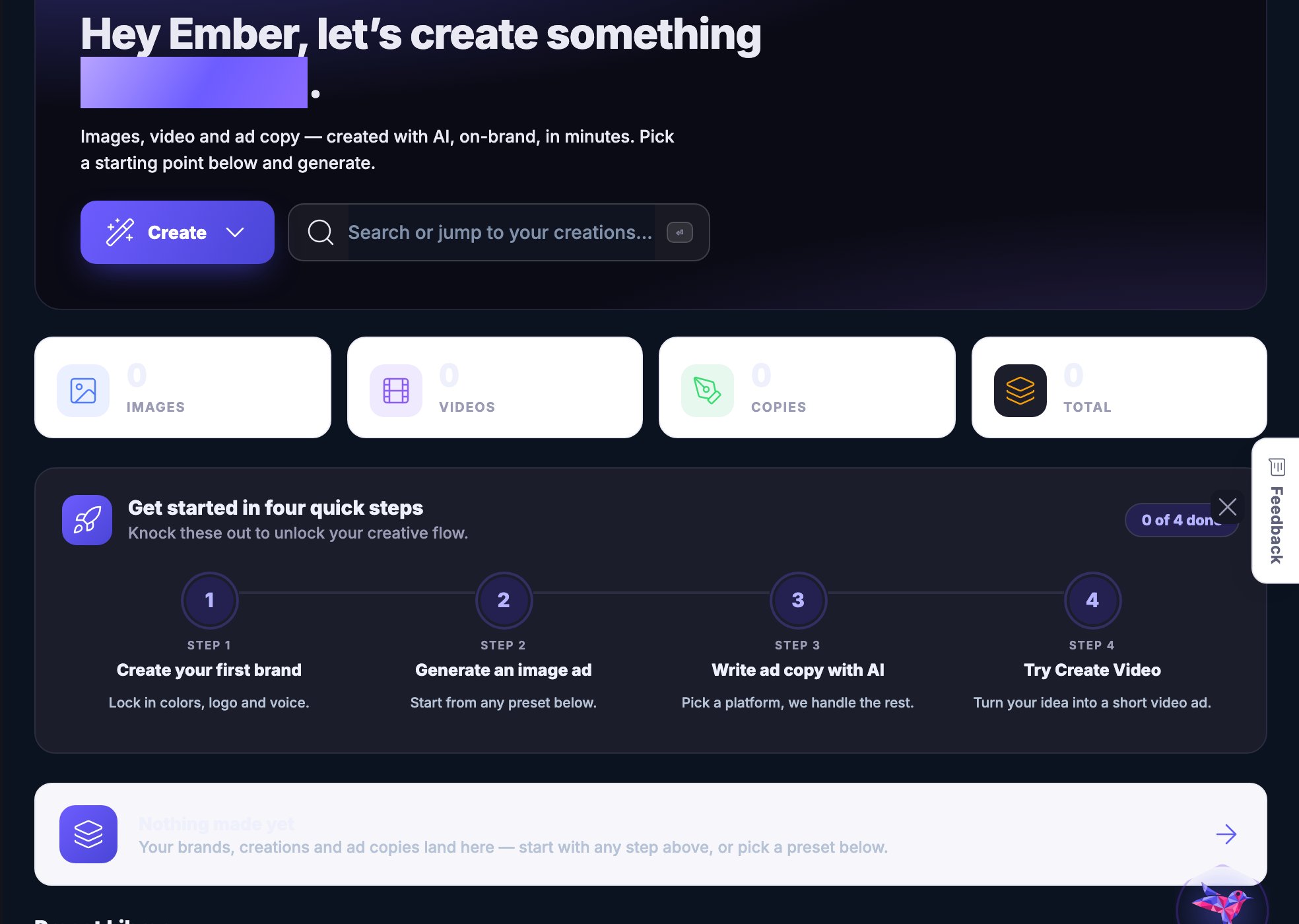
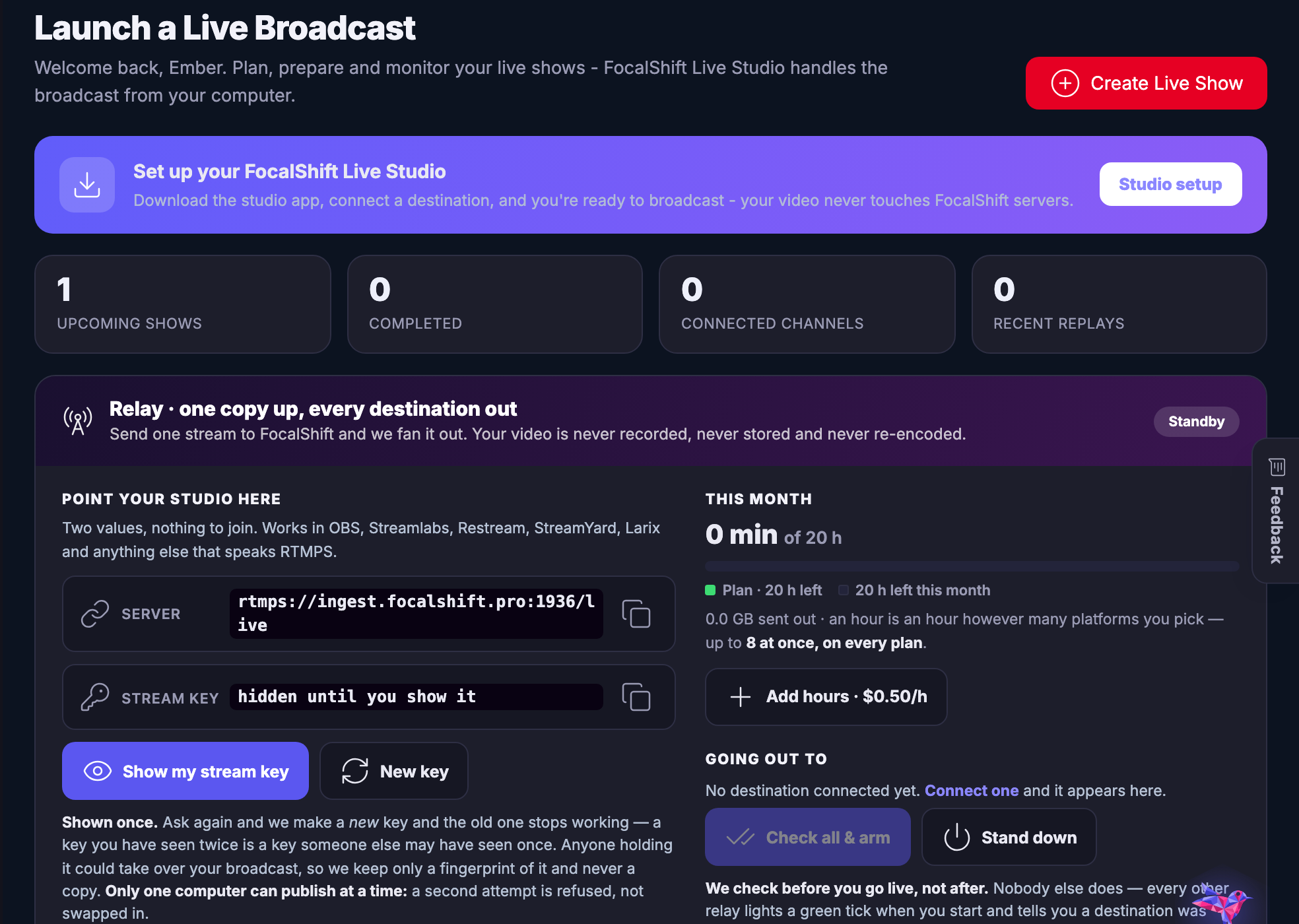
Each capture below is the workspace above it, as it renders for a signed–in account. They are photographs of the product, not drawings of it, and they are clipped to the work area because the rail and the top bar are the shell rather than the tool.
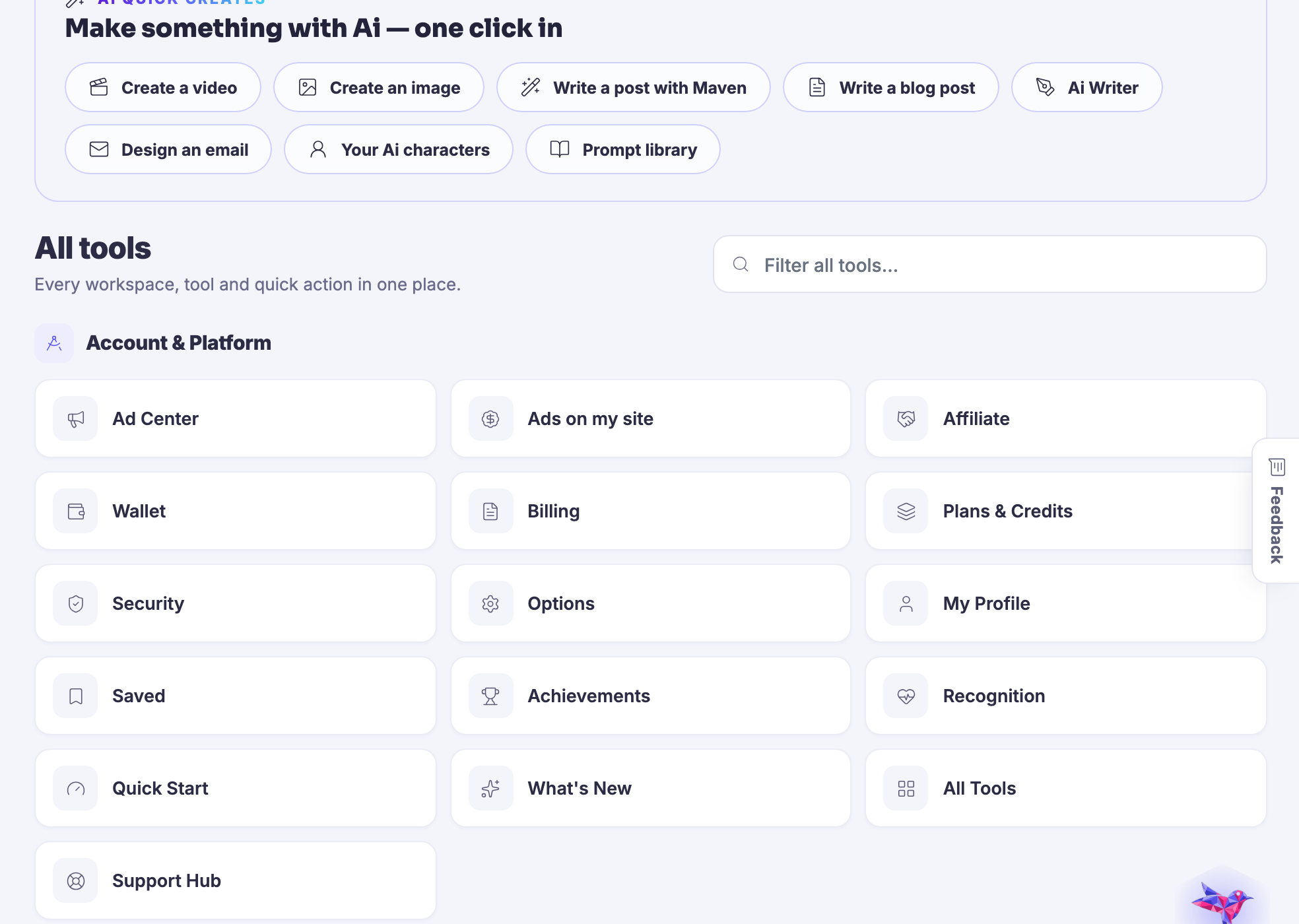
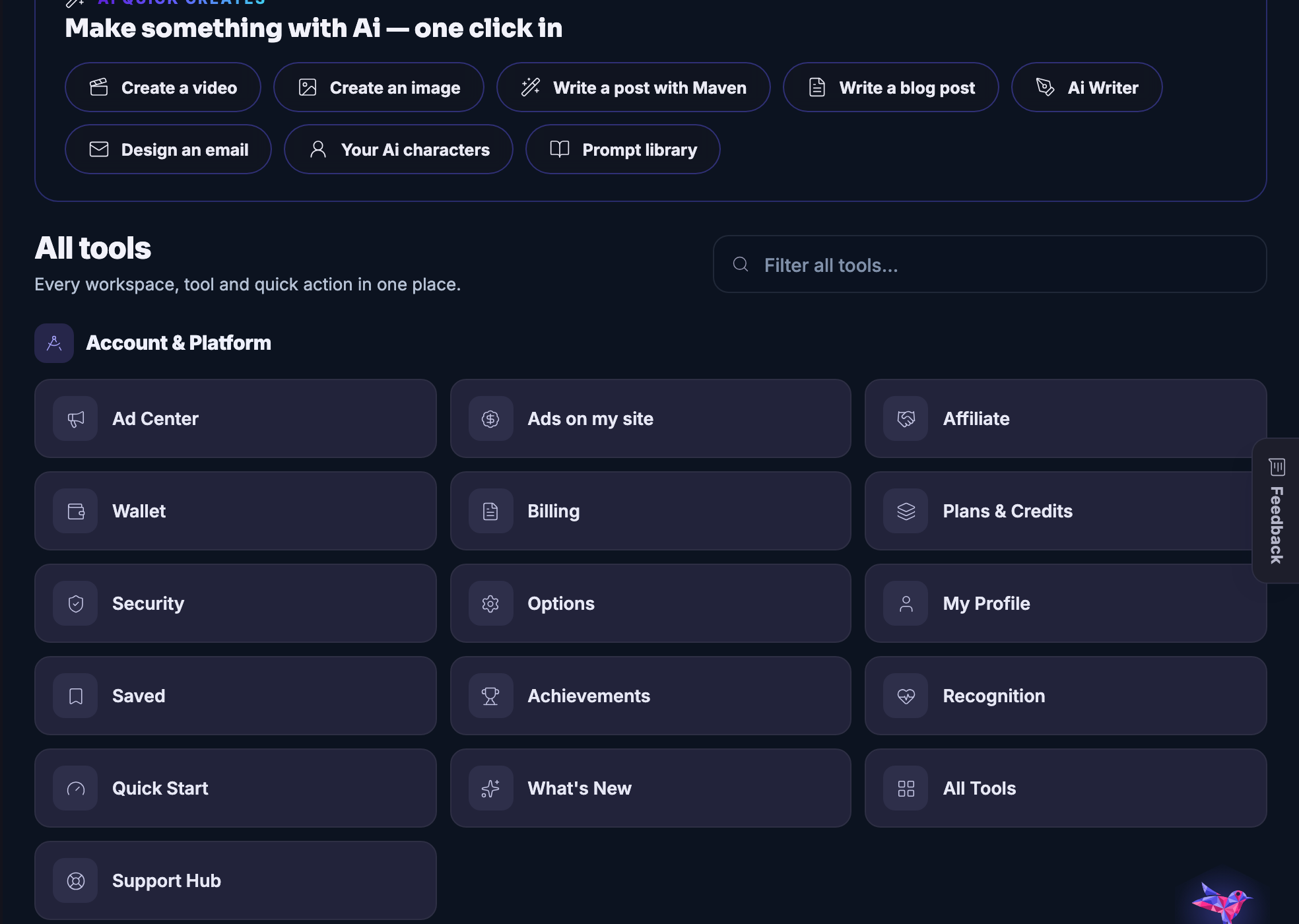
The create menu itself: the verbs at the top of the product, before you have decided which room you are in.
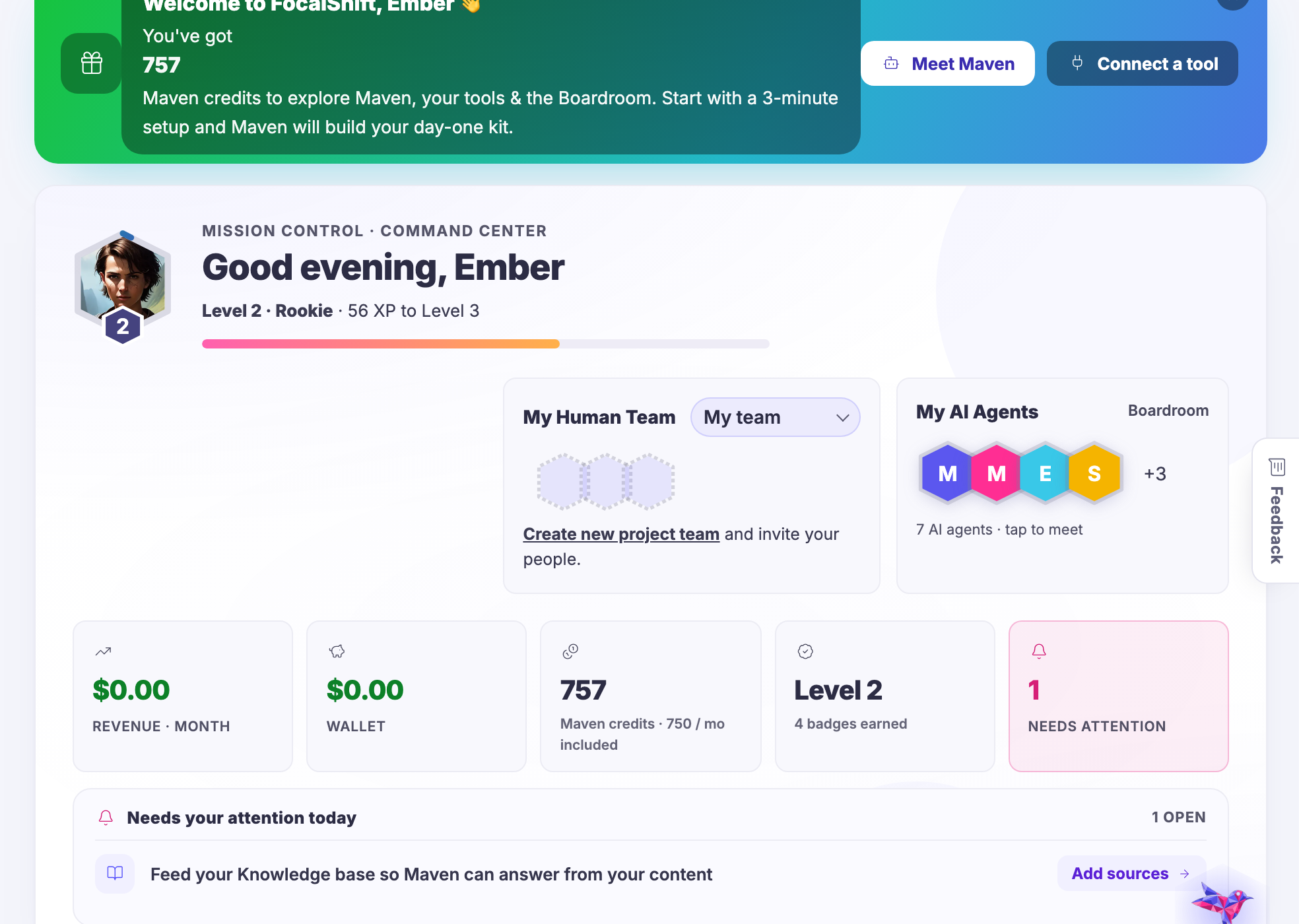
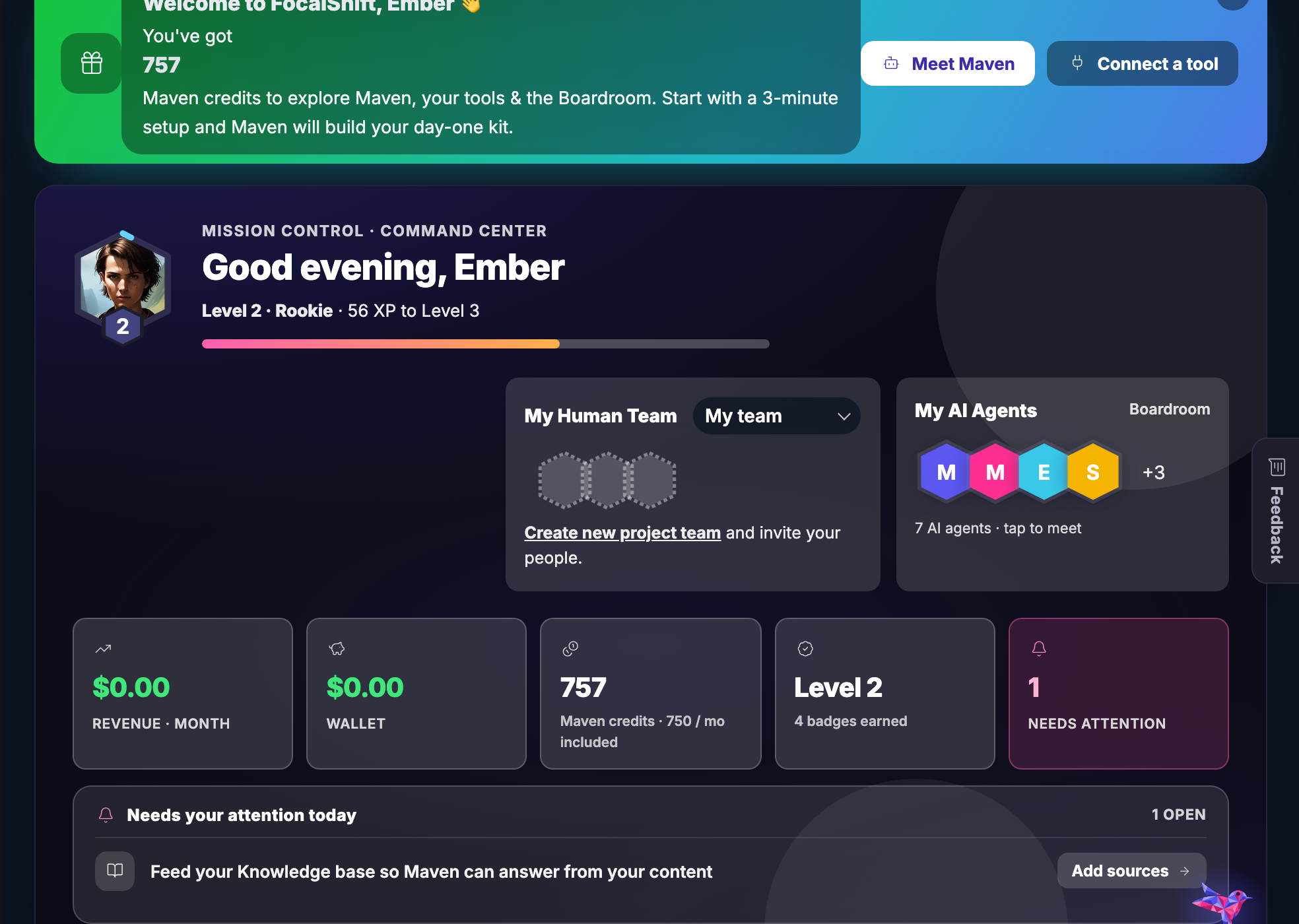
The screen the platform opens on — where the month stands and what wants you today.
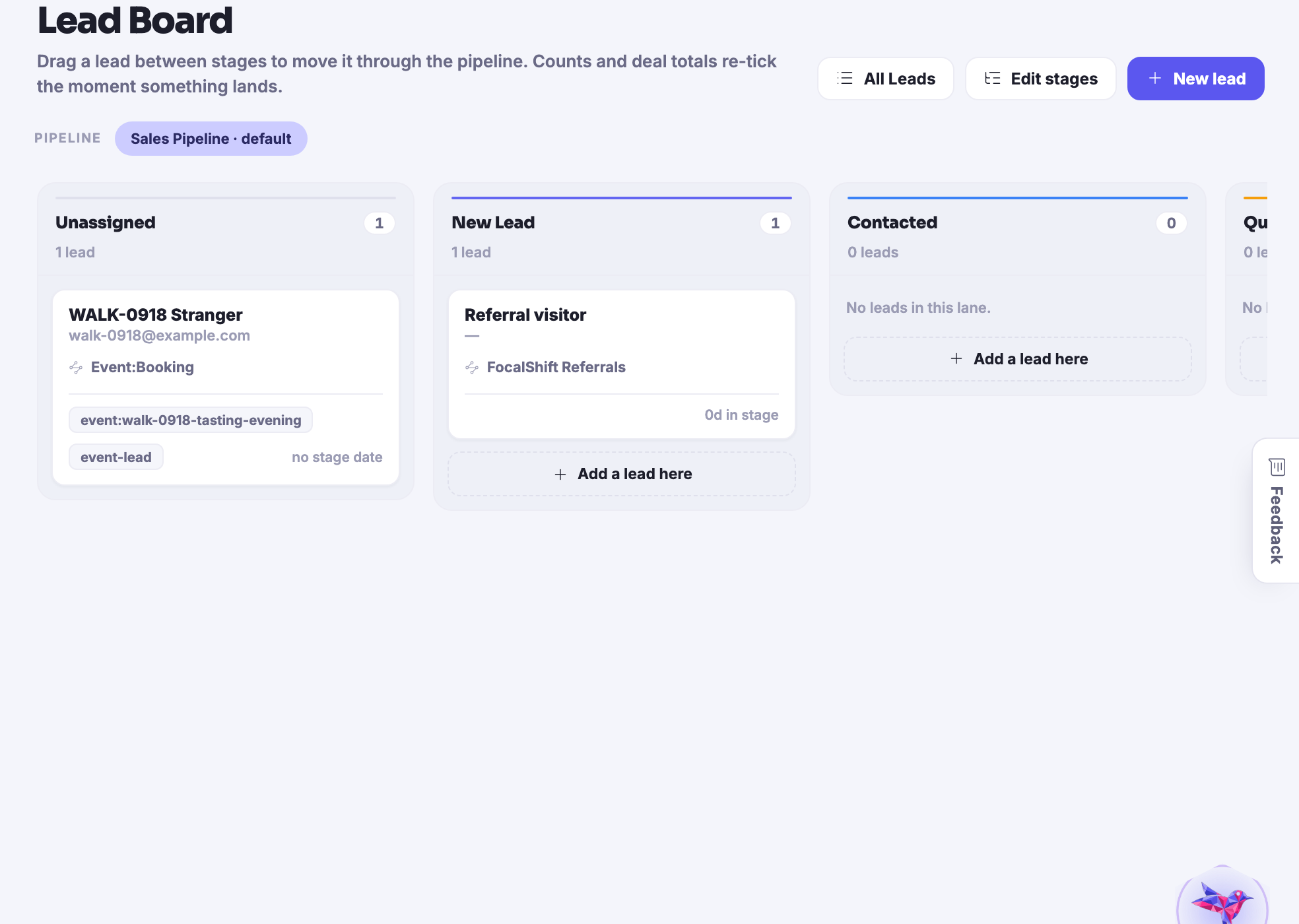
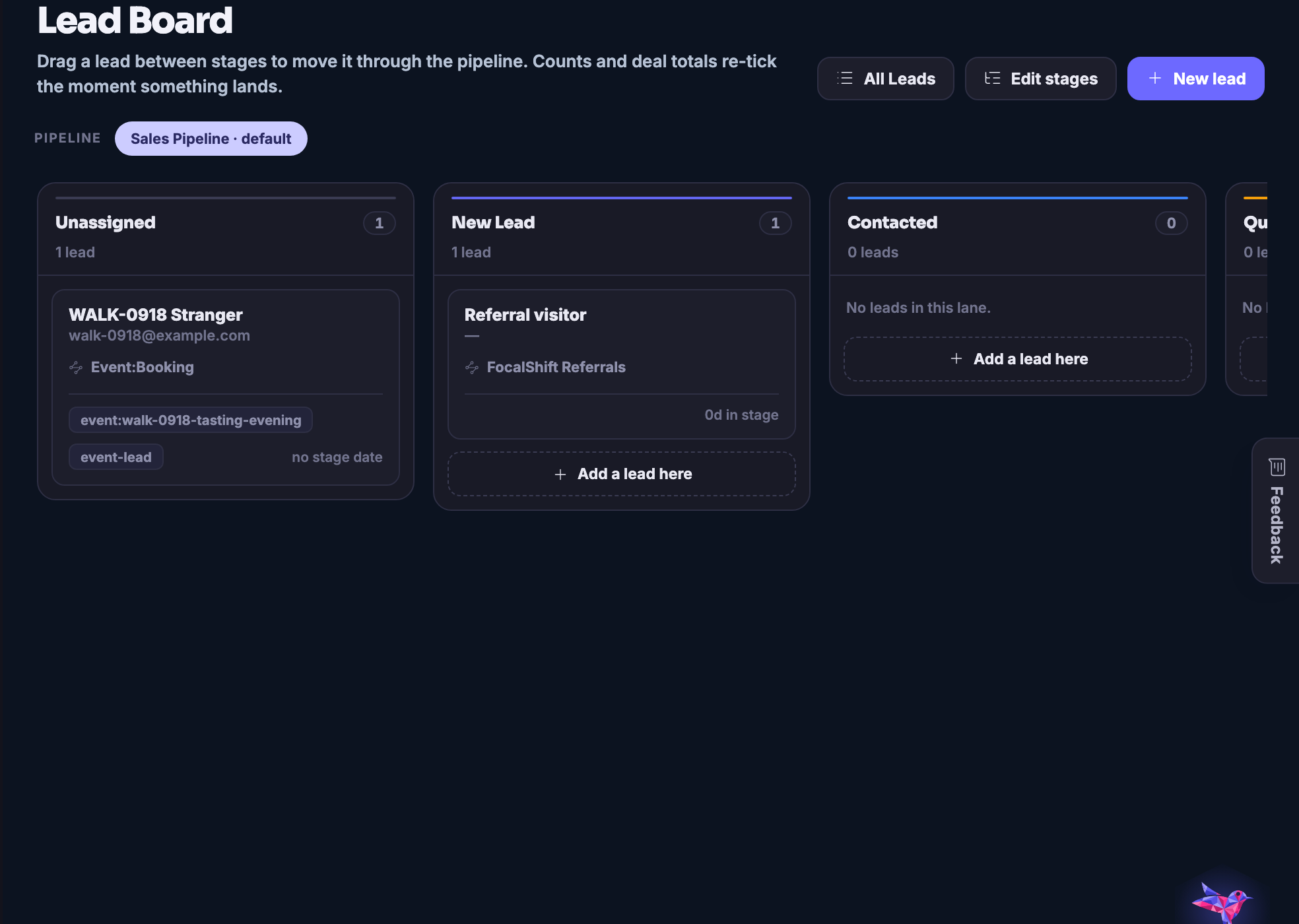
Everyone who has bought, asked or nearly bought, in lanes with a next step on each.
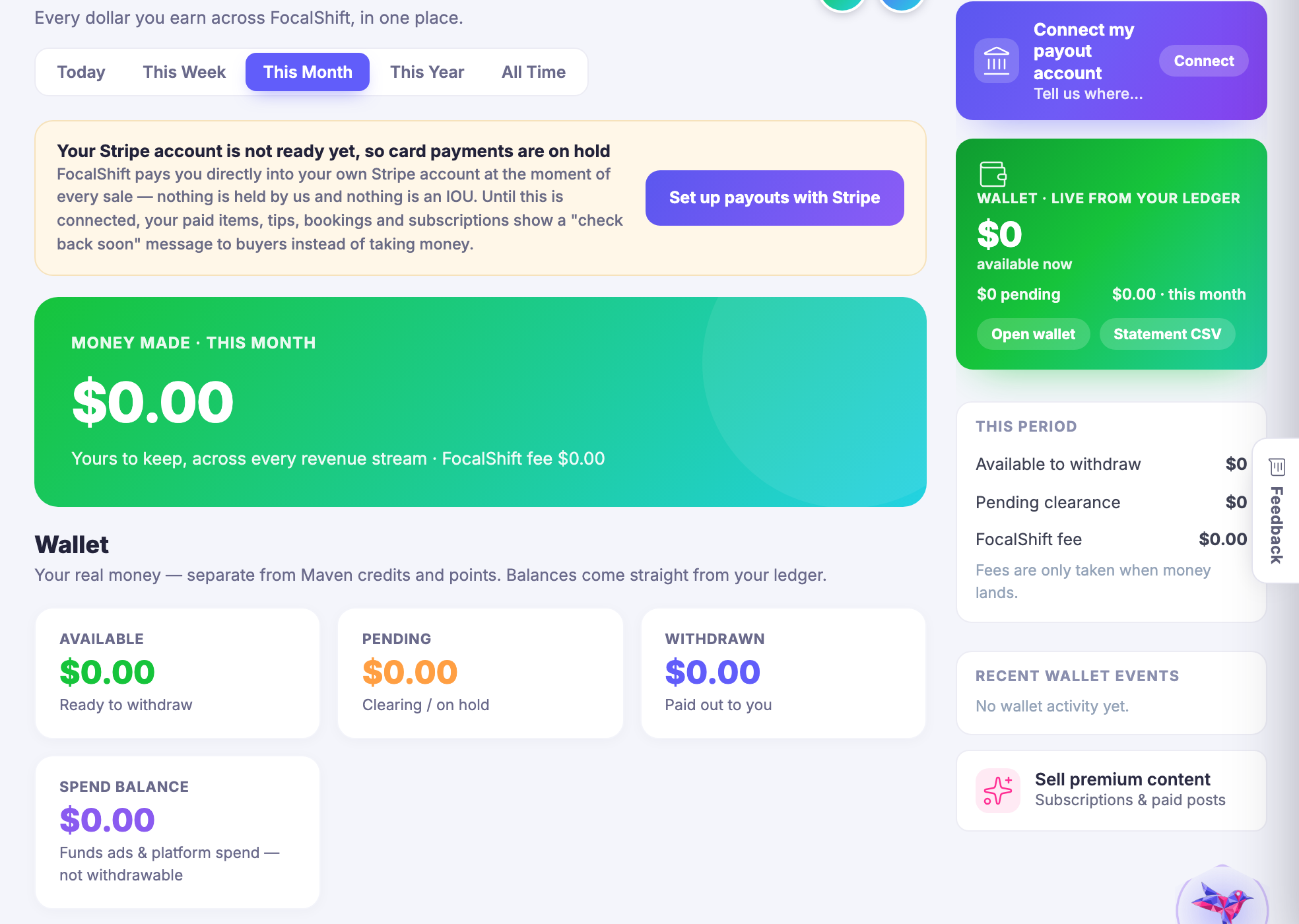
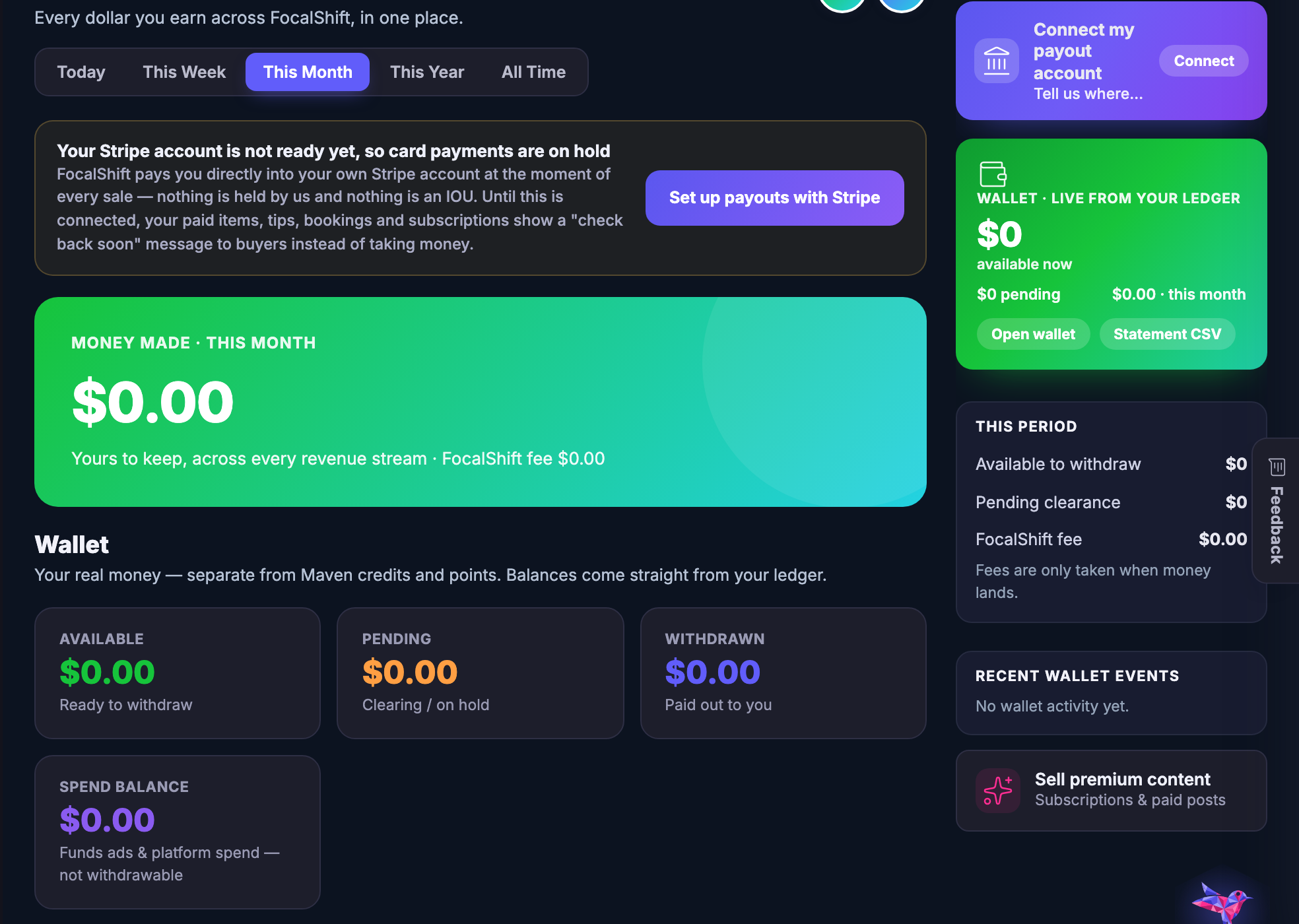
Every way money arrives, counted in one place rather than in one report per source.
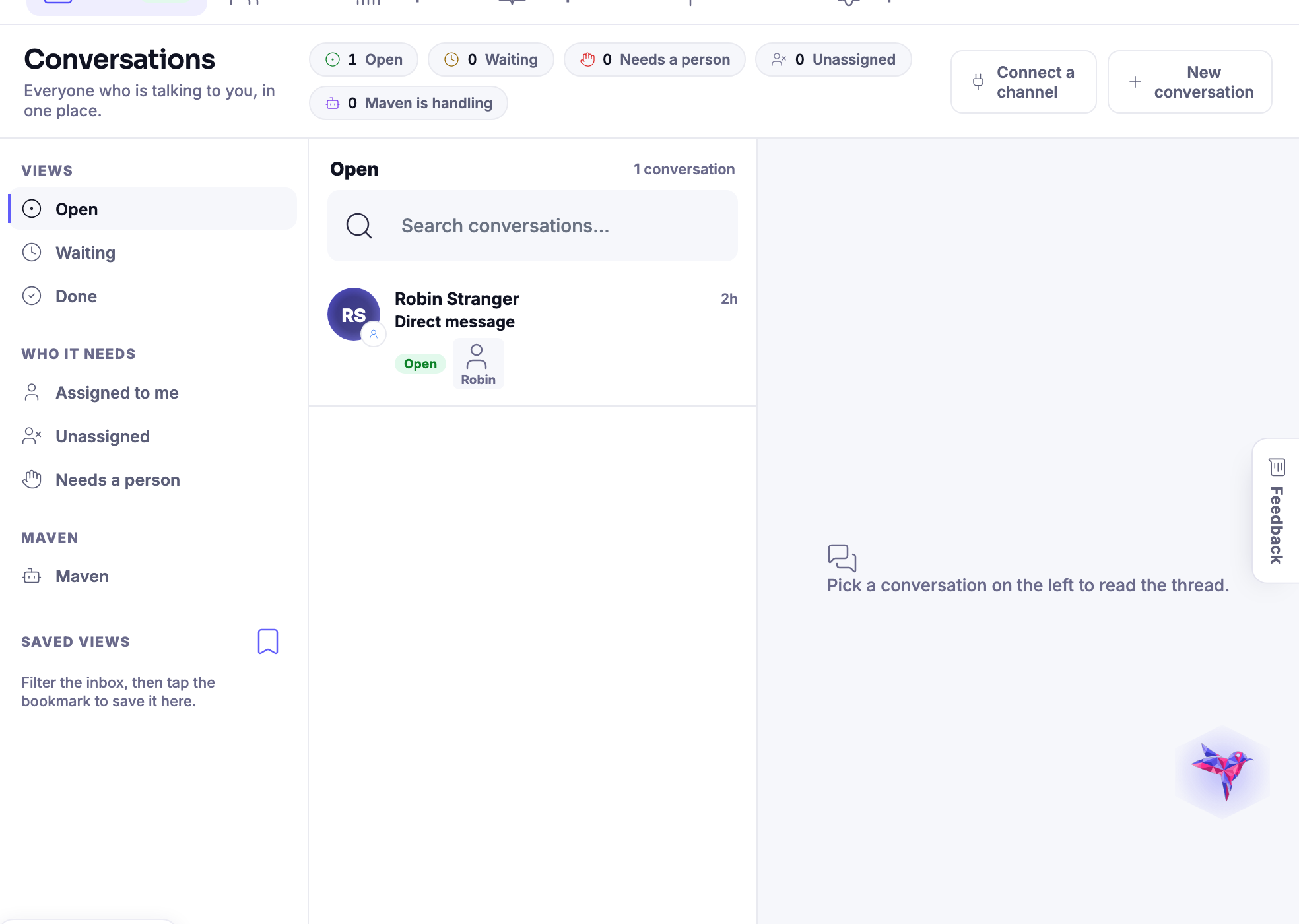
Every channel a customer can reach you on, landing in the same timeline.
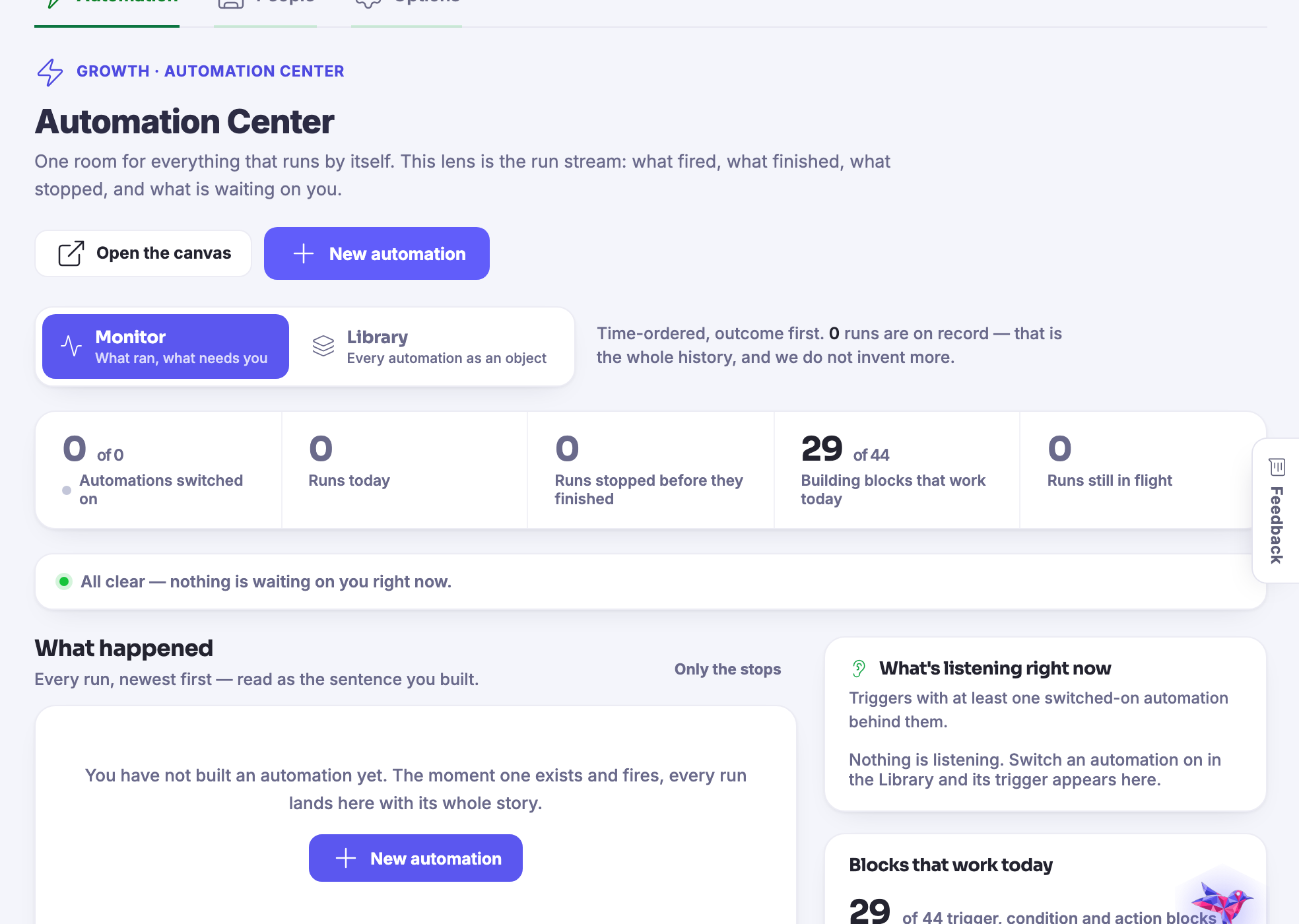
Making it, planning it, shipping it, and then finding out whether it worked.
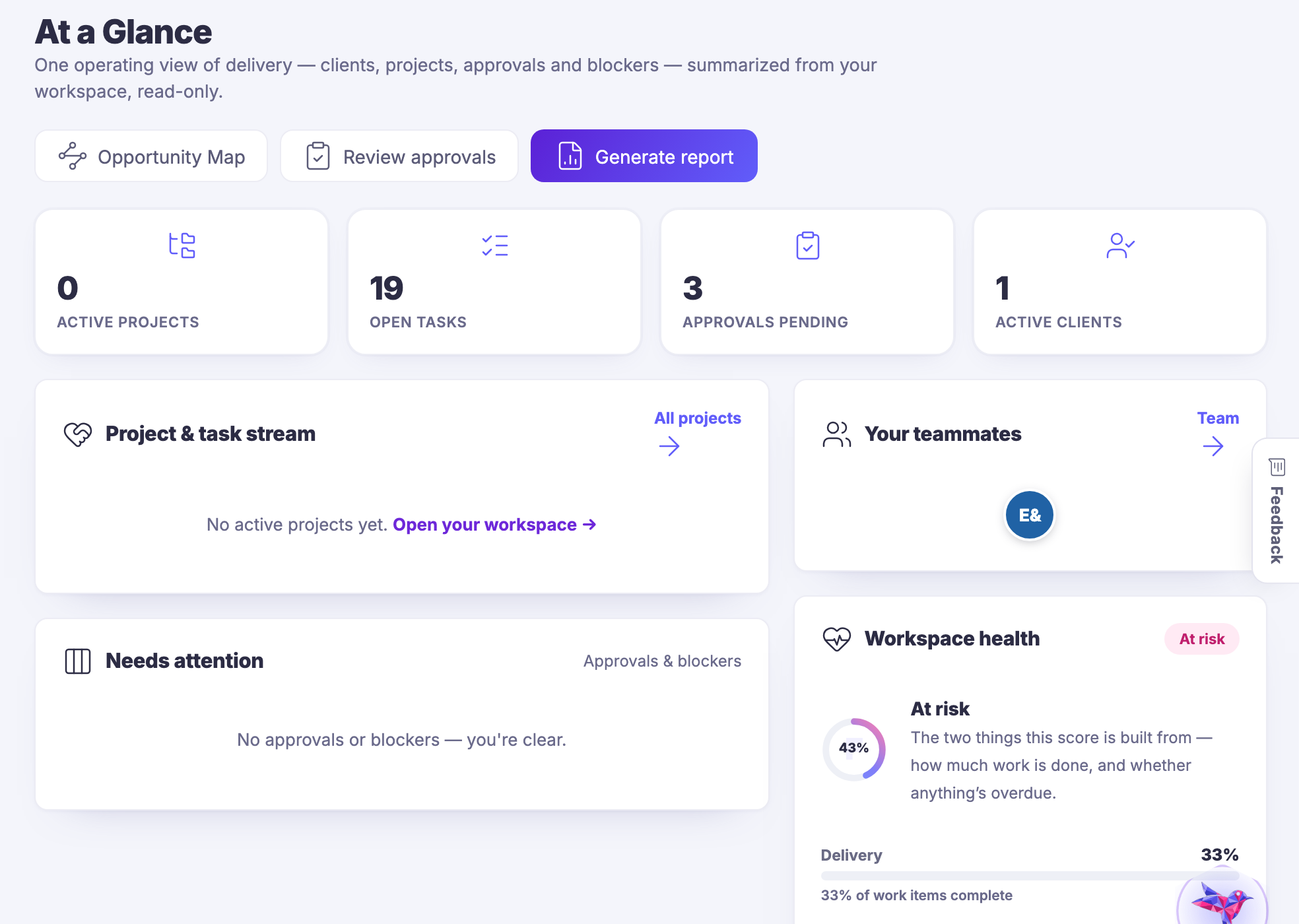
Shared work and client work, with the conversation attached to the card.
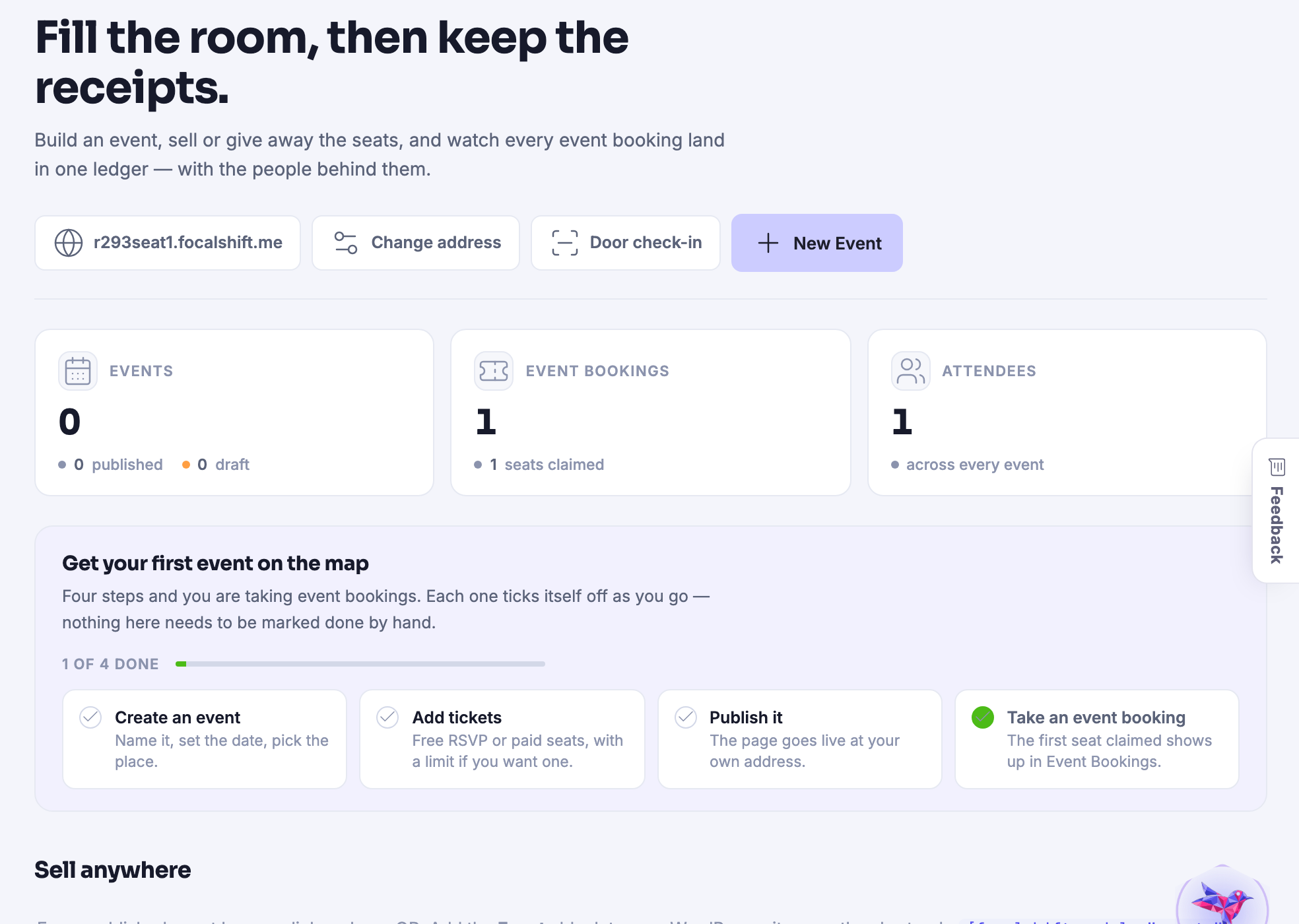
Tickets, attendees, schedules and the door on the day itself.
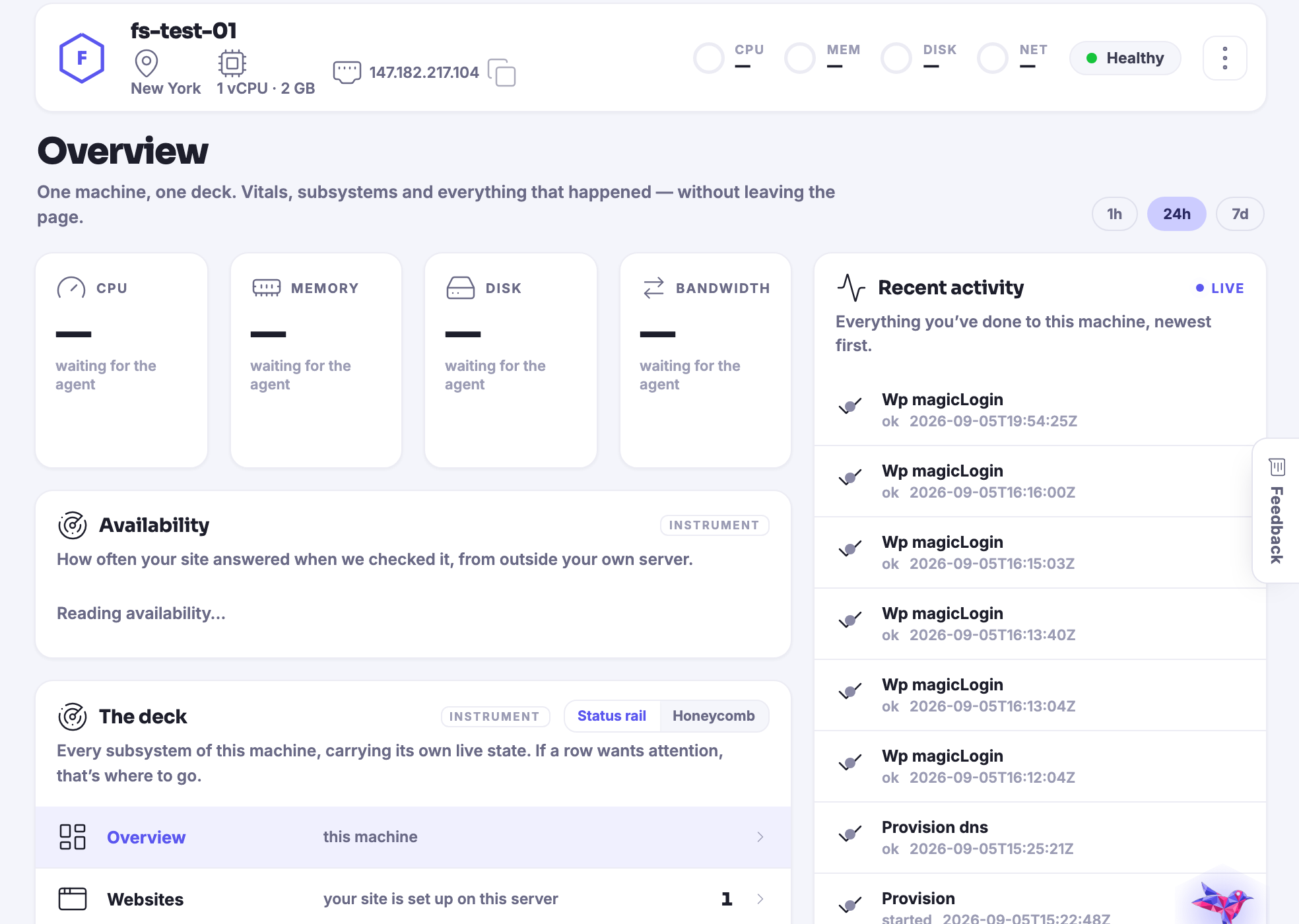
The sites, servers, domains and backups underneath everything else.
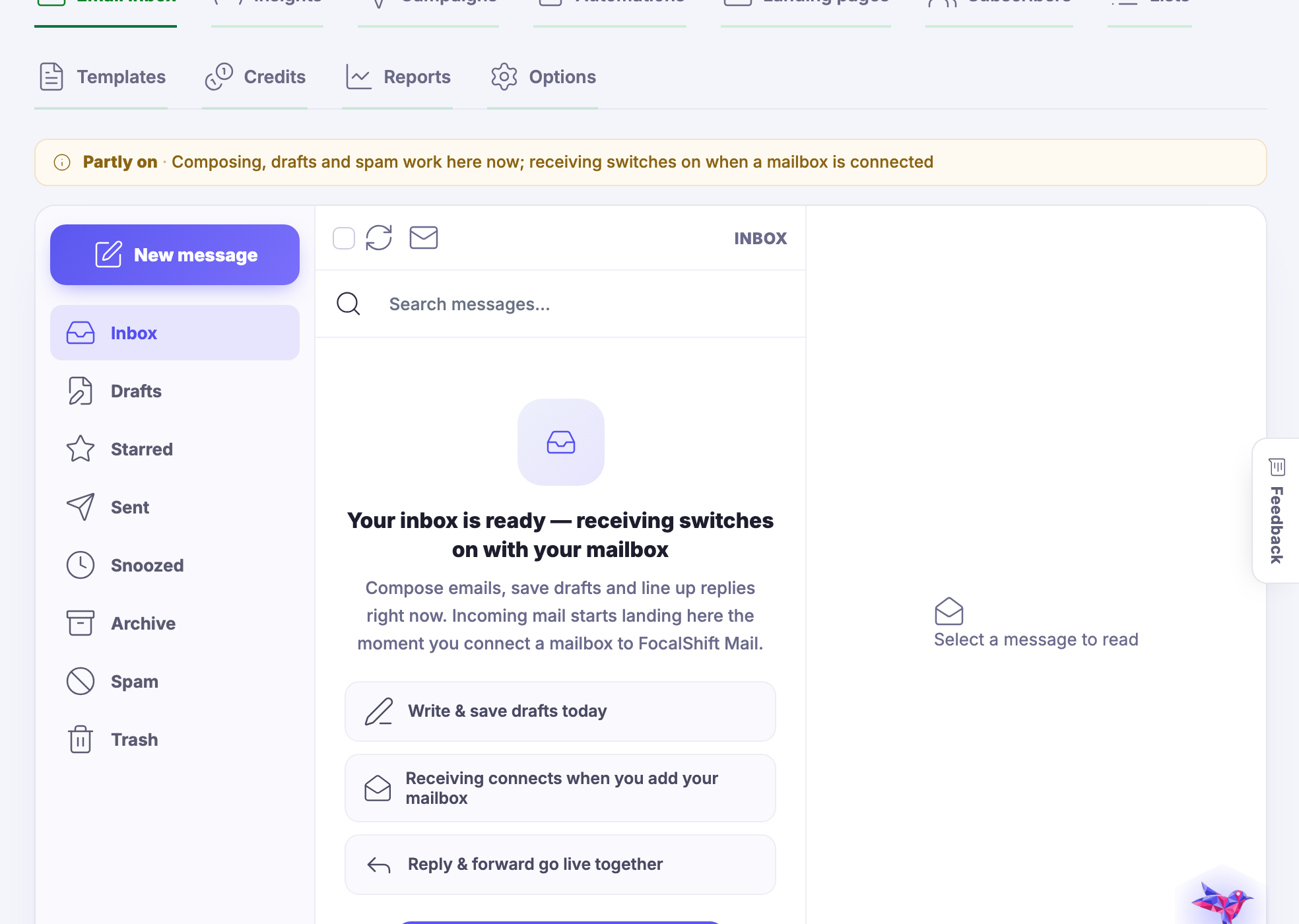
A whole mail platform: the inbox, the list, the campaigns and what happened to them.
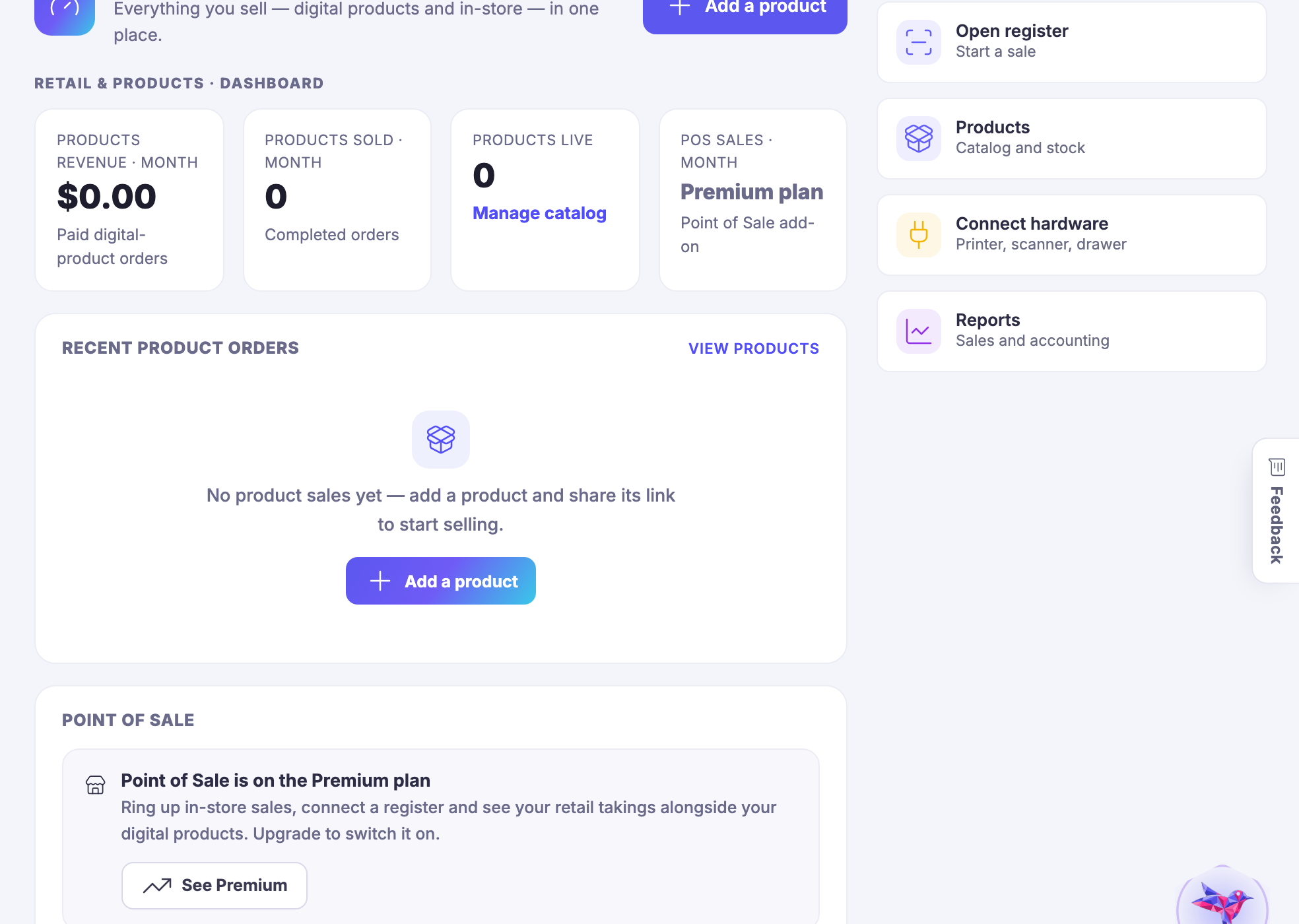
A real shop — stock, tills, staff, suppliers and the reports that follow.
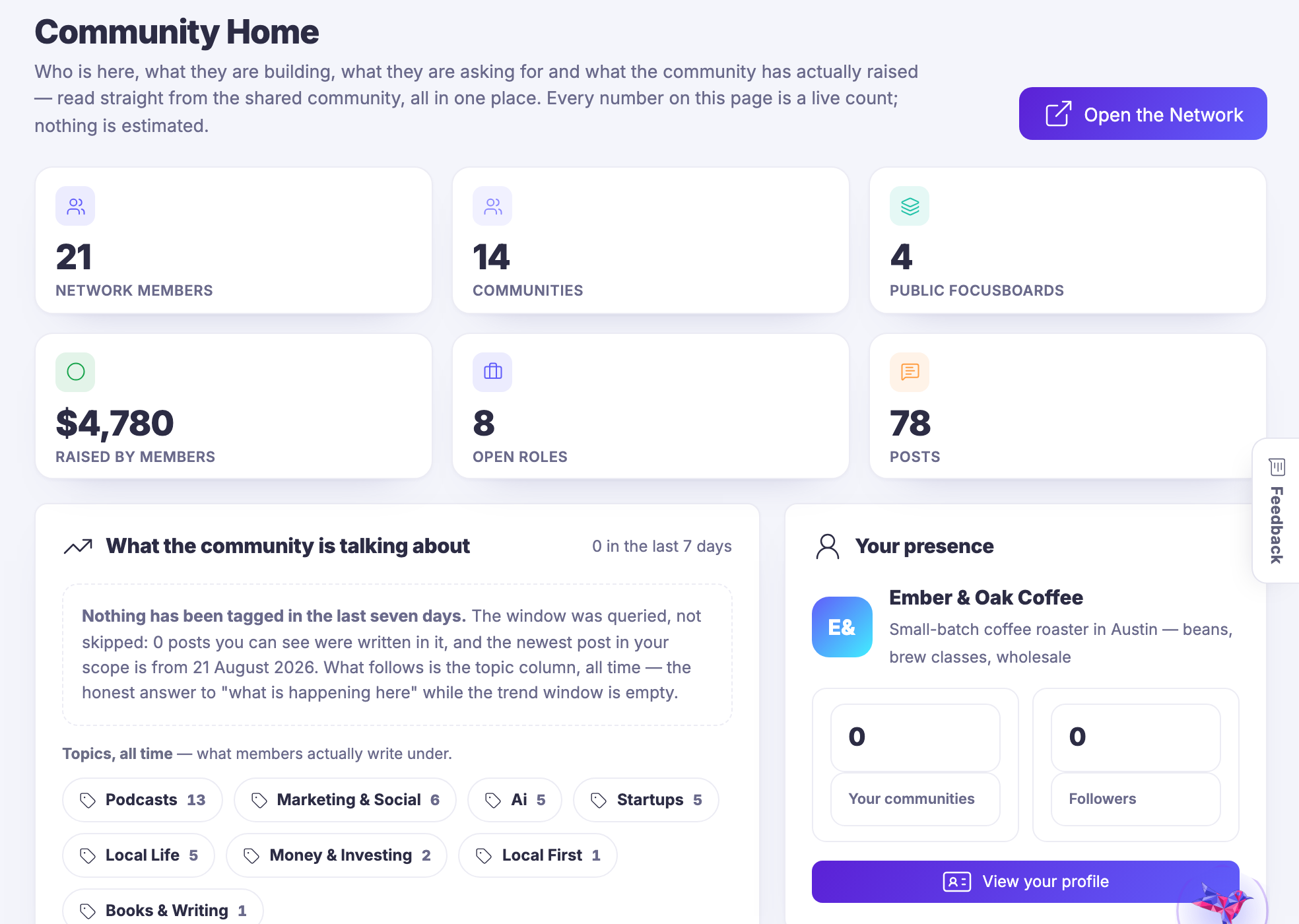
The public side, from inside the business: the hand–off, not a second login.
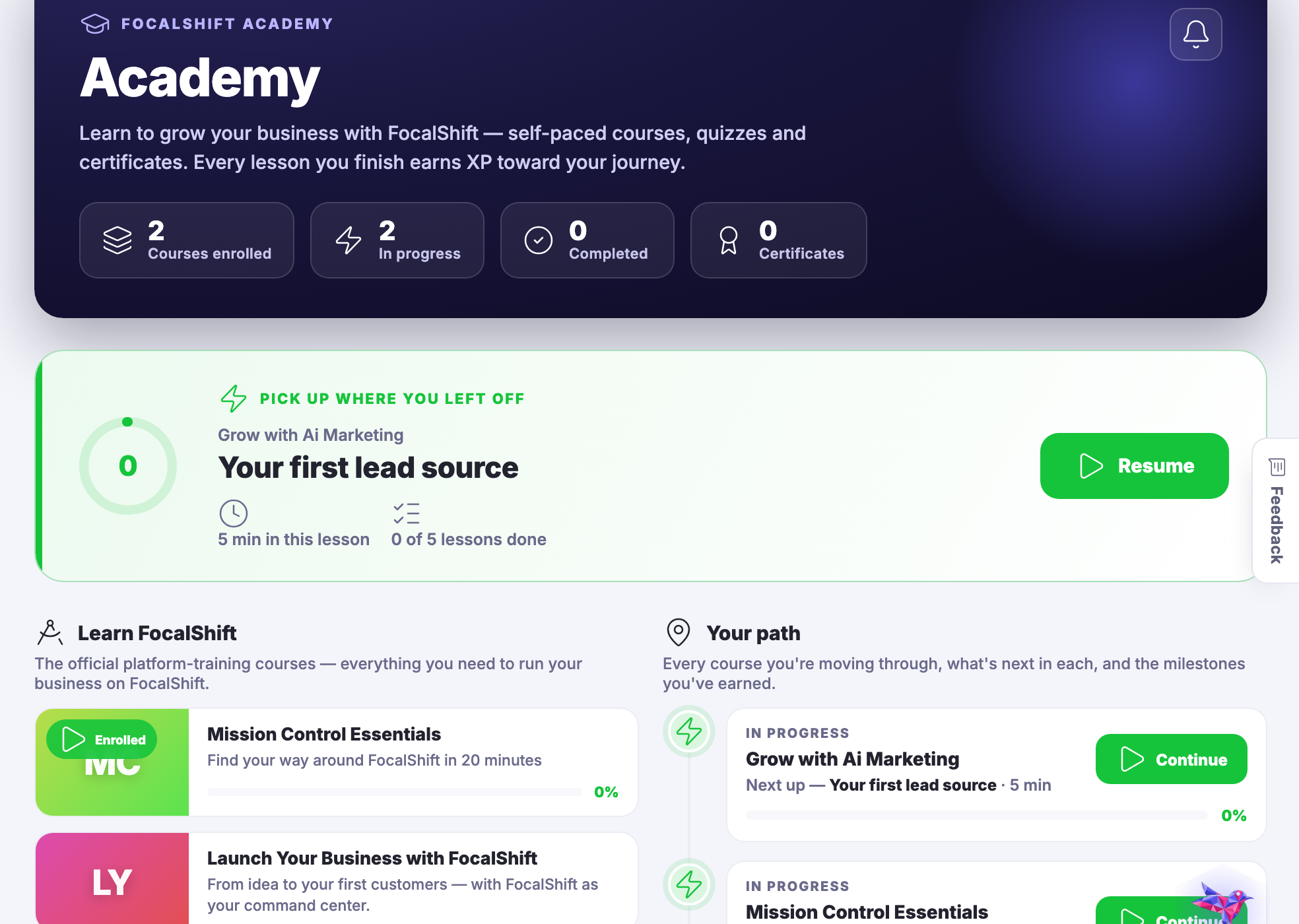
Courses to take, courses to teach, and what your agents are being taught.
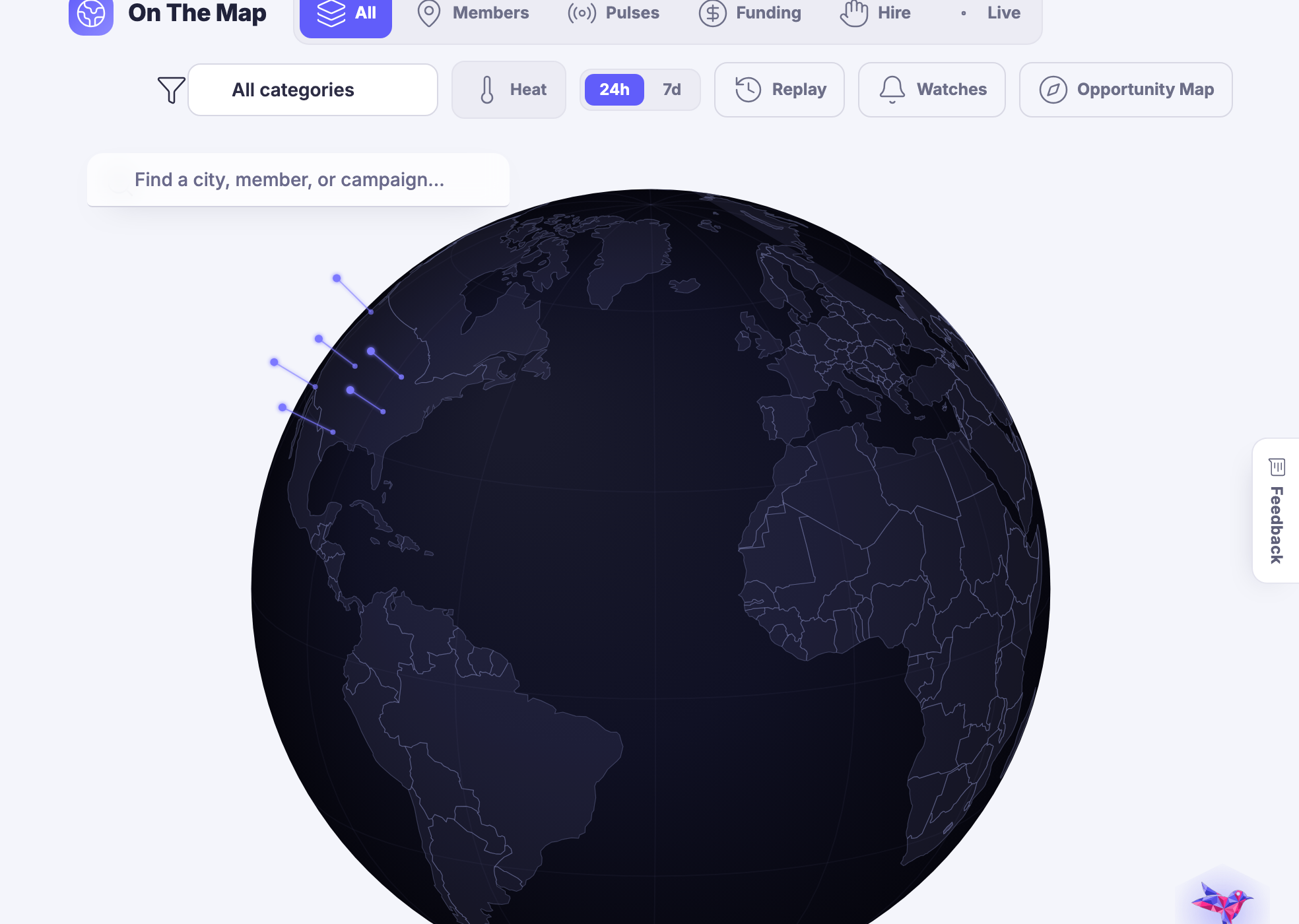
Your business, your area and your opportunities, seen geographically.
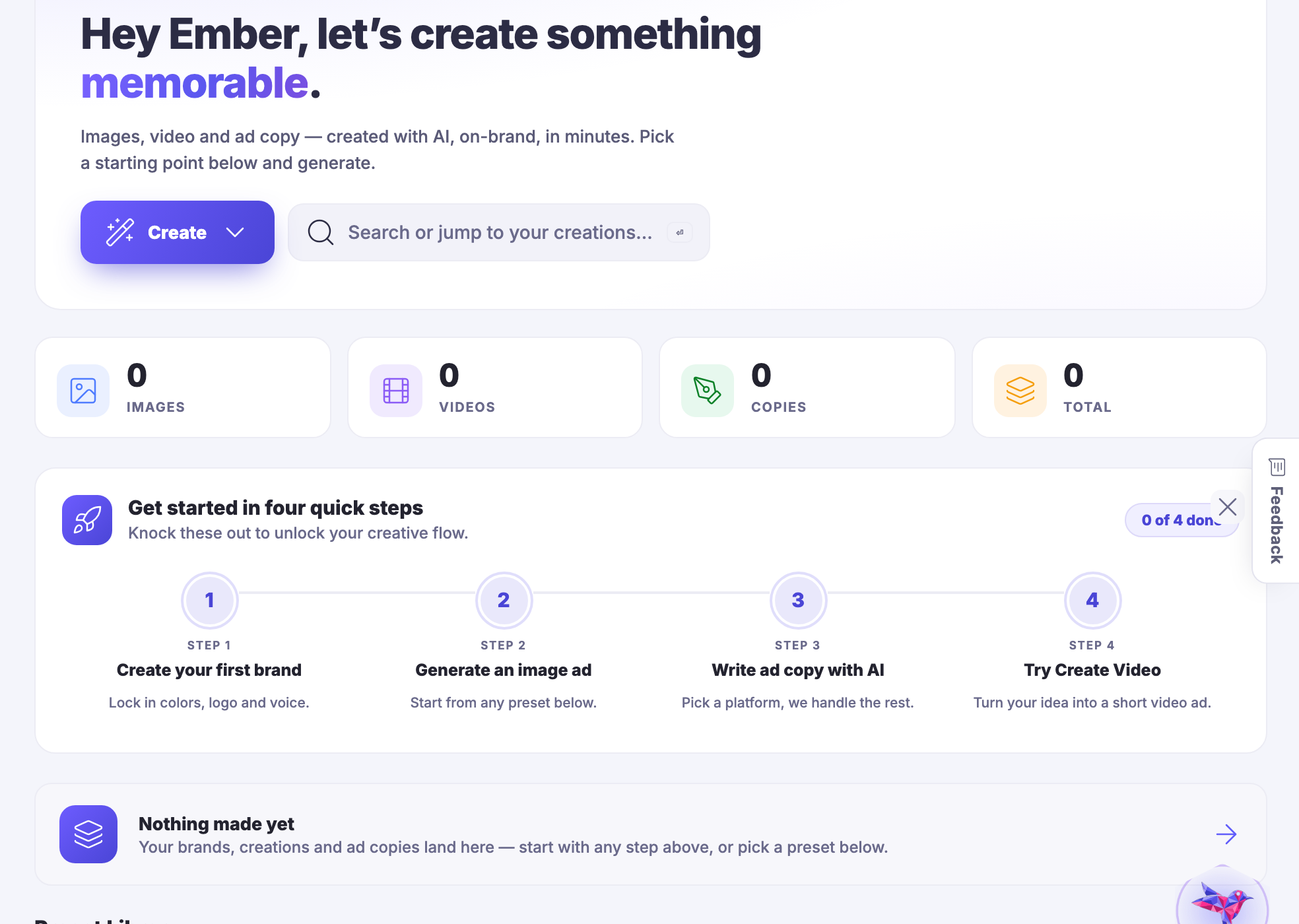
Images, video, characters and copy — and keeping what you made.
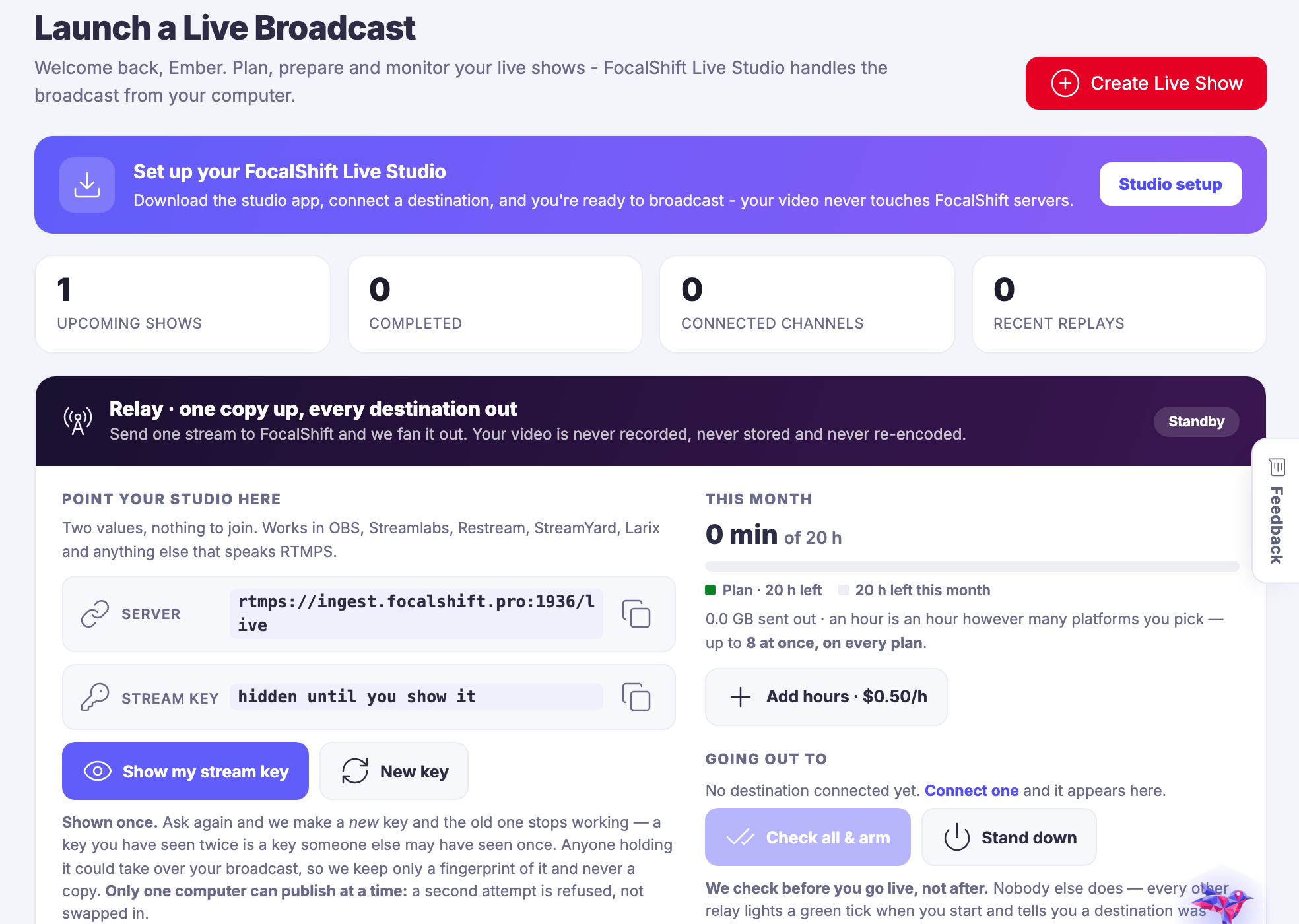
Broadcasts and podcasts out of one setup, recorded and published.
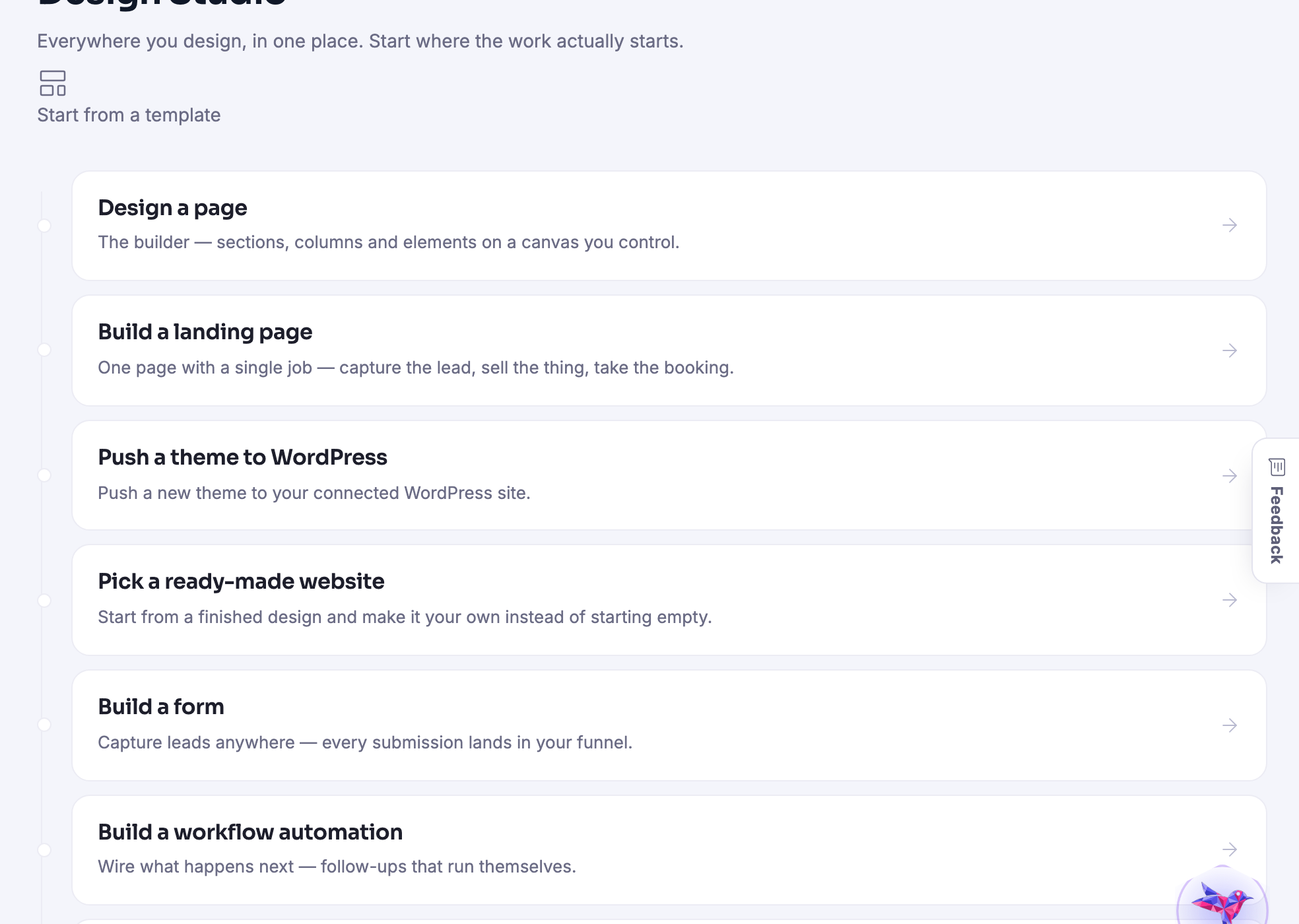
The builder: pages, shops, templates, and pushing a design to your own site.
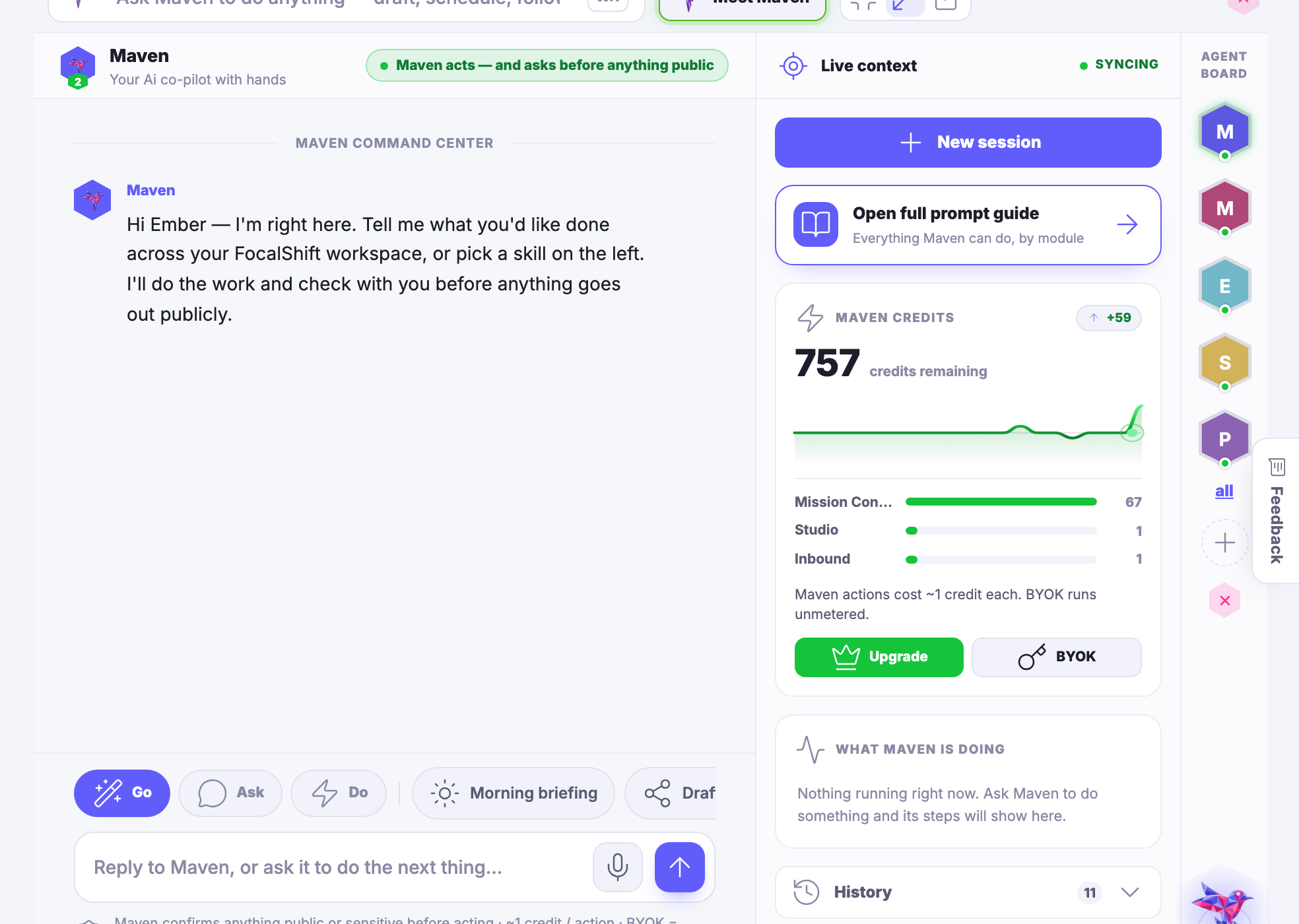
Maven itself, and the agents you train on your own business.
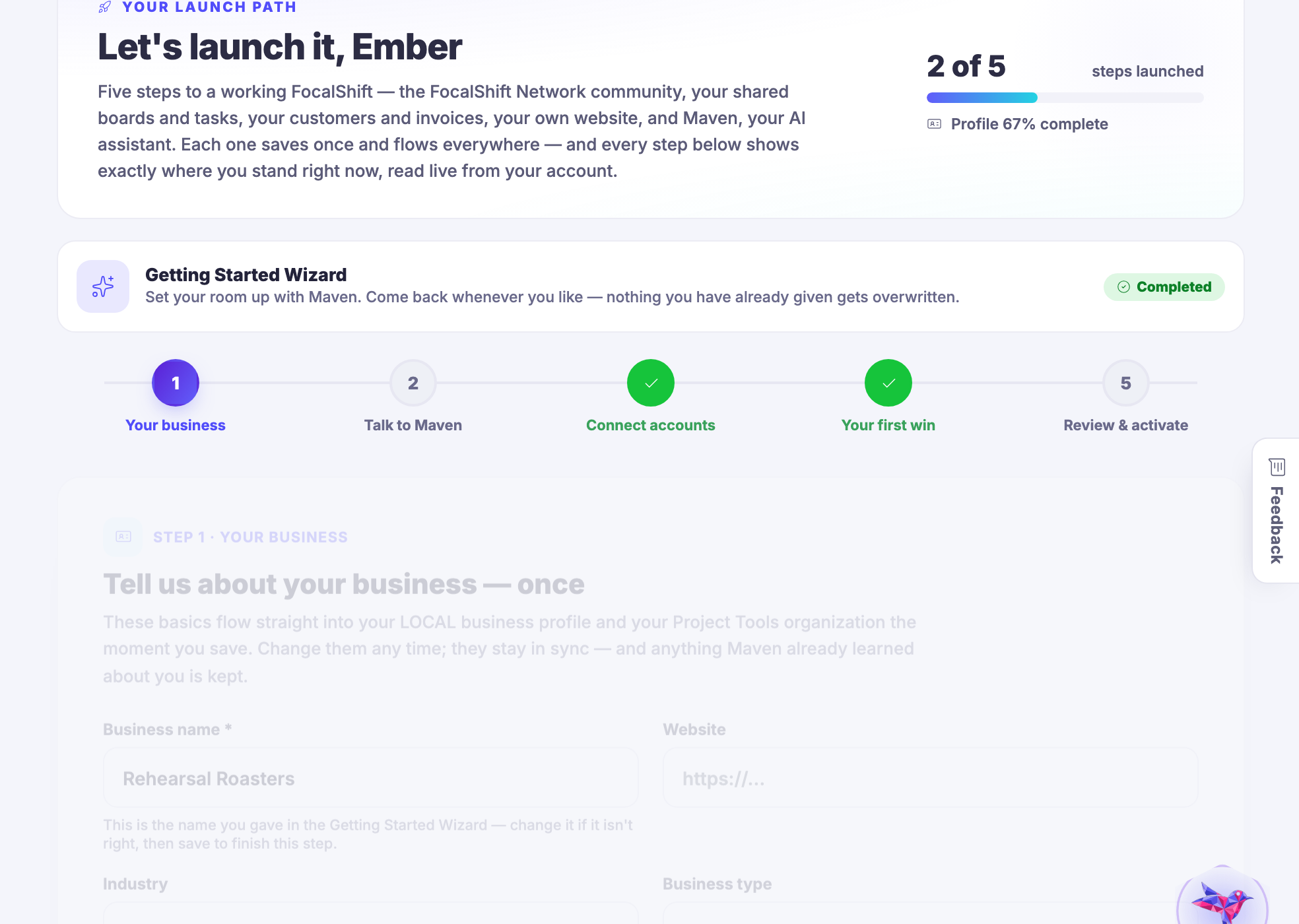
The few things worth doing first, in order, with the rest kept out of the way.
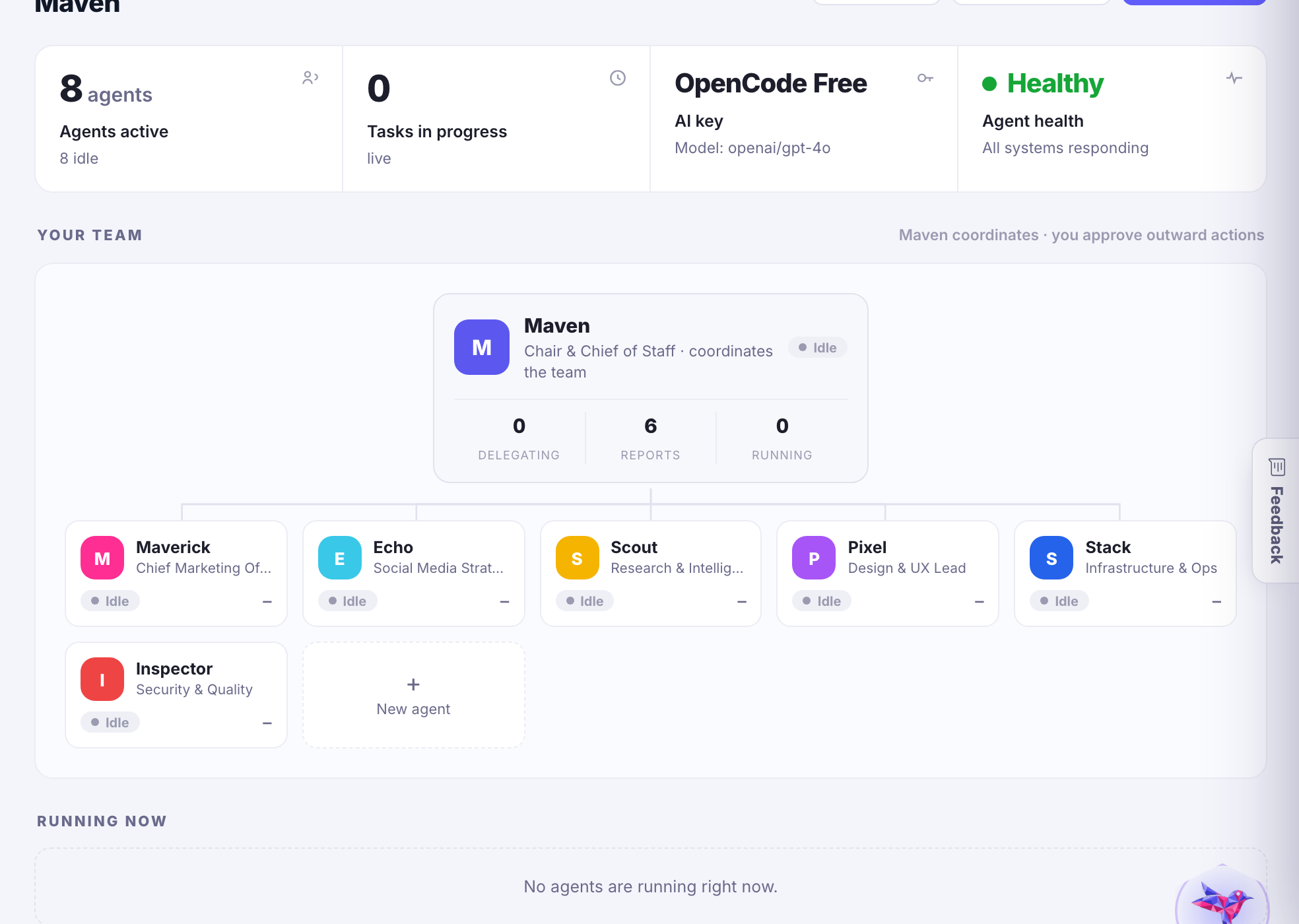
The agent platform underneath: playbooks, connections, memory and approvals.
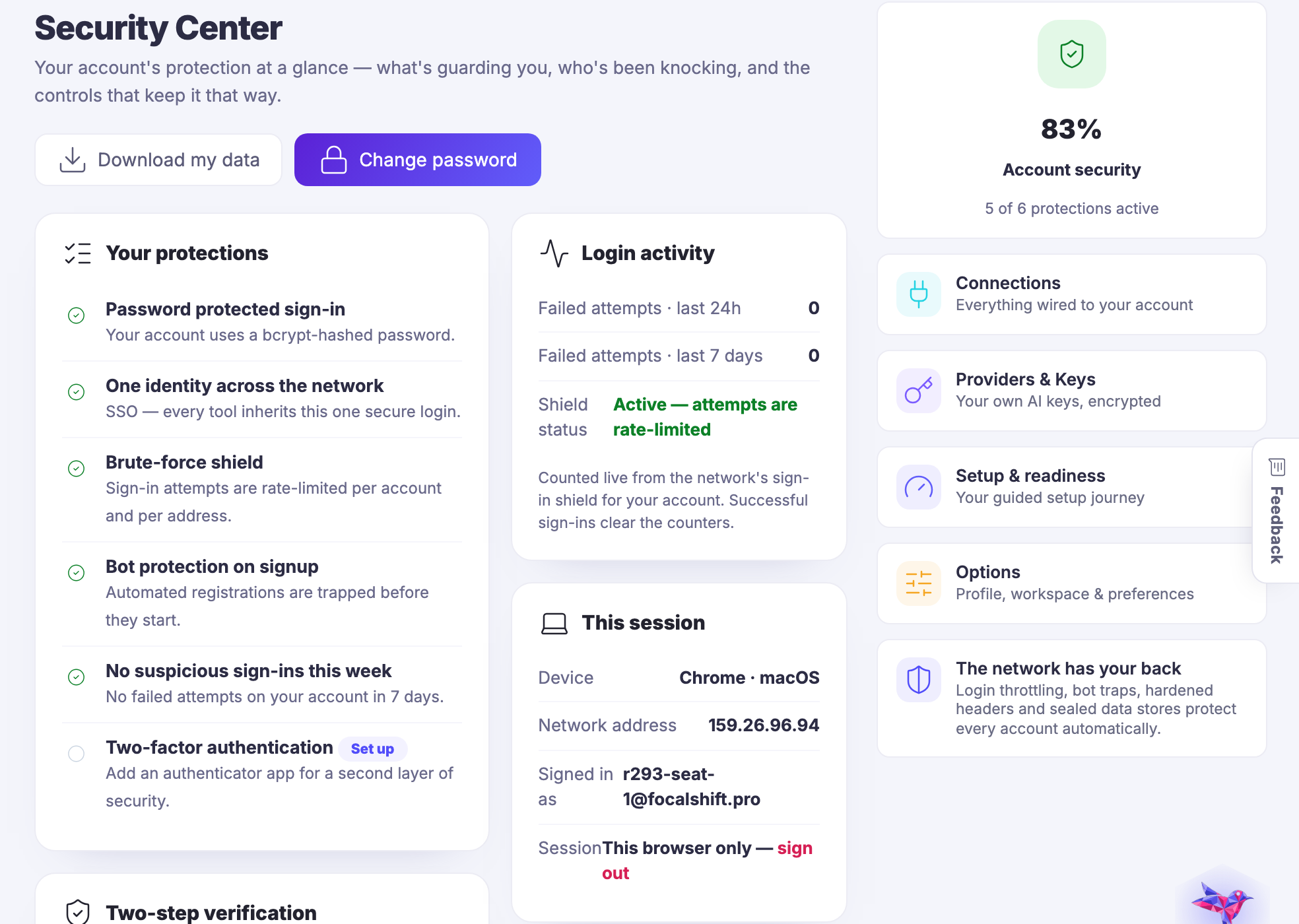
Who can get in, what is connected, and which keys are in use.
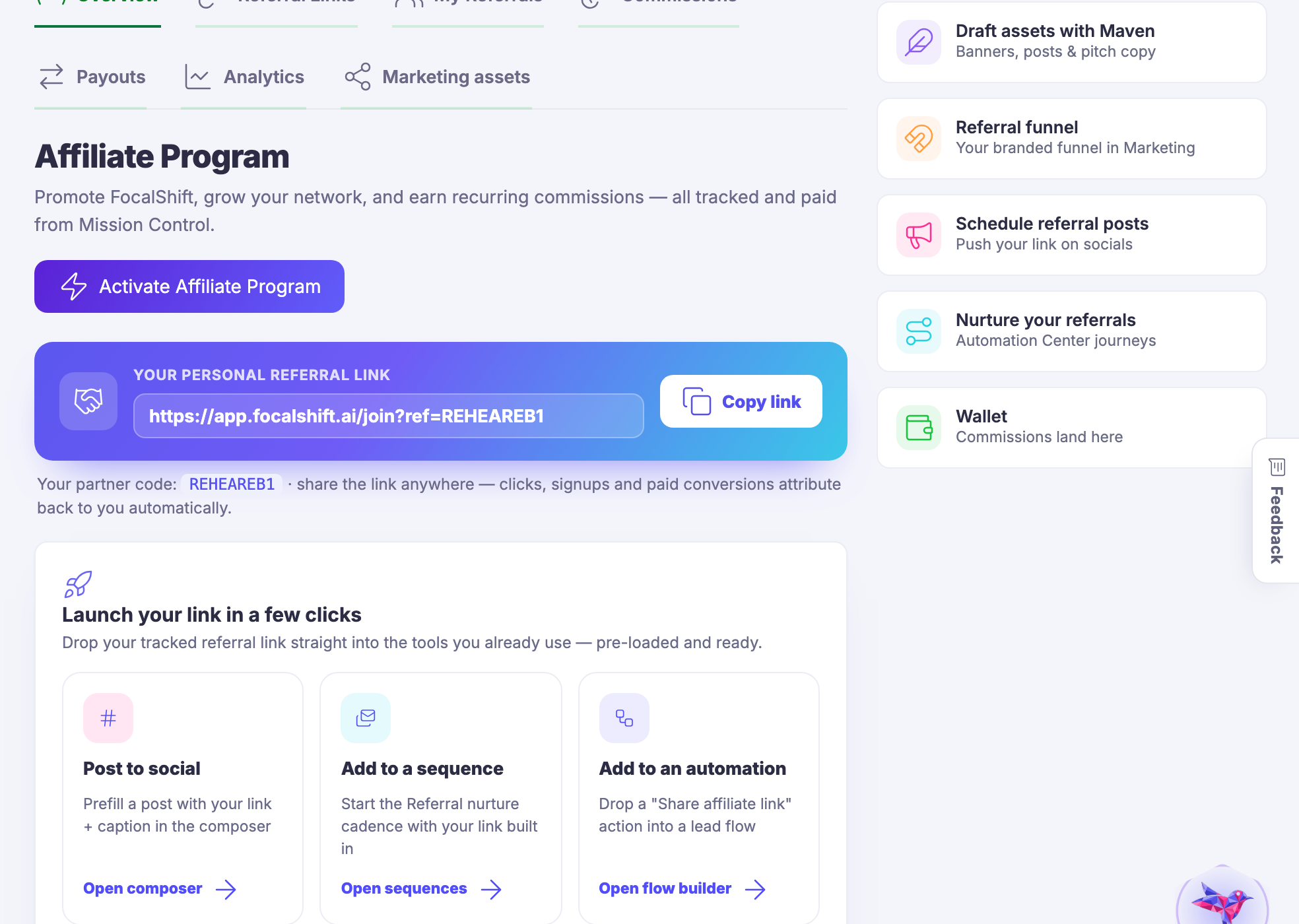
Referring other people to the platform, and being paid for it.
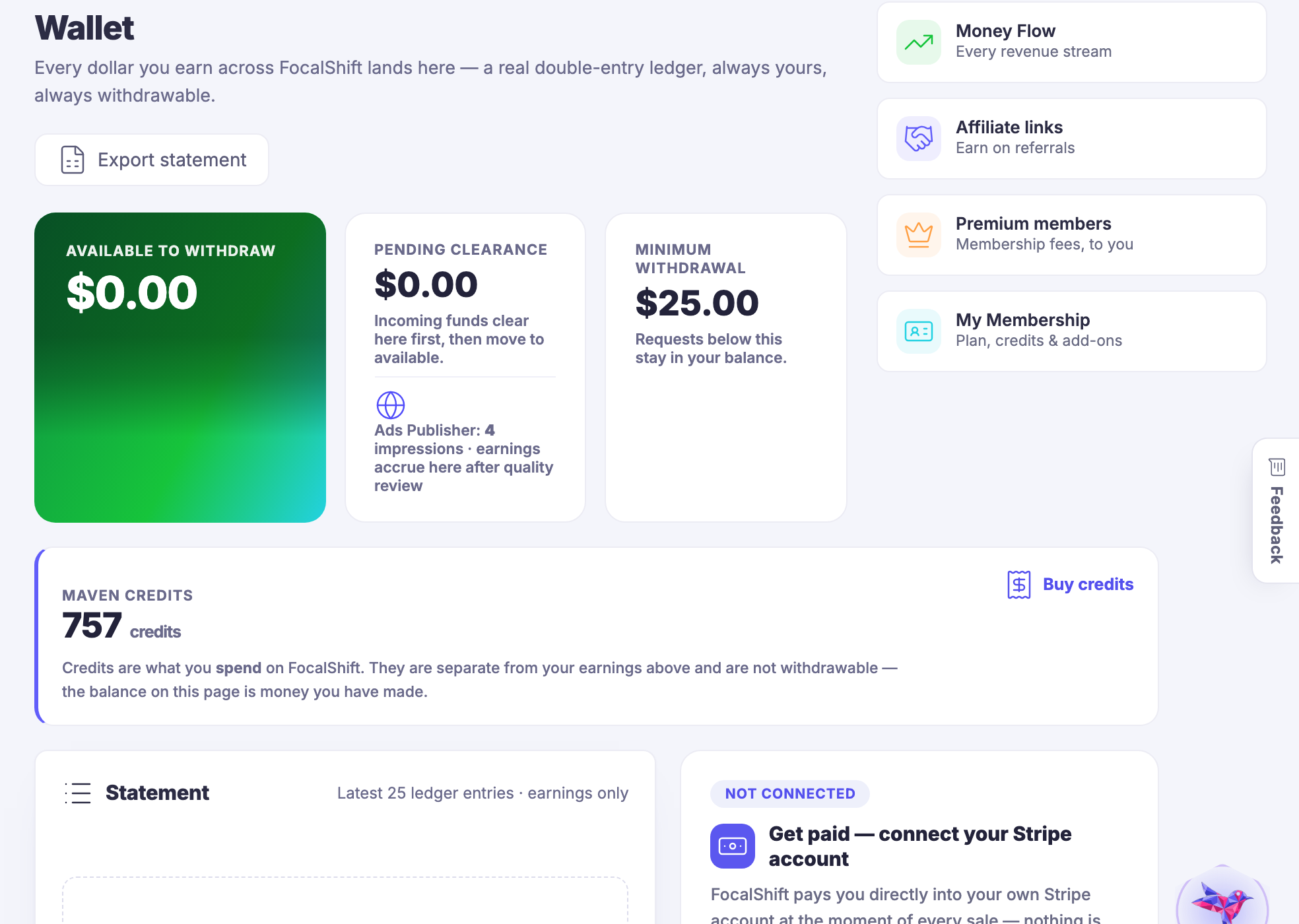
The account itself — your plan, your wallet, your profile, and where to get help.
Captured from a demo business on a live account, in a browser kept apart from anyone’s own. The account is set up and not yet filled, so several of these screens are quiet — which is what a new account really looks like, and the honest thing to show. Nothing here is blurred because nothing here belongs to a real member.
Chúng tôi dùng một vài cookie để FocalShift Ai hoạt động và, chỉ khi bạn cho phép, để hiểu cách sử dụng. Chính sách cookie